If you need vector diagrams, plans and presentation layouts, Adobe Illustrator is the first tool to look at here. Listed starting prices: Lumion from $96 named user a month. If your case is different, Enscape suits one-click live visualization inside design tools and AutoCAD suits precise drafting and construction documents. Details, prices and limits for the rest of the 5 tools are below.
If you are comparing design software for landscape architects, this page covers 5 tools in one place: what each is best for, what it costs to start, whether it has a free plan, and the main limit to know about.
Key takeaways
This list starts with Adobe Illustrator, which is built for vector diagrams, plans and presentation layouts.
Best for: Vector diagrams, plans and presentation layouts
For vector diagrams, plans and presentation layouts, Adobe Illustrator is a natural candidate. It suits practices that want control over linework and typography in their visual communication.
More specifically, Illustrator is not a drafting or modeling environment, so measured plans must originate in CAD or BIM and be imported. Pricing for Adobe Illustrator is not stated here, so ask the vendor for current figures. Trial and free access: Not stated.
Best for: One-click live visualization inside design tools
Enscape works best for one-click real-time visualization inside design tools. Enscape layers on no drafting, planting or documentation capability of its own.
So its value depends entirely on the host software and model quality. It is the right addition when quick, embedded visualization matters, whereas Lumion may suit those wanting a standalone rendering environment. Pricing for Enscape is not stated here, so ask the vendor for current figures. As for free access: Not stated.
Points against: Visualization only, no design tools.
Best for: Precise drafting and construction documents
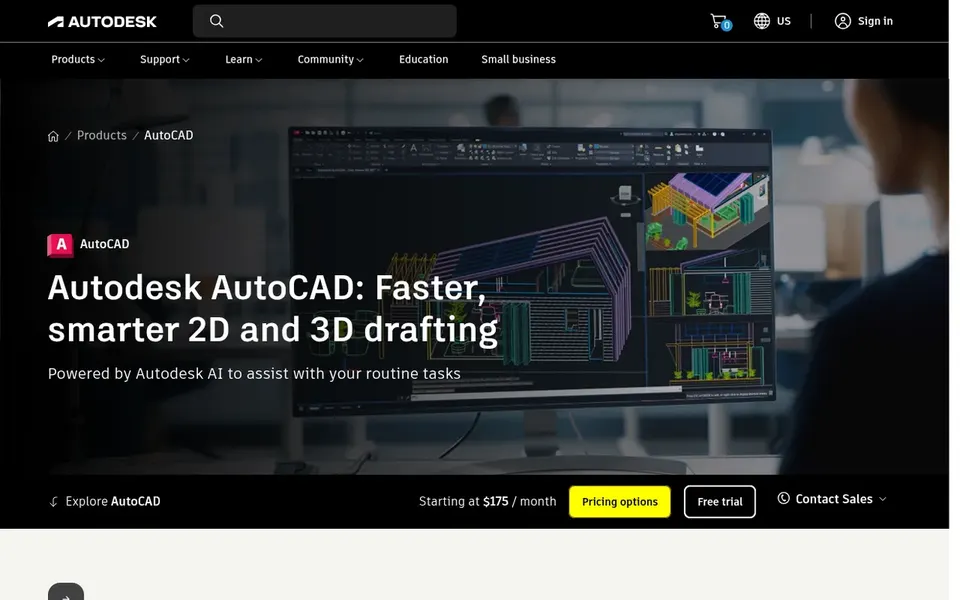
Think of AutoCAD for precise drafting and construction documents. AutoCAD is a long-standing drafting product used across architecture and engineering, and its DWG format keeps it central to consultant coordination. Shared DWG collaboration across desktop and web helps teams exchange files with civil engineers and contractors, while AI automation aims to speed repetitive tasks.
For landscape architects it manages base plans, grading notes, detail drawings and planting layouts with precise 2D tools. In practice, visualization also needs separate rendering software. AutoCAD shows no starting price here, so confirm the cost on the vendor site. Trial and free access: Not stated.
Where it falls short: Restricted built-in landscape-specific tools.
Best for: All-in-one landscape design and documentation
Vectorworks Landmark serves all-in-one landscape design and documentation. Since it is a specialized system, new users should expect time to learn its workflows, and file exchange with businesses standardized on other formats can need care. It is the more solid pick when landscape-specific tools and integrated documentation outweigh the familiarity of general CAD.
It brings design, presentation, irrigation and documentation workflows into one environment, which suits landscape architects who want planting plans, site models and construction drawings connected. Worth adding: confirm interoperability with your consultants before committing. Vectorworks Landmark shows no starting price here, so confirm the cost on the vendor site. Free access: Not stated.
What Vectorworks Landmark does well: Purpose-built landscape workflows. Limits to weigh: Less typical outside design businesses.
Best for: Quick, presentation-quality landscape renderings
Lumion was built for quick, presentation-quality landscape renderings. Lumion is live 3D rendering software targeted at architects and designers who require to visualize every step from concept to final image. Its emphasis on speed, quality and ease supports iterative design review instead of one-off final images.
For everyday use, Lumion does not replace drafting, grading or construction documentation, so it relies on models produced in CAD or BIM tools. Pick it when presentation quality and fast iteration are the goal, and keep a dedicated design and documentation product alongside it. Lumion cost at the entry level: $96 named user per month. Free plan details: Free trial.
Trade-offs to know: Needs models from other software.
Confirm the entry price on the vendor page. For Adobe Illustrator, Enscape, AutoCAD and Vectorworks Landmark that means a quote rather than a fixed price.
Run a trial of Lumion with real work before paying for a year; your own workflow is the best test.
Read the limits listed for Adobe Illustrator first: not designed for measured drawings.
Look at which plan of Vectorworks Landmark unlocks the features you need; entry tiers are often cut down.
Test how quickly Enscape answers a pre-sales question; it hints at how support will feel later.
How we picked
For each of the 5 tools we noted price, free plan or trial, fit for design software for landscape architects and the main limit, using vendor pages and documentation. Prices and plan limits come from vendor pages and can change, so confirm them on the vendor site before you buy. Order on the page follows fit for the typical buyer first, then price transparency and free access. Your own requirements should decide the final pick.
Every price and plan detail on this page comes from the vendors’ own websites. We did not run hands-on tests unless the text says so, and we do not publish star ratings or review scores. See how we score and our disclosure.
Keep your shortlist in one place
Paste prices, trial dates and notes from this guide into Ainotely, our AI note app. It files them into a topic and pulls out tasks like “cancel trial by Friday”. Free 7-day trial, no card needed.
Which tool is a good match for planting and irrigation design?
This list starts with Adobe Illustrator, which fits vector diagrams, plans and presentation layouts. For other needs, Enscape is aimed at one-click live visualization inside design tools, and AutoCAD at precise drafting and construction documents. Check each tool's price and main limit first.
Can Enscape replace Lumion for landscape visualization?
Enscape runs inside supported design software with one-click rendering, whereas Lumion is a standalone live rendering environment. Choose based on whether you want visualization embedded in your modeling tool or a separate rendering workspace.
What is the cheapest option for design software for landscape architects in this list?
On published monthly entry prices, Lumion is the lowest here at $96 named user per month. Entry price is only part of the cost, because seats, add-ons and billing terms can change the total. Pricing, free plan details and limits for all 5 tools in this design software for landscape Architects roundup sit on the individual cards above.
Do these tools publish their prices?
Not all of them. Adobe Illustrator, Enscape, AutoCAD and Vectorworks Landmark publish no starting price, so expect a quote request for those. The rest, Lumion included, show a starting price, though seats and billing terms still change the final cost.
Is Adobe Illustrator the right pick for everyone comparing design software for landscape architects?
No single tool suits every team. Adobe Illustrator comes first because it fits vector diagrams, plans and presentation layouts, while Enscape suits one-click real-time visualization inside design tools and AutoCAD suits precise drafting and construction documents. Match the tool to your own size, budget and workflow before deciding.
Does any tool for design software for landscape architects here have a free plan?
No tool in this list, Adobe Illustrator and Lumion included, has a permanent free plan. Lumion offer a trial. Trials and quotes are the usual route, so plan a short evaluation period.