If you need offline-first and CouchDB expertise, CouchDB (Apache) via Neighbourhoodie is the first tool to look at here. Amazon DocumentDB is the stronger choice for AWS-native MongoDB API-compatible workloads, while Google Cloud Firestore suits serverless document database with MongoDB compatibility. All 6 tools are compared below on price, free plan and limits.
Ainotely compared 6 tools for document databases for enterprise. The goal is a practical shortlist: published prices, free plan facts, best-fit use cases and honest limits for every entry.
Key takeaways
Top of the list is CouchDB (Apache) via Neighbourhoodie, which targets offline-first and CouchDB expertise.
Check the limits for Google Cloud Firestore before you commit: tied to Google Cloud system.
Couchbase Capella fits multi-model operational data product.
Amazon DocumentDB is the only tool of the 6 with a free plan.
CouchDB (Apache) via Neighbourhoodie is a good fit for offline-first and CouchDB expertise. Neighbourhoodie Software is a development company based in Berlin that concentrates on CouchDB, PouchDB, and Offline First, offering expert services for organizations that want to use these technologies.
Downsides: Smaller ecosystem compared with major managed services.
Evaluate your team's capacity for managing or supporting the database. If you prefer a completely managed experience with enterprise-grade support, MongoDB Atlas or Couchbase Capella may be better suits. CouchDB (Apache) via Neighbourhoodie shows no starting price here, so confirm the cost on the vendor site. Trial and free access: Not stated.
Best for: AWS-native MongoDB API-compatible workloads
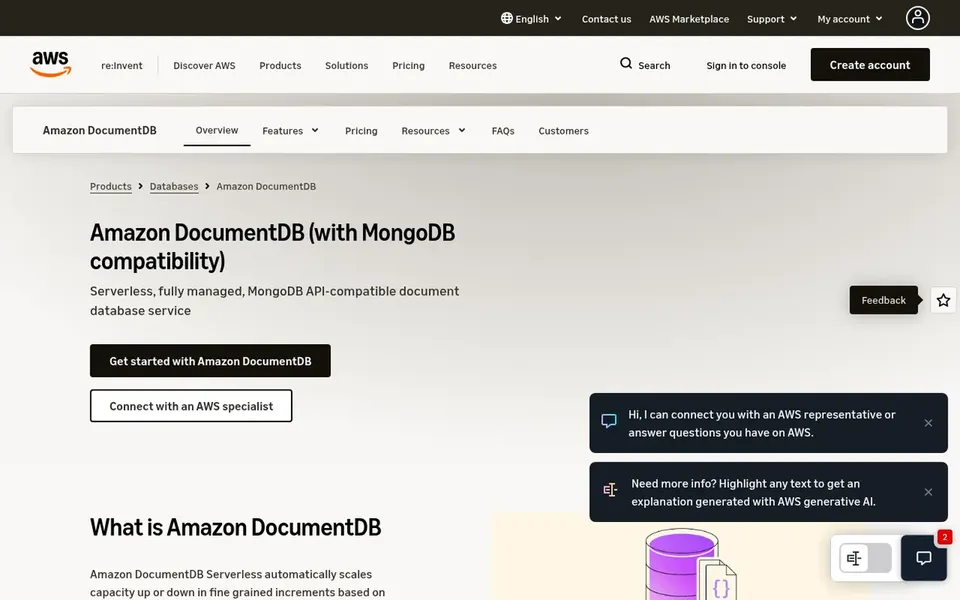
Amazon DocumentDB targets AWS-native MongoDB API-compatible workloads. Amazon DocumentDB is a serverless, completely managed document database service that is compatible with the MongoDB API. It is built for teams already invested in AWS that want a managed document database without leaving the AWS ecosystem.
Since it is API-compatible instead of a native MongoDB deployment, some advanced MongoDB features or behaviors may differ. Also consider whether you need capabilities beyond document storage, for example integrated analytics. Amazon DocumentDB does not show a starting price in this comparison, so check the vendor site for current pricing. You can start on Amazon DocumentDB without paying.
Downsides: Compatibility may not include every MongoDB feature.
Best for: Serverless document database with MongoDB compatibility
In short, Google Cloud Firestore is for serverless document database with MongoDB compatibility. The service is a solid fit for teams that prefer serverless operations and automatic scaling without infrastructure management.
Trade-offs to know: May have query limitations compared with native MongoDB.
Worth adding: evaluate whether the MongoDB compatibility layer meets your application's specific query and feature requirements. Google Cloud Firestore does not show a starting price in this comparison, so check the vendor site for current pricing. As for free access: Not stated.
Best for: General-purpose enterprise document workloads
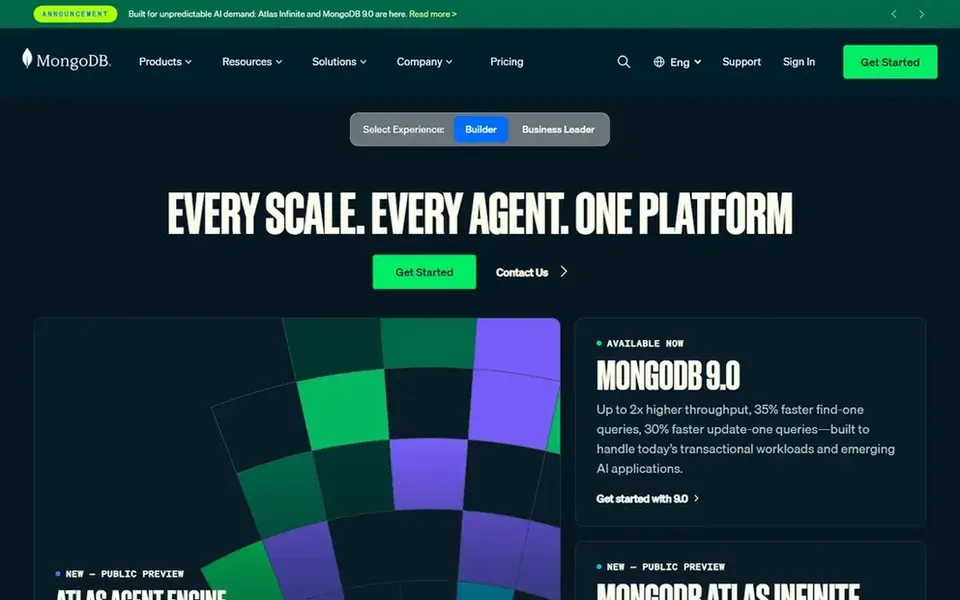
MongoDB Atlas was built for general-purpose enterprise document workloads. MongoDB Atlas is a completely managed cloud database that uses the document model to ease development and operations.
Where it falls short: Can need careful schema design for complicated queries.
Also, in those cases, consider Couchbase Capella or self-managed choices. No starting price is listed for MongoDB Atlas here; confirm pricing on the vendor site. On free options: Not stated.
Best for: Complicated, multi-model data integration
MarkLogic is aimed squarely at complicated, multi-model data integration. It supports document and other data models, making it a good match for organizations that require to integrate diverse data sources and enable advanced analytics or AI initiatives.
Consider whether your use case truly demands multi-model capabilities. The product's power and adaptability can come with a steeper ramp-up time and may be more than necessary for straightforward document database needs. This comparison lists no price for MarkLogic; ask the vendor. On free options: Free trial.
Trade-offs to know: Could be heavier than needed for straightforward document keeps.
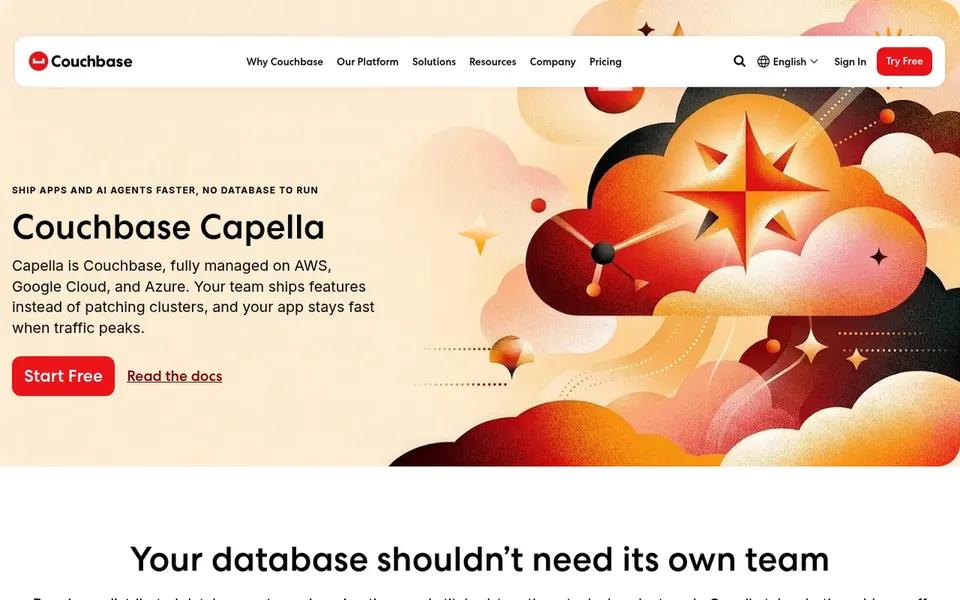
For multi-model operational data platform, Couchbase Capella is a natural candidate. Couchbase Capella is a completely managed operational data platform that merges key-value, SQL, vector search, analytics, and mobile sync in a single service.
Drawbacks to consider: Broader feature set may add complexity.
Best features of Couchbase Capella: vector search; Key-value, SQL.
From a buyer's view, evaluate whether the extra capabilities justify the added complexity. Pricing for Couchbase Capella is not stated here, so ask the vendor for current figures. Trial and free access: Not stated.
Request quotes from CouchDB (Apache) via Neighbourhoodie, Couchbase Capella and the others; the list shows no fixed prices.
Test the free plan from Amazon DocumentDB against your real workload before relying on it.
Run a trial of MarkLogic with real work before paying for a year; your own workflow is the best test.
Read the limits listed for CouchDB (Apache) via Neighbourhoodie first: requires more operational involvement.
The entry price of Amazon DocumentDB is only the starting point; model the full cost with seats and extras.
Look at the renewal terms for MarkLogic: auto-renewal, notice periods and price changes can matter more than the first-year price.
How we picked
Ainotely looked at what each vendor publishes: pricing, plan limits, feature coverage for document databases for enterprise and stated drawbacks. No hands-on testing is claimed. Treat prices as a snapshot: vendors change plans often, so check the vendor site for the figure that applies today. Position on the page reflects fit for a typical buyer first, with price clarity and free access breaking ties. Treat it as a guide, not a ruling.
Every price and plan detail on this page comes from the vendors’ own websites. We did not run hands-on tests unless the text says so, and we do not publish star ratings or review scores. See how we score and our disclosure.
Keep your shortlist in one place
Paste prices, trial dates and notes from this guide into Ainotely, our AI note app. It files them into a topic and pulls out tasks like “cancel trial by Friday”. Free 7-day trial, no card needed.
Which options for document databases for enterprise have a free plan?
Amazon DocumentDB is the only tool in this list with a free plan. Free plans usually cap users, projects or features, so check the limits on the vendor page. One other tool offers a trial instead.
Is CouchDB (Apache) via Neighbourhoodie the right pick for everyone comparing document databases for enterprise?
No single tool suits every team. CouchDB (Apache) via Neighbourhoodie comes first because it fits offline-first and CouchDB expertise, while Amazon DocumentDB suits AWS-native MongoDB API-compatible workloads and Google Cloud Firestore suits serverless document database with MongoDB compatibility. Match the tool to your own size, budget and workflow before deciding.
What is a document database and why use one for enterprise applications?
A document database keeps data in adaptable, JSON-like documents, which can ease development for applications with evolving schemas. From a buyer's view, enterprises use them for their scalability, resilience, and capacity to manage diverse data types without rigid table structures.
Which document database is best for multi-cloud deployments?
Start with CouchDB (Apache) via Neighbourhoodie if you need offline-first and CouchDB expertise. Amazon DocumentDB is the better match for AWS-native MongoDB API-compatible workloads, and Google Cloud Firestore for serverless document database with MongoDB compatibility. The best choice depends on budget, team size and workflow.
What should I consider when choosing a document database for enterprise use?
Evaluate compatibility with your existing tools, scalability requirements, management model, security and compliance features, and vendor support. Also consider whether you need multi-model capabilities or specialized features like offline sync.
Can I try these tools before paying?
Often, yes. Amazon DocumentDB has a free plan and MarkLogic offers a free trial. Use your own data and a real task during the test, and check what the free tier or trial limits before you rely on it.