For employee experience and internal community, Workvivo is where this list starts. Listed starting prices: Slack from $4.38 per user a month. LumApps is better for adaptable intranet for employee experience, and Google Workspace is better for document-centric collaboration suites. Details, prices and limits for the rest of the 5 tools are below.
Choosing employee communications software for remote teams usually comes down to price, fit and limits. This Ainotely guide sets 5 tools side by side on those three points, with the facts kept short and checkable.
Key takeaways
This list starts with Workvivo, which is built for employee experience and internal community.
Starting prices begin at $4.38 per user per month with Slack.
Slack stands alone as the one tool in this list with a free plan.
The main caution on Workvivo: not a replacement for daily project chat.
Microsoft Teams fits Teams already inside Microsoft productivity tools.
Best for: Employee experience and internal community
Workvivo was built for employee experience and internal community. Workvivo presents an AI-native employee experience system meant to enable people, unlock knowledge and deepen understanding across an organization.
It is not built to replace daily project chat or video meetings, and its value grows only when leaders and teams keep content fresh and participation active. Teams looking primarily for quick conversational messaging should start with Slack or Teams. Check the vendor site for Workvivo pricing; none is listed in this comparison. There is no free plan with Workvivo.
Where it is weaker: Not a replacement for daily project chat.
Best for: Adaptable intranet for employee experience
Think of LumApps for adaptable intranet for employee experience. LumApps describes itself as an adaptable, scalable, future-ready intranet that produces a connected way to work and boosts communication, productivity and learning.
In practice, as an intranet, it is not a live chat or meeting tool, so live conversation still belongs elsewhere. Check the vendor site for LumApps pricing; none is listed in this comparison. On free options: Not stated.
Watch-outs: Intranet focus instead of live chat. Best features of LumApps: Adaptable.
Google Workspace is aimed squarely at document-centric collaboration suites. Google Workspace describes a suite of secure, online tools that enable teams of all sizes to do their best work.
Communication is distributed across multiple apps instead of concentrated in one hub, which can fragment conversations for bigger distributed teams. Google Workspace does not show a starting price in this comparison, so check the vendor site for current pricing. Free options: Not stated.
Trade-offs to know: Communication features are spread across apps.
Best for: Channel-based chat and workflow automation
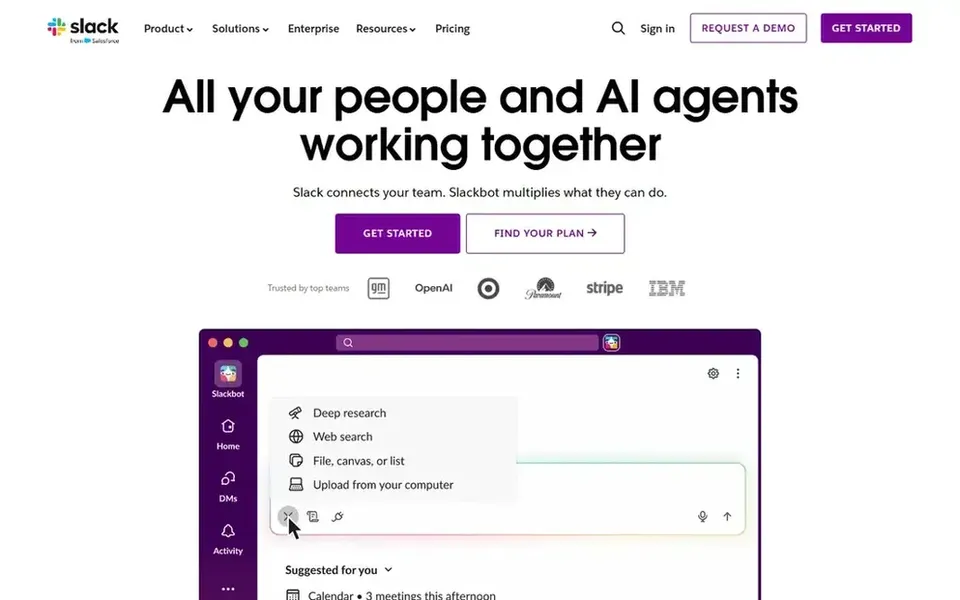
In short, Slack is for channel-based chat and workflow automation. For remote teams, its channel structure keeps conversations grouped by project, topic or group, which helps distributed colleagues follow threads without long email chains.
Limits to weigh: Can feel noisy in large workspaces.
The starting price for Slack: $4.38 per user per month. Slack includes a free tier.
Best for: Teams already inside Microsoft productivity tools
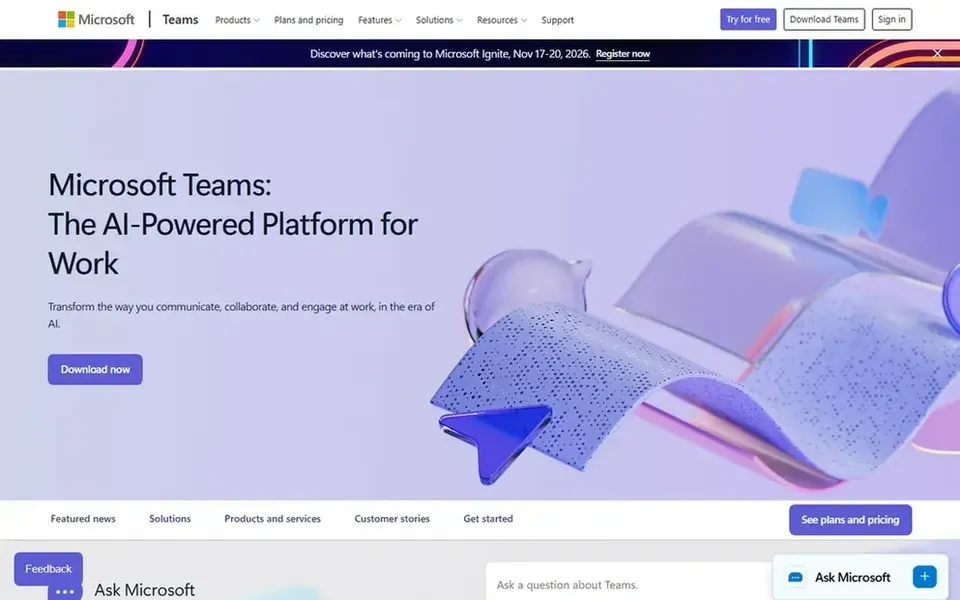
In short, Microsoft Teams is for Teams already inside Microsoft productivity tools. Microsoft Teams describes itself as a place where working together is simpler, with tools and files always available in one place and a design meant to help people link naturally and stay organized.
The main drawbacks: Experience is most solid within the Microsoft ecosystem.
Remote teams that already depend on Microsoft productivity tools get chat, video meetings and shared files without switching between separate apps, which cuts context switching for distributed work. Check the vendor site for Microsoft Teams pricing; none is listed in this comparison. Trial and free access: Not stated.
Get a written quote from Workvivo, LumApps, Google Workspace and Microsoft Teams; the list shows no starting price for them.
Look at the free plan from Slack closely: its caps decide whether it is usable for real work.
Read the limits listed for Workvivo first: not a replacement for daily project chat.
Confirm you can export your data from Google Workspace, so leaving later does not mean losing records.
Map your must-have features to a specific Workvivo plan before you compare prices.
How we picked
Selection started from tools commonly considered for employee communications software for remote teams, then narrowed to 5 that have clear pricing information or a clear quote process. Plan names, prices and limits change often. Treat the figures here as a starting point and verify them with the vendor. Order on the page follows fit for the typical buyer first, then price transparency and free access. Your own requirements should decide the final pick.
Every price and plan detail on this page comes from the vendors’ own websites. We did not run hands-on tests unless the text says so, and we do not publish star ratings or review scores. See how we score and our disclosure.
Keep your shortlist in one place
Paste prices, trial dates and notes from this guide into Ainotely, our AI note app. It files them into a topic and pulls out tasks like “cancel trial by Friday”. Free 7-day trial, no card needed.
What is the best employee communications software for remote teams?
Start with Workvivo if you need employee experience and internal community. LumApps is the better match for adaptable intranet for employee experience, and Google Workspace for document-centric collaboration suites. The best choice depends on budget, team size and workflow.
What is the cheapest option for employee communications software for remote teams in this list?
On published monthly entry prices, Slack is the lowest here at $4.38 per user per month. Entry price is only part of the cost, because seats, add-ons and billing terms can change the total. All 5 picks in this employee communications software for remote teams comparison show their pricing, free plan details and main limits on the cards above.
Can I try these tools before paying?
Often, yes. Slack has a free plan. Use your own data and a real task during the test, and check what the free tier or trial limits before you rely on it. For the full picture, the cards above cover all 5 entries of this employee communications software for remote teams list, including price, free plan and limits.
Do these tools publish their prices?
Not all of them. Workvivo, LumApps, Google Workspace and Microsoft Teams publish no starting price, so expect a quote request for those. The rest, Slack included, show a starting price, though seats and billing terms still change the final cost.
Is Workvivo the right pick for everyone comparing employee communications software for remote teams?
No single tool suits every team. Workvivo comes first because it fits employee experience and internal community, while LumApps suits flexible intranet for employee experience and Google Workspace suits document-centric collaboration suites. Match the tool to your own size, budget and workflow before deciding.