LumApps comes first here, mainly for adaptable employee experience intranet. Listed starting prices: Slack from $4.38 per user a month. Look at Mattermost for secure and self-hosted collaboration, and at Simpplr for AI-powered internal intranet. The full list of 5 tools follows, with prices and free plan facts.
Choosing employee communications software for startups usually comes down to price, fit and limits. This Ainotely guide sets 5 tools side by side on those three points, with the facts kept short and checkable.
Key takeaways
LumApps takes the first slot, best suited to adaptable employee experience intranet.
Slack suits Chat-first team communication.
Slack stands alone as the one tool in this list with a free plan.
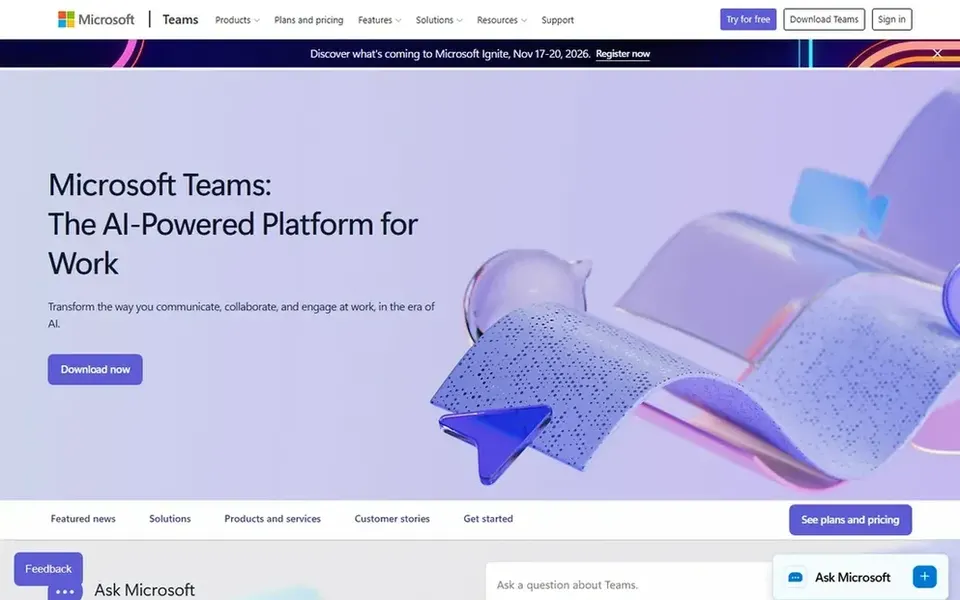
What to know about Microsoft Teams first: interface can feel heavy for small teams.
LumApps is a good fit for flexible employee experience intranet. LumApps is an intranet system centred on employee experience.
Its homepage describes it as adaptable, scalable and future-ready, built to boost communication, productivity and learning. As for the details, LumApps centers on the intranet, so it complements instead of replaces everyday chat tools. No starting price is listed for LumApps here; confirm pricing on the vendor site. Free options: Not stated.
Mattermost serves secure and self-hosted collaboration. Mattermost gives you collaboration, automation and AI in private cloud, self-hosted and air-gapped environments. Consider it when data control is a hard requirement instead of a nice-to-have.
As for the details, Mattermost demands more setup and maintenance than hosted chat tools, which can stretch a small team without dedicated IT. From a buyer's view, startups handling sensitive data, for example in health or finance, may value the control that self-hosting gives you, notably when communication must stay inside infrastructure the team runs. Mattermost does not show a starting price in this comparison, so check the vendor site for current pricing. As for free access: Not stated.
Simpplr targets AI-powered internal intranet. Its homepage describes it as an AI intranet for employee work. Beyond that, startups that have outgrown scattered announcements can use it to centralize company news, resources and support in one destination.
Watch-outs: More than a small startup may need at first.
In practice, very small teams may find a full intranet premature. Simpplr is built around the intranet and employee experience instead of fast team chat. So most startups will still need a messaging tool alongside it. No starting price is listed for Simpplr here; confirm pricing on the vendor site. Free access: Free trial.
Microsoft Teams is built with Teams already using Microsoft 365 in mind. Teams can feel complicated for very small teams that chiefly need fast messaging.
Drawbacks to consider: Best value inside the Microsoft ecosystem.
Its strengths are greatest when the rest of the Microsoft stack is in use. In practice, organizations outside that ecosystem may find setup and habits harder to build. Check the vendor site for Microsoft Teams pricing; none is listed in this comparison. Free options: Not stated.
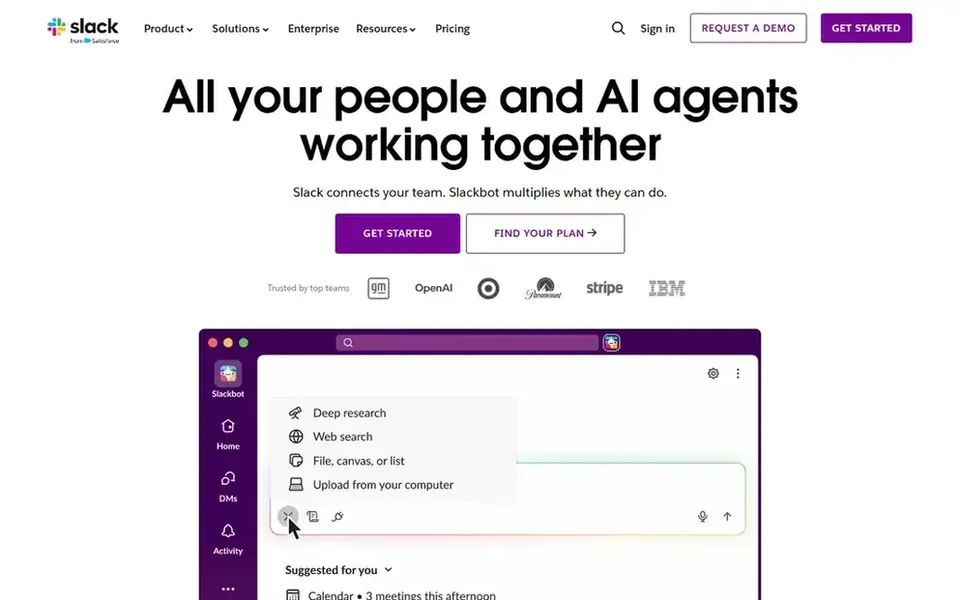
Slack makes the most sense for Chat-first team communication. Slack is a messaging product built around channels, direct messages and integrations with other work tools. For startups, the appeal is quick onboarding and a familiar chat interface that most new hires already know, making it a capable default for daily communication.
In practice, Slack fits best as a hub instead of a full intranet, so formal announcements and company documents may need another tool. Consider alternatives if you need self-hosted deployment or a dedicated employee intranet. Slack cost at the entry level: $4.38 per user per month. Free access exists with Slack.
Drawbacks to consider: Notification overload is typical without rules.
Get a written quote from LumApps, Mattermost, Simpplr and Microsoft Teams; the list shows no starting price for them.
Test the free plan from Slack against your real workload before relying on it.
Run a trial of Simpplr with real work before paying for a year; your own workflow is the best test.
Read the limits listed for LumApps first: intranet-first rather than chat-first.
A short pilot of Microsoft Teams with your real workflow tells you more than a feature table.
Test how quickly Mattermost answers a pre-sales question; it hints at how support will feel later.
How we picked
Each tool was reviewed on what its vendor publishes: price, plan limits, core features and stated drawbacks. We did not run hands-on tests. Plan names, prices and limits change often. Treat the figures here as a starting point and verify them with the vendor. Position on the page reflects fit for a typical buyer first, with price clarity and free access breaking ties. Treat it as a guide, not a ruling. That approach shaped the order of the 5 employee communications software for startups tools listed here.
Every price and plan detail on this page comes from the vendors’ own websites. We did not run hands-on tests unless the text says so, and we do not publish star ratings or review scores. See how we score and our disclosure.
Keep your shortlist in one place
Paste prices, trial dates and notes from this guide into Ainotely, our AI note app. It files them into a topic and pulls out tasks like “cancel trial by Friday”. Free 7-day trial, no card needed.
Which options for employee communications software for startups have a free plan?
Slack is the only tool in this list with a free plan. Free plans usually cap users, projects or features, so check the limits on the vendor page. One other tool offers a trial instead. Pricing, free plan details and limits for all 5 tools in this employee communications software for startups roundup sit on the individual cards above.
Do these tools publish their prices?
Not all of them. LumApps, Mattermost, Simpplr and Microsoft Teams publish no starting price, so expect a quote request for those. The rest, Slack included, show a starting price, though seats and billing terms still change the final cost.
Do startups need an intranet like Simpplr or LumApps?
An intranet becomes handy when company news, policies and resources need a single steady home. Simpplr and LumApps fit startups that are expanding and want structured internal communication.
Can I try these tools before paying?
Often, yes. Slack has a free plan and Simpplr offers a free trial. Use your own data and a real task during the test, and check what the free tier or trial limits before you rely on it. The 5 tool cards above repeat this per product for employee communications software for startups, with the listed price or "pricing on request".
Is LumApps the right pick for everyone comparing employee communications software for startups?
No single tool suits every team. LumApps comes first because it fits flexible employee experience intranet, while Mattermost suits secure and self-hosted collaboration and Simpplr suits AI-powered internal intranet. Match the tool to your own size, budget and workflow before deciding.