If you need small service teams needing simple operations, Jobber is the first tool to look at here. Listed starting prices: Housecall Pro from $59 per month. Housecall Pro is the stronger choice for home service firms wanting an all-in-one app, while FieldEdge suits tracking customers, dispatches and service history. The remaining 2 options are covered below with prices and limits.
Short on time? The summary and table above give the quick view of 5 tools for fire sprinkler inspection software, and the profiles that follow give the detail behind each entry.
Key takeaways
This list starts with Jobber, which is built for small service teams needing straightforward operations.
The cheapest monthly starting price in the list is $59 per month, offered by Housecall Pro.
BuildOps fits commercial contractors running service and projects.
None of the 5 tools, from Jobber to BuildOps, has a free plan, so budget for a subscription or use a trial.
Commercial contractors running service and projects
See website
Feature depth requires setup time
The 5 picks in detail
Jo
#1
Jobber
Best for: Small service teams needing straightforward operations
Jobber targets small service teams needing straightforward operations. Bigger contractors with complicated documentation requirements may outgrow it.
Where it falls short: Restricted deep inspection compliance features.
Reasons to shortlist it: Organizes service business basics.
On top of that, check how inspection records would be stored and shared before deciding. More specifically, Jobber is home and commercial service software that lets teams quote, schedule, invoice and get premium in one place, with an easy-to-use app powering sales, operations and customer service. Check the vendor site for Jobber pricing; none is listed in this comparison. Free options: Not stated.
Best for: Home service companies wanting an all-in-one app
Housecall Pro serves home service firms wanting an all-in-one app. The product is oriented toward general home services rather than fire protection compliance, so in-depth inspection reporting may need workarounds.
Also, confirm reporting capabilities with the vendor first. Contractors whose work is dominated by code-driven documentation should compare a dedicated fire inspection tool. On cost, Housecall Pro starts like this: $59 per month. As for free access: Free trial.
Best for: Tracking customers, dispatches and service history
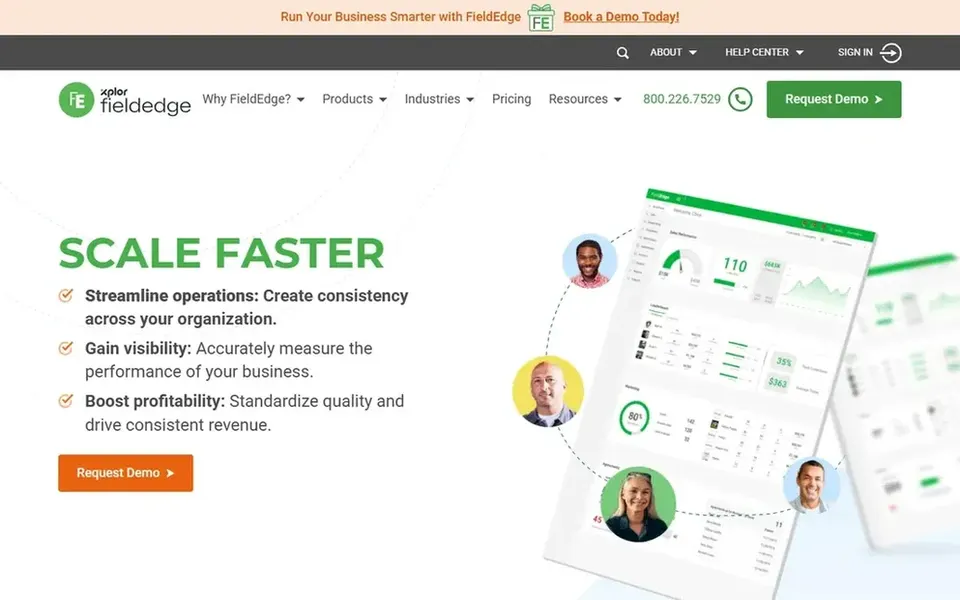
FieldEdge makes the most sense for tracking customers, dispatches and service history. FieldEdge gives you efficient ways to track customers, dispatches and service history through field service management software.
Points against: Less emphasis on compliance reporting.
Contractors with heavy code-driven documentation needs may prefer a dedicated fire inspection system. Beyond that, the homepage emphasizes service management instead of inspection compliance, so verify how well it manages fire-specific reporting before committing. FieldEdge does not show a starting price in this comparison, so check the vendor site for current pricing. FieldEdge has no free tier.
Best for: Home and commercial trades operations at scale
Pick ServiceTitan if this describes you: home and commercial trades operations at scale. If you only need scheduling and invoicing, a more straightforward tool will likely be faster to adopt.
Downsides: Overkill for very small crews.
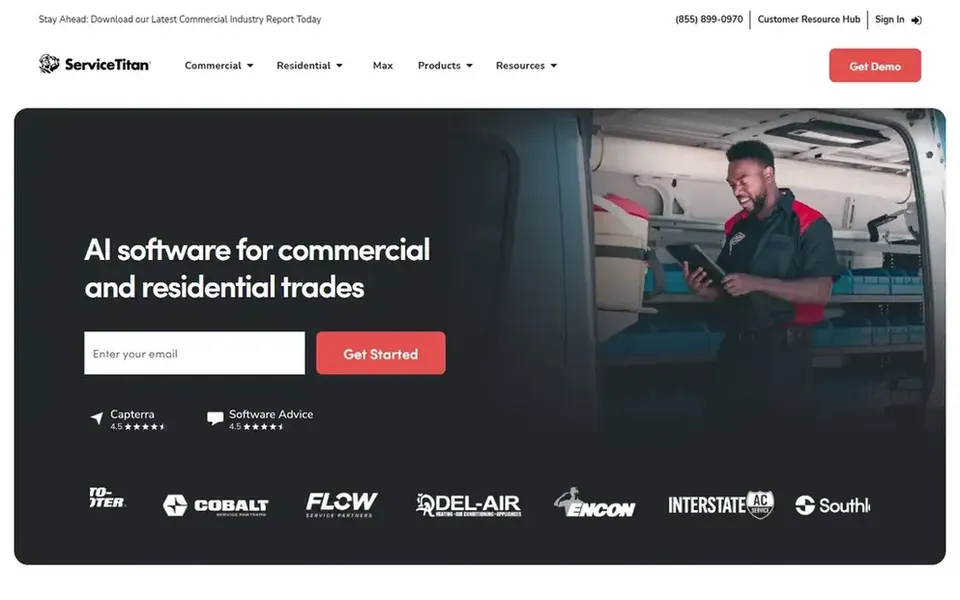
Pricing and implementation details are best confirmed with the vendor. Also, ServiceTitan provides all-in-one software for home and commercial contractors, meant to keep service visits and construction projects running smoothly. No starting price is listed for ServiceTitan here; confirm pricing on the vendor site. As for free access: Free trial.
Best for: Commercial contractors running service and projects
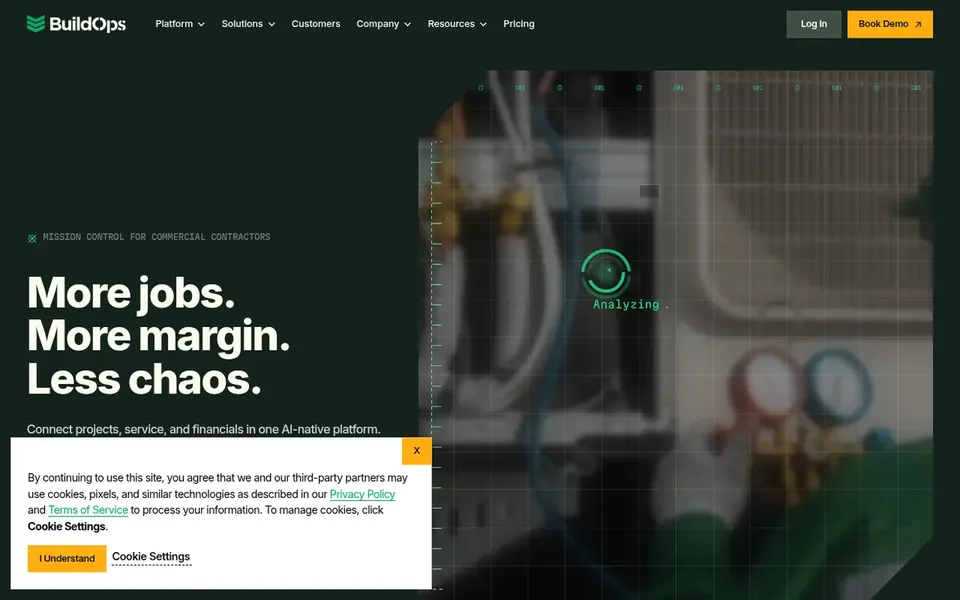
BuildOps is a good fit for commercial contractors running service and projects. The product leans toward commercial contractors, so a small residential-focused shop may find more capability than it needs.
Worth adding: setup and adoption take effort across the team. If your work is largely straightforward recurring inspections with light project tracking, a lighter tool may be simpler to run. BuildOps shows no starting price here, so confirm the cost on the vendor site. As for free access: Not stated.
Points against: Commercial focus may exceed small shop needs.
Get a written quote from Jobber, FieldEdge, ServiceTitan and BuildOps; the list shows no starting price for them.
Take the trial from Housecall Pro and ServiceTitan and push a live task through it before you pay.
Read the limits listed for Jobber first: restricted deep inspection compliance features.
Before rolling out ServiceTitan, verify the integrations your workflow depends on.
Price BuildOps for your actual team size; headline prices rarely include add-ons or overage.
How we picked
The comparison looks at four things: starting price, free access, how well the feature set matches fire sprinkler inspection software, and the main limit of each tool. Where a vendor does not publish a price, the entry says quote. Where a price depends on seats or billing term, the entry says so. Position on the page reflects fit for a typical buyer first, with price clarity and free access breaking ties. Treat it as a guide, not a ruling.
Every price and plan detail on this page comes from the vendors’ own websites. We did not run hands-on tests unless the text says so, and we do not publish star ratings or review scores. See how we score and our disclosure.
Keep your shortlist in one place
Paste prices, trial dates and notes from this guide into Ainotely, our AI note app. It files them into a topic and pulls out tasks like “cancel trial by Friday”. Free 7-day trial, no card needed.
What is the cheapest option for fire sprinkler inspection software in this list?
On published monthly entry prices, Housecall Pro is the lowest here at $59 per month. Entry price is only part of the cost, because seats, add-ons and billing terms can change the total. Each of the 5 options in this Fire Sprinkler inspection software guide has its own card above with the price, free plan and limits.
How are the tools for fire sprinkler inspection software ordered?
Jobber sits first and BuildOps last because the order follows typical fit for fire sprinkler inspection software, then price clarity and free access. It is a judgement call, so read each profile for fit and limits.
Does any tool for fire sprinkler inspection software here have a free plan?
No tool in this list, Jobber and BuildOps included, has a permanent free plan. Housecall Pro, ServiceTitan offer a trial. Trials and quotes are the usual route, so plan a short evaluation period.
Do these tools publish their prices?
Not all of them. Jobber, FieldEdge, ServiceTitan and BuildOps publish no starting price, so expect a quote request for those. The rest, Housecall Pro included, show a starting price, though seats and billing terms still change the final cost.
What should fire sprinkler contractors look for in inspection software?
Prioritize how inspection reports are created and stored, whether recurring schedules are automatic, and how records are shared with building owners. General field service features matter, but inspection recordkeeping is the core need.