For continuous planning with governed AI, Board is where this list starts. SAP Analytics Cloud is better for BI, planning and predictive analysis, and Workday Adaptive Planning is better for connecting workforce and finance planning. The other 2 tools in the list cover narrower or pricier cases.
Ainotely put together this guide to headcount planning software for growth for readers who want a clear shortlist without reading every vendor page. It compares 5 tools on starting price, free plans, who each one suits and where each one falls short.
Key takeaways
This list starts with Board, which is built for continuous planning with governed AI.
Every tool from Board to OneStream works by quote, with no list price shown.
For continuous planning with governed AI, Board is a natural candidate. Continuous planning is a process change as much as a tool change, and teams must be ready to maintain models as assumptions move.
Worth adding: the wide system scope also calls for clear ownership. Board does not show a starting price in this comparison, so check the vendor site for current pricing. Free options: Not stated.
SAP Analytics Cloud is a good fit for BI, planning and predictive analysis. SAP Analytics Cloud is cloud analytics technology for data visualization, business intelligence, planning and predictive analysis. From a buyer's view, for headcount planning in expanding organizations, it suits teams that want workforce plans presented alongside broader business analytics and predictive insight instead of in a standalone planning tool.
Organizations outside the SAP landscape should weigh integration effort. Pick SAP Analytics Cloud when planning should sit inside a wider analytics and BI environment. Pricing for SAP Analytics Cloud is not stated here, so ask the vendor for current figures. Trial and free access: Not stated.
Honest limits: Analytics-first design may need planning configuration.
Best for: Connecting workforce and finance planning
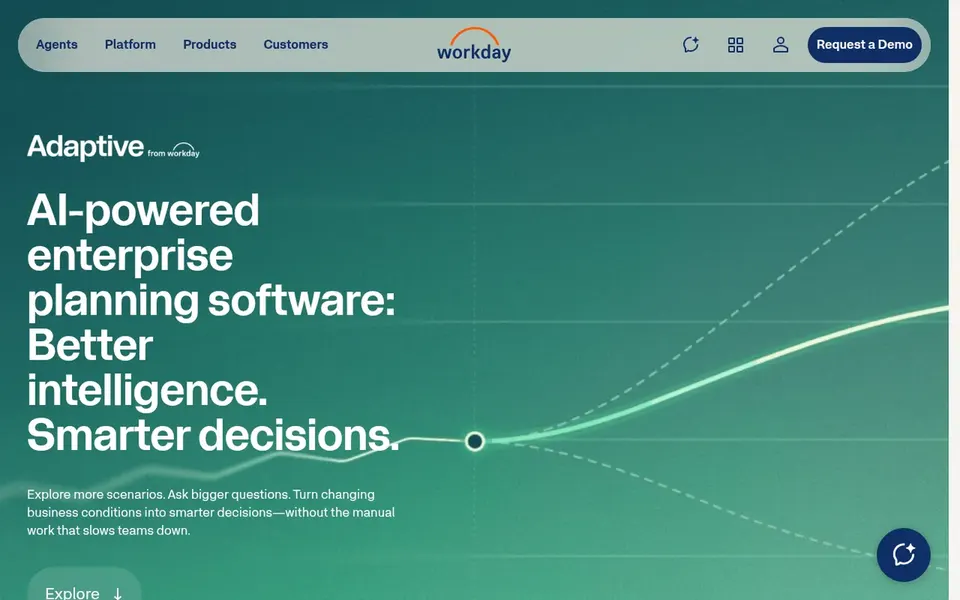
Think of Workday Adaptive Planning for connecting workforce and finance planning. Adaptive from Workday is enterprise planning software that links finance, workforce and operations data so leaders can make quicker, more confident decisions.
What to check first: Wide product may feel heavy for small teams.
More specifically, if you only need light headcount tracking, a more straightforward tool may be enough. Workday Adaptive Planning does not show a starting price in this comparison, so check the vendor site for current pricing. On free options: Not stated.
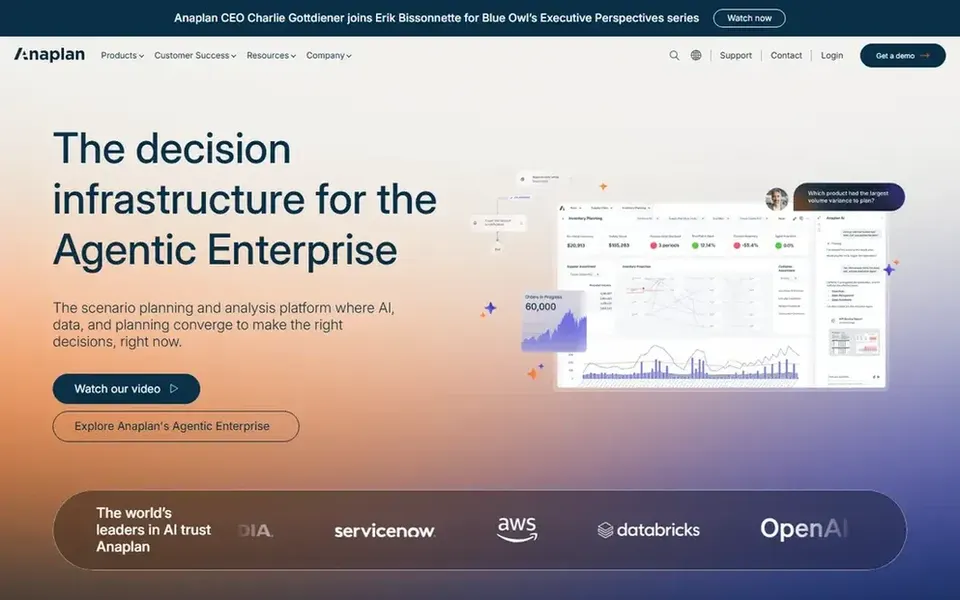
Anaplan makes the most sense for scenario planning and analysis. Anaplan rewards teams with dedicated modeling skills, and complicated models can need ongoing governance as the business changes.
For everyday use, if your headcount planning is straightforward and owned by a single team, a lighter system may be simpler to adopt. This comparison lists no price for Anaplan; ask the vendor. Free plan details: Not stated.
Trade-offs to know: Wide system needs governance to stay aligned.
Best for: Unified enterprise performance management
Pick OneStream if this describes you: unified enterprise performance management. For headcount planning, it suits finance-led organizations that want workforce costs and hiring plans governed within a broader performance management framework. Also, choose OneStream when headcount planning should be part of unified financial and operational performance management.
OneStream is built around enterprise performance management, so teams seeking only headcount planning may find the scope large and the implementation demanding. It performs best where finance processes are already mature. Check the vendor site for OneStream pricing; none is listed in this comparison. Free plan details: Not stated.
Limits to weigh: Implementation demands finance process maturity.
Ask each vendor, from Board to OneStream, for a written quote; none of them publishes a starting price.
Read the limits listed for Board first: continuous planning model requires process change.
Confirm minimum seats and billing terms with OneStream before you commit to an annual plan.
See whether Board offers onboarding or training, and whether it is included in the price.
Involve the people who will use SAP Analytics Cloud daily; a short pilot beats a long feature checklist.
How we picked
The comparison looks at four things: starting price, free access, how well the feature set matches headcount planning software for growth, and the main limit of each tool. Where a price is missing, the vendor does not list one publicly or ties it to a quote. Always confirm before budgeting. Position on the page reflects fit for a typical buyer first, with price clarity and free access breaking ties. Treat it as a guide, not a ruling.
Every price and plan detail on this page comes from the vendors’ own websites. We did not run hands-on tests unless the text says so, and we do not publish star ratings or review scores. See how we score and our disclosure.
Keep your shortlist in one place
Paste prices, trial dates and notes from this guide into Ainotely, our AI note app. It files them into a topic and pulls out tasks like “cancel trial by Friday”. Free 7-day trial, no card needed.
When is an enterprise planning platform too much for headcount planning?
If your planning questions are restricted to headcount and owned by a single team, a wide enterprise system can add setup effort you may not need yet. Consider a narrower tool and revisit broader systems as planning spreads across finance and operations.
How are the tools for headcount planning software for growth ordered?
Board sits first and OneStream last because the order follows typical fit for headcount planning software for growth, then price clarity and free access. It is a judgement call, so read each profile for fit and limits.
Can I try these tools before paying?
Not by default. None of the tools, from Board to OneStream, lists a free plan or a free trial here, so ask each vendor for a demo before committing.
How does headcount planning software differ from spreadsheets?
Dedicated planning software keeps assumptions, scenarios and approvals in one governed model, whereas spreadsheets tend to fragment as teams grow. That cuts version conflicts and makes it simpler to refresh plans when hiring assumptions change.
Does any tool for headcount planning software for growth here have a free plan?
A permanent free plan is not offered by Board, OneStream or the other tools here. Plan a short evaluation period instead.
What should growth teams look for in headcount planning software?
Look for a product that links hiring plans to financial forecasts, supports scenario modeling as headcount grows, and connects with your existing finance and HR systems.