This list puts iSpring Suite first for PowerPoint-based SCORM course building. Listed starting prices: Elucidat from $4 per user a month. If your case is different, Adobe Captivate suits quick mobile-ready course creation and Elucidat suits AI-assisted frontline training authoring. Details, prices and limits for the rest of the 6 tools are below.
If you are comparing instructional design software, this page covers 6 tools in one place: what each is best for, what it costs to start, whether it has a free plan, and the main limit to know about.
Key takeaways
This list starts with iSpring Suite, which is built for PowerPoint-based SCORM course building.
The cheapest monthly starting price in the list is $4 per user per month, offered by Elucidat.
Before buying Docebo, weigh this: not a course authoring tool.
None of the 6 tools, from iSpring Suite to Camtasia, has a free plan, so budget for a subscription or use a trial.
Camtasia is the one to check for screen recording and training video editing.
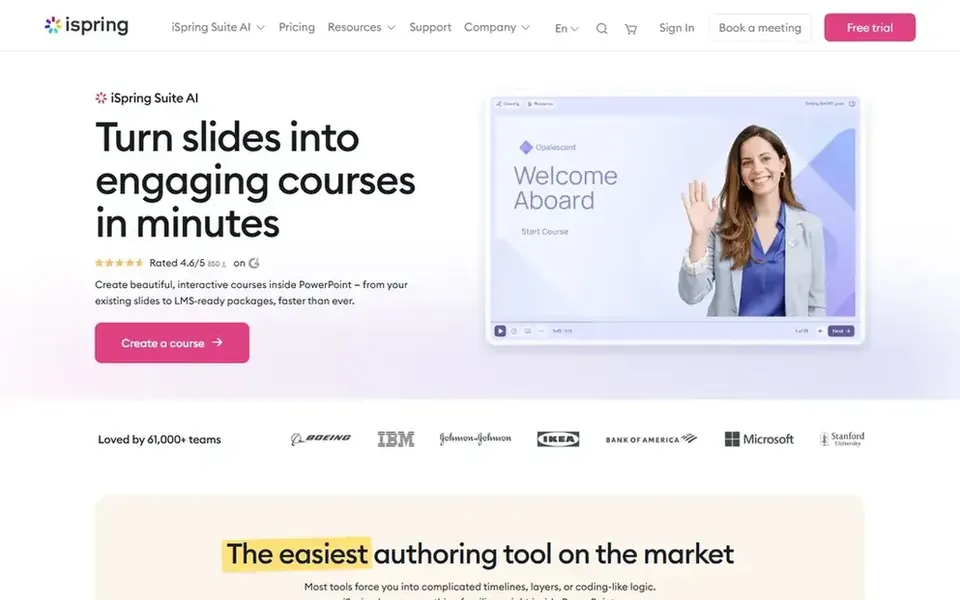
Choose iSpring Suite for PowerPoint-based SCORM course building. The single-tool approach keeps production familiar. Choose iSpring Suite when PowerPoint is already your home base.
From a buyer's view, the PowerPoint foundation is also the limit: designers who prefer standalone authoring environments may find it restrictive, and advanced interactions rely on the add-in. Also, if you need complicated branching or heavy multimedia, consider a broader suite. iSpring Suite shows no starting price here, so confirm the cost on the vendor site. Trial and free access: Not stated.
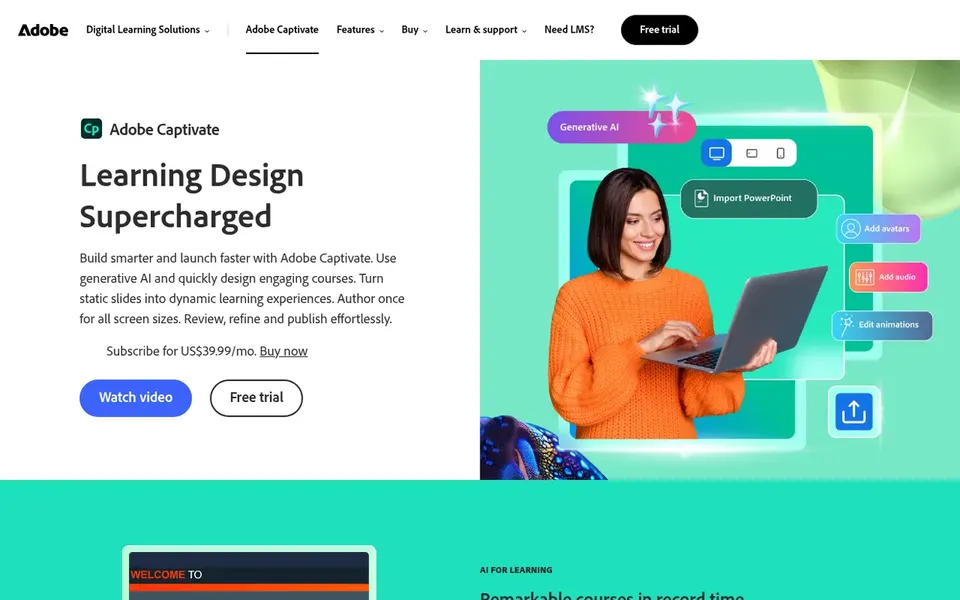
Adobe Captivate makes the most sense for quick mobile-ready course creation. Adobe Captivate is a course authoring tool whose homepage emphasizes designing courses in minutes, with an update geared toward easing beginners whereas giving professionals speed.
Drawbacks to consider: Best results need practice.
If you only have to record and trim video, a lighter editor is simpler. The tool carries a ramp-up time once you move past entry-level course building, and occasional users may find the interface dense. This comparison lists no price for Adobe Captivate; ask the vendor. As for free access: Not stated. Where it shines: Speed for professional users.
Best for: AI-assisted frontline training authoring
In short, Elucidat is for AI-assisted frontline training authoring. Elucidat, now presented as Create, is an AI-powered training and course authoring system pitched at frontline teams. The AI-driven creation approach helps teams scale content without deep authoring expertise.
The main drawbacks: Frontline focus may not fit all.
Its frontline orientation means it may be less suited to highly specialized academic or simulation-heavy courses. Pick Elucidat when quick, collaborative content for frontline staff is the priority. On cost, Elucidat starts like this: $4 per user per month. As for free access: Not stated.
Best for: Learning product with skills intelligence
Pick Docebo if this describes you: learning system with skills intelligence. Docebo is a workforce readiness product that links skills intelligence, learning, knowledge, and AI agents so organizations can see who is ready for what.
The main drawbacks: Not a course authoring tool.
It performs well alongside authoring tools as the delivery layer. Docebo does not replace a dedicated authoring tool, so you still need software to build courses. Docebo shows no starting price here, so confirm the cost on the vendor site. As for free access: Not stated.
For all-in-one workplace course authoring, Articulate 360 is a natural candidate. Its homepage positions it as an AI-powered system for workplace training, which fits instructional designers who require to build varied e-learning in a single environment.
From a buyer's view, choose Articulate 360 when you need a full authoring environment for continuing training programs. Pricing for Articulate 360 is not stated here, so ask the vendor for current figures. Free plan details: Not stated.
Best for: Screen recording and training video editing
Pick Camtasia if this describes you: screen recording and training video editing. Camtasia is a screen recorder and video editor for creating tutorials, training videos, and software demos. For everyday use, trainers who record software processes or narrated lessons will find the combined recording and editing workflow efficient.
Points against: Restricted for complicated interactivity.
Pick Camtasia when video is the core of your training. Camtasia is not a complete course authoring system, so quizzes, tracking, and structured e-learning may need another tool. Pricing for Camtasia is not stated here, so ask the vendor for current figures. Trial and free access: Not stated.
Ask iSpring Suite, Adobe Captivate, Docebo and others for a written quote, since no starting price is shown.
Read the limits listed for iSpring Suite first: tied to PowerPoint workflow.
Verify that exporting from Docebo is possible on your plan and covers all your records.
Before rolling out Articulate 360, verify the integrations your workflow depends on.
Look at the renewal terms for Elucidat: auto-renewal, notice periods and price changes can matter more than the first-year price.
How we picked
Ainotely used vendor pricing pages and product documentation as the base, then compared plans, free access and documented limits for 6 tools. Where a vendor does not publish a price, the entry says quote. Where a price depends on seats or billing term, the entry says so. Position on the page reflects fit for a typical buyer first, with price clarity and free access breaking ties. Treat it as a guide, not a ruling. The same method was used for each of the 6 Instructional design software picks on this page.
Every price and plan detail on this page comes from the vendors’ own websites. We did not run hands-on tests unless the text says so, and we do not publish star ratings or review scores. See how we score and our disclosure.
Keep your shortlist in one place
Paste prices, trial dates and notes from this guide into Ainotely, our AI note app. It files them into a topic and pulls out tasks like “cancel trial by Friday”. Free 7-day trial, no card needed.
Not by default. None of the tools, from iSpring Suite to Camtasia, lists a free plan or a free trial here, so ask each vendor for a demo before committing.
Which tool is a good match for video-based training?
For most readers this guide would start with iSpring Suite, built for PowerPoint-based SCORM course building. Adobe Captivate is the alternative for quick mobile-ready course creation, and Elucidat for AI-assisted frontline training authoring. The right answer depends on budget and workflow.
Do these tools publish their prices?
Not all of them. iSpring Suite, Adobe Captivate, Docebo and others publish no starting price, so expect a quote request for those. The rest, Elucidat included, show a starting price, though seats and billing terms still change the final cost.
Is iSpring Suite the right pick for everyone comparing instructional design software?
No single tool suits every team. iSpring Suite comes first because it fits PowerPoint-based SCORM course building, while Adobe Captivate suits fast mobile-ready course creation and Elucidat suits AI-assisted frontline training authoring. Match the tool to your own size, budget and workflow before deciding.
How are the tools for instructional design software ordered?
iSpring Suite sits first and Camtasia last because the order follows typical fit for instructional design software, then price clarity and free access. It is a judgement call, so read each profile for fit and limits.