Zoho Inventory is the first pick on this list for back-office stock and order tracking. Listed starting prices: Ordoro from $59 a month. Look at Lightspeed Retail for in-person retail with wholesale buying, and at Clover for adaptable counter payment setups. The full list of 6 tools follows, with prices and free plan facts.
Ainotely put together this guide to inventory tracking software for Pop-Up shops for readers who want a clear shortlist without reading every vendor page. It compares 6 tools on starting price, free plans, who each one suits and where each one falls short.
Key takeaways
Zoho Inventory takes the first slot, best suited to back-office stock and order tracking.
Ordoro has the lowest monthly starting price in this list: $59 per month.
For simple retail selling with inventory, Square for Retail is worth a look.
Before buying Lightspeed Retail, weigh this: pitched at established retail operations.
Zoho Inventory works best for back-office stock and order tracking. The system is positioned as straightforward to use, which helps small teams keep counts current between events.
It is not a point-of-sale system, so in-person selling needs another tool connected to it. Pricing for Zoho Inventory is not stated here, so ask the vendor for current figures. Trial and free access: Not stated.
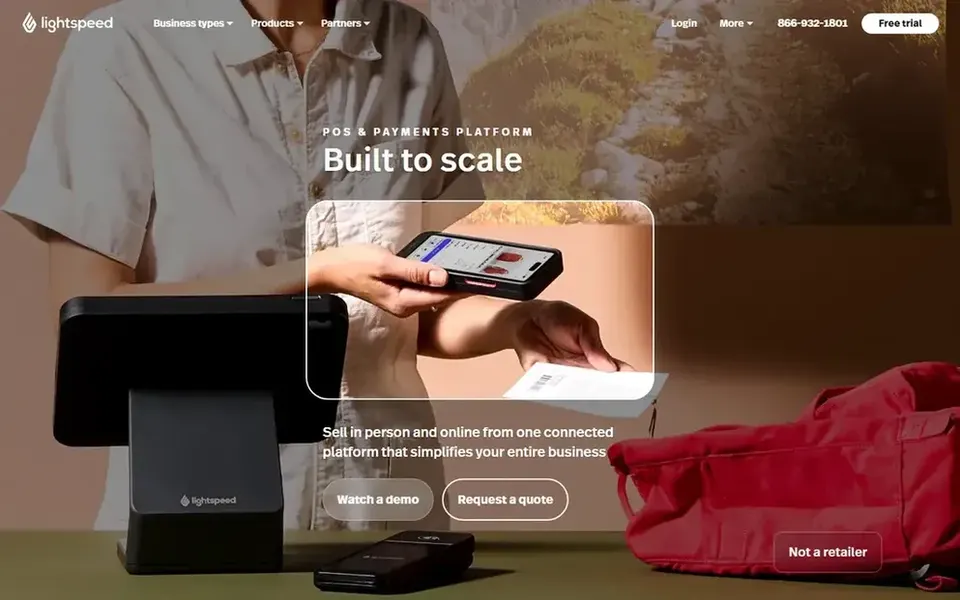
Lightspeed Retail was built for in-person retail with wholesale buying. Lightspeed Retail presents itself as a POS system made for in-person retail, combining wholesale buying, inventory management and selling in one place. It is a reasonable pick for retailers who expect inventory complexity to grow beyond a single table of products.
Honest limits: Geared toward established retail operations.
The retail-first design can feel like more system than a weekend stall needs, and setup effort is higher than with light checkout tools. For everyday use, if your priority is quick counter sales with minimal configuration, Square for Retail or Shopify POS may be quicker to adopt. This comparison lists no price for Lightspeed Retail; ask the vendor. Trial and free access: Not stated.
Pick Clover if this describes you: adaptable counter payment setups. Clover offers point-of-sale systems and credit card readers for retail firms.
Honest limits: Inventory depth varies by configuration.
For pop-up shops, the appeal is a payment-focused setup that can be arranged around a temporary counter, with software choices layered on top. Clover shows no starting price here, so confirm the cost on the vendor site. Free options: Not stated.
Best for: Connected in-person and online inventory
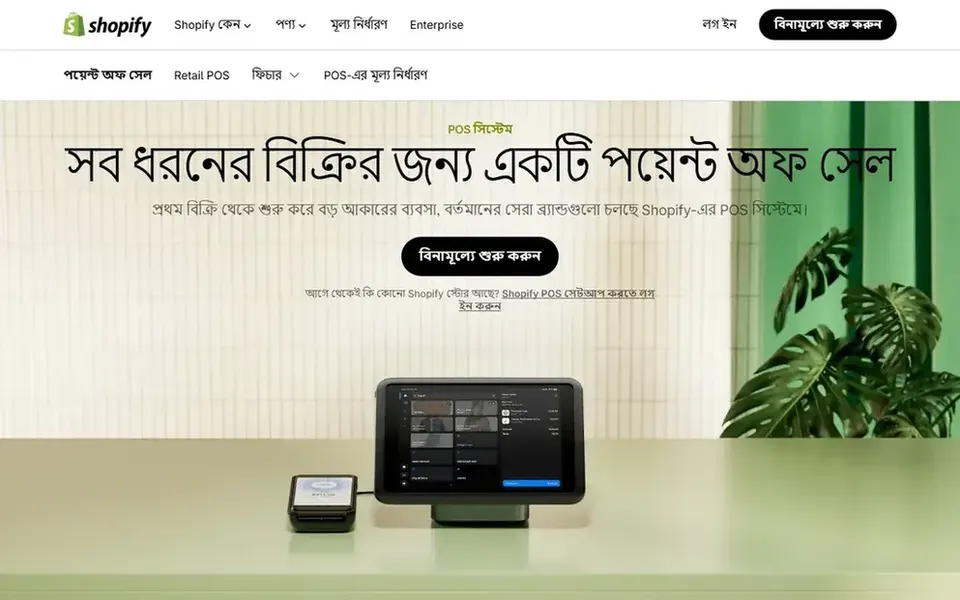
Shopify POS was built for connected in-person and online inventory. For pop-up shops it is a natural fit when stock is shared with an online store, since sales at the counter and online draw from the same inventory records.
Trade-offs to know: Advanced needs may need extras.
In daily use, if you only need back-office stock counts with no storefront or checkout, a dedicated inventory tool for example Zoho Inventory may be a more straightforward match. For everyday use, the central limit is ecosystem dependence: the experience is most solid when your catalog already lives on Shopify, and unusual retail workflows may call for additional apps. Check the vendor site for Shopify POS pricing; none is listed in this comparison. On free options: Not stated.
Choose Ordoro for shipping and e-commerce operations. If your pop-up needs to ring up customers and track stock on the spot, pair a POS like Clover with a back-office tool, or choose an integrated choice like Shopify POS. Pop-up shops that also fulfill online orders can use it to keep stock and shipping work organized after the event ends.
Limits to weigh: Centred on back-office workflows.
There is no in-person checkout here, so it cannot replace a POS at the stall. Ordoro describes itself as an operational backbone for e-commerce merchants, simplifying shipping, inventory and dropshipping tasks. Entry price for Ordoro: $59 per month. As for free access: Free trial.
Best for: Straightforward retail selling with inventory
Think of Square for Retail for simple retail selling with inventory. Some inventory and reporting depth is reserved for higher service levels, so very complicated stock setups may feel constrained.
Where it falls short: Less suited to complicated warehouse flows.
Square for Retail shows no starting price here, so confirm the cost on the vendor site. Free access: Not stated.
Confirm the entry price on the vendor page. For Zoho Inventory, Lightspeed Retail, Clover and others that means a quote rather than a fixed price.
Run a trial of Ordoro with real work before paying for a year; your own workflow is the best test.
Before choosing Zoho Inventory, weigh its main limit: not a counter checkout system.
List the apps you already depend on and check that Zoho Inventory supports each one on the plan you would buy.
Read the plan comparison for Ordoro carefully; key features often start on a higher tier.
How we picked
Selection started from tools commonly considered for inventory tracking software for Pop-Up shops, then narrowed to 6 that have clear pricing information or a clear quote process. Where a vendor does not publish a price, the entry says quote. Where a price depends on seats or billing term, the entry says so. Tools are placed by general fit for inventory tracking software for Pop-Up shops, with price clarity and free access as tie-breakers. A different team can reasonably rank them differently.
Every price and plan detail on this page comes from the vendors’ own websites. We did not run hands-on tests unless the text says so, and we do not publish star ratings or review scores. See how we score and our disclosure.
Keep your shortlist in one place
Paste prices, trial dates and notes from this guide into Ainotely, our AI note app. It files them into a topic and pulls out tasks like “cancel trial by Friday”. Free 7-day trial, no card needed.
Often, yes. Ordoro offers a free trial. Use your own data and a real task during the test, and check what the free tier or trial limits before you rely on it.
Is Zoho Inventory the right pick for everyone comparing inventory tracking software for Pop-Up shops?
No single tool suits every team. Zoho Inventory comes first because it fits back-office stock and order tracking, while Lightspeed Retail suits in-person retail with wholesale buying and Clover suits flexible counter payment setups. Match the tool to your own size, budget and workflow before deciding.
How are the tools for inventory tracking software for Pop-Up shops ordered?
The order follows typical fit for inventory tracking software for Pop-Up shops, with Zoho Inventory first and Square for Retail last, then price clarity and free access. It is editorial judgement, not a score, so another team could rank the tools differently.
What should I check before choosing a tool for a short event?
Confirm setup time, hardware requirements and how rapidly you can add products. Also check whether you can pause or adjust the setup after the event, since pop-up needs are frequently temporary and change from one location to the next.
Do these tools publish their prices?
Not all of them. Zoho Inventory, Lightspeed Retail, Clover and others publish no starting price, so expect a quote request for those. The rest, Ordoro included, show a starting price, though seats and billing terms still change the final cost.
How do I keep inventory accurate between events?
Look for a tool that updates stock as sales happen and supports transfers between locations. Reconcile counts after each event and confirm the system records returns and adjustments so the next pop-up begins from accurate numbers.