KnowledgeOwl comes first here, mainly for straightforward, dependable information sharing. Listed starting prices: KnowledgeOwl from $100 a month. Document360 fits structured documentation with AI tools; Zendesk Guide fits public help centers tied to support. Prices, free plans and limits for all 6 tools follow.
Ainotely put together this guide to knowledge base software for universities for readers who want a clear shortlist without reading every vendor page. It compares 6 tools on starting price, free plans, who each one suits and where each one falls short.
Key takeaways
KnowledgeOwl is the opening pick, best for straightforward, steady information sharing.
KnowledgeOwl, Atlassian Confluence and the 4 others all need a premium plan or a trial, since no free plan is listed.
What to know about Zendesk Guide first: targeted at service teams, not general wikis.
Atlassian Confluence is the one to check for internal campus knowledge and collaboration.
For the cheapest start, look at KnowledgeOwl: $100 per month.
Best for: Straightforward, steady information sharing
KnowledgeOwl targets straightforward, reliable information sharing. KnowledgeOwl offers easy-to-use software to share information quickly with customers and staff. In daily use, content quality still relies on the team maintaining it.
On top of that, pick KnowledgeOwl when reliability and simplicity outweigh advanced integrations. Since it emphasizes straightforward publishing, institutions needing deep workflow automation or wide project collaboration may need extra tools. KnowledgeOwl cost at the entry level: $100 per month. Trial and free access: Free trial.
Pick Document360 if this describes you: structured documentation with AI tools. Document360 is AI knowledge base software for documentation, offering AI search, an AI chatbot and writing tools inside the product.
The main drawbacks: Needs planning to keep structure clean.
From a buyer's view, pick Document360 when well-organized, searchable documentation is the central requirement. Document360 shows no starting price here, so confirm the cost on the vendor site. Free plan details: Not stated.
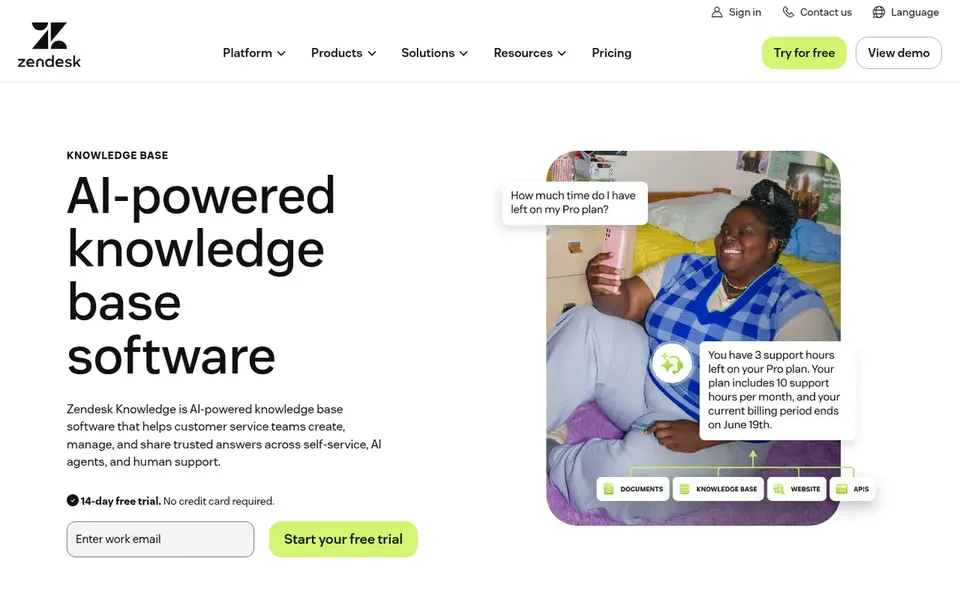
Think of Zendesk Guide for public help centers tied to support. Zendesk Guide is knowledge base software for customer service, meant to build a more accurate knowledge base by connecting trusted content and powering AI agents and self-service.
In practice, content organization follows support structures instead of research or teaching notes. The system is oriented toward service organizations, so academic departments seeking a free-form internal wiki may find it less natural. Pricing for Zendesk Guide is not stated here, so ask the vendor for current figures. Free options: Not stated.
Downsides: Content structure follows support needs.
Best for: Omnichannel support with knowledge content
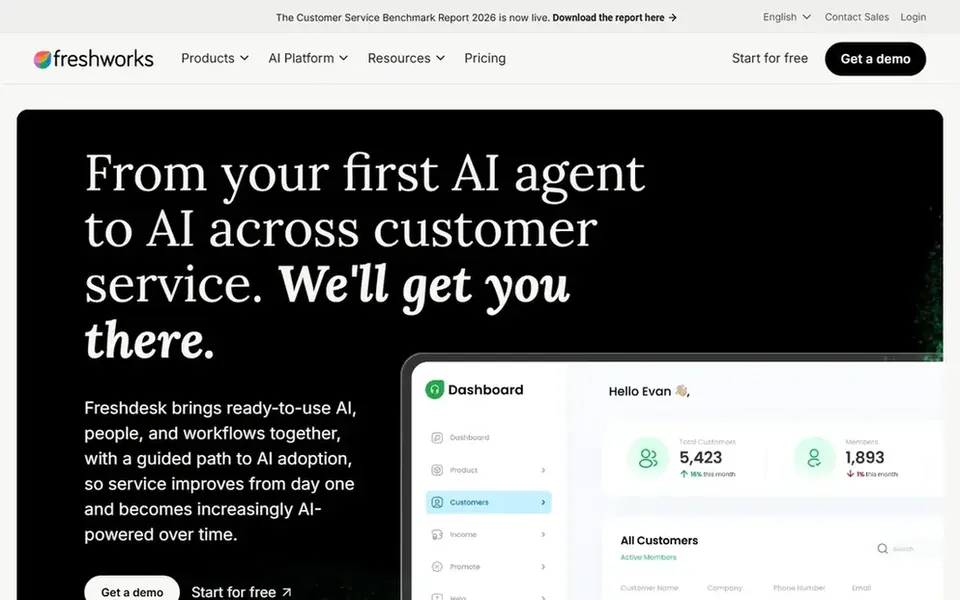
Freshdesk was built for omnichannel support with knowledge content. Freshdesk is an AI-powered customer service option with omnichannel ticketing and automatic workflows that help agents work more productively. Deep internal policy archives are better served elsewhere.
Worth adding: for universities, it fits service desks handling student inquiries across email, chat and other channels, with help content supporting consistent answers. Choose Freshdesk when the primary goal is efficient inquiry handling backed by shared answers. No starting price is listed for Freshdesk here; confirm pricing on the vendor site. On free options: Not stated.
Trade-offs to know: Knowledge base is part of a support suite.
In short, Helpjuice is for support-focused knowledge bases. The product centers on knowledge sharing for support instead of academic or project collaboration, so departments wanting a wiki may look elsewhere.
In practice, keeping articles current needs an internal review process. Helpjuice is knowledge base software positioned to simplify support and boost productivity for teams sharing information with customers and staff. Pricing for Helpjuice is not stated here, so ask the vendor for current figures. As for free access: Free trial.
Downsides: Content governance is mostly up to you.
Best for: Internal campus knowledge and collaboration
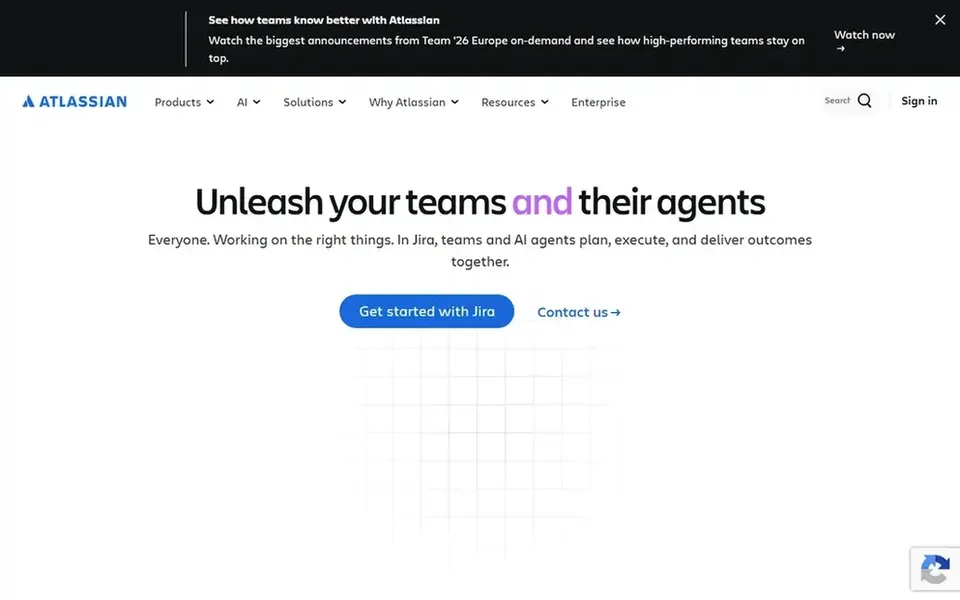
Atlassian Confluence is aimed squarely at internal campus knowledge and collaboration. Choose Confluence when internal collaboration and knowledge sharing matter more than external self-service.
Confluence is a team workspace built for creating and sharing knowledge, with AI that helps draft, summarize and find answers so projects move quicker. Atlassian Confluence shows no starting price here, so confirm the cost on the vendor site. On free options: Not stated.
Where it falls short: Large spaces need governance to stay tidy. Strengths: Suits cross-department project documentation.
Confirm the entry price on the vendor page. For Document360, Zendesk Guide, Freshdesk and others that means a quote rather than a fixed price.
Take the trial from KnowledgeOwl and Helpjuice and push a live task through it before you pay.
Read the limits listed for KnowledgeOwl first: fewer wide collaboration features.
Get the contract term, renewal terms and any onboarding fees from KnowledgeOwl in writing.
A short pilot of Freshdesk with your real workflow tells you more than a feature table.
How we picked
The comparison looks at four things: starting price, free access, how well the feature set matches knowledge base software for universities, and the main limit of each tool. Where a vendor does not publish a price, the entry says quote. Where a price depends on seats or billing term, the entry says so. The sequence is a judgement call: typical use case first, then pricing transparency, then free access. Use the profiles to check fit.
Every price and plan detail on this page comes from the vendors’ own websites. We did not run hands-on tests unless the text says so, and we do not publish star ratings or review scores. See how we score and our disclosure.
Keep your shortlist in one place
Paste prices, trial dates and notes from this guide into Ainotely, our AI note app. It files them into a topic and pulls out tasks like “cancel trial by Friday”. Free 7-day trial, no card needed.
Should a university choose one knowledge base for everything?
Plenty of institutions separate internal knowledge from public help content, since audiences and governance differ. A collaboration workspace can handle internal material whereas a support-oriented product takes care of external answers.
How are the tools for knowledge base software for universities ordered?
KnowledgeOwl sits first and Atlassian Confluence last because the order follows typical fit for knowledge base software for universities, then price clarity and free access. It is a judgement call, so read each profile for fit and limits.
Does any tool for knowledge base software for universities here have a free plan?
No tool in this list, KnowledgeOwl and Atlassian Confluence included, has a permanent free plan. KnowledgeOwl, Helpjuice offer a trial. Trials and quotes are the usual route, so plan a short evaluation period.
What about departments that only need a small help site?
Smaller units like libraries or single departments may do well with more straightforward systems concentrated on simple publishing. Worth adding: advanced automation and enterprise governance may add overhead without benefit. Match the tool to the size and complexity of the audience.
Can I try these tools before paying?
Often, yes. KnowledgeOwl and Helpjuice offer a free trial. Use your own data and a real task during the test, and check what the free tier or trial limits before you rely on it. All 6 picks in this knowledge base software for Universities comparison show their pricing, free plan details and main limits on the cards above.
How should we evaluate migration and long-term maintenance?
Ask vendors how existing articles move into the product and how much manual cleanup is expected. Also plan who reviews content and how commonly. Long-term maintenance effort commonly matters more than the initial setup.