CorelDRAW Graphics Suite is the first pick on this list for vector design, layout and photo editing. Listed starting prices: KeyShot from $7.92 a month. Substance 3D Painter is the stronger choice for live texturing of 3D assets, while Packz suits packaging and label prepress editing. The remaining 2 options are covered below with prices and limits.
Ainotely compared 5 mockup software for packaging designers. The goal is a practical shortlist: published prices, free plan facts, best-fit use cases and honest limits for every entry.
Key takeaways
The list opens with CorelDRAW Graphics Suite, aimed at vector design, layout and photo editing.
For vector artwork and dieline creation, Adobe Illustrator is worth a look.
Starting prices begin at $7.92 per month with KeyShot.
The main caution on CorelDRAW Graphics Suite: not a 3D mockup renderer.
CorelDRAW Graphics Suite makes the most sense for vector design, layout and photo editing. CorelDRAW Graphics Suite is professional graphic design software for vector illustration, photo editing and layout.
What works well: Photo editing included.
Downsides: Different workflow from Adobe tools. From a buyer's view, choose it for 2D artwork and layout, and confirm file compatibility with print partners before committing. From a buyer's view, the suite includes several design tasks in one environment. Check the vendor site for CorelDRAW Graphics Suite pricing; none is listed in this comparison. Free access: Not stated.
Substance 3D Painter is aimed squarely at live texturing of 3D assets. Adobe Substance 3D Painter is 3D painting software for texturing.
The homepage notes live application of textures, materials and masks or UV mapping onto 3D assets. As for the details, pick it when surface detail on 3D assets is the priority, and pair it with modeling and rendering tools when needed. Substance 3D Painter does not show a starting price in this comparison, so check the vendor site for current pricing. Free options: Not stated.
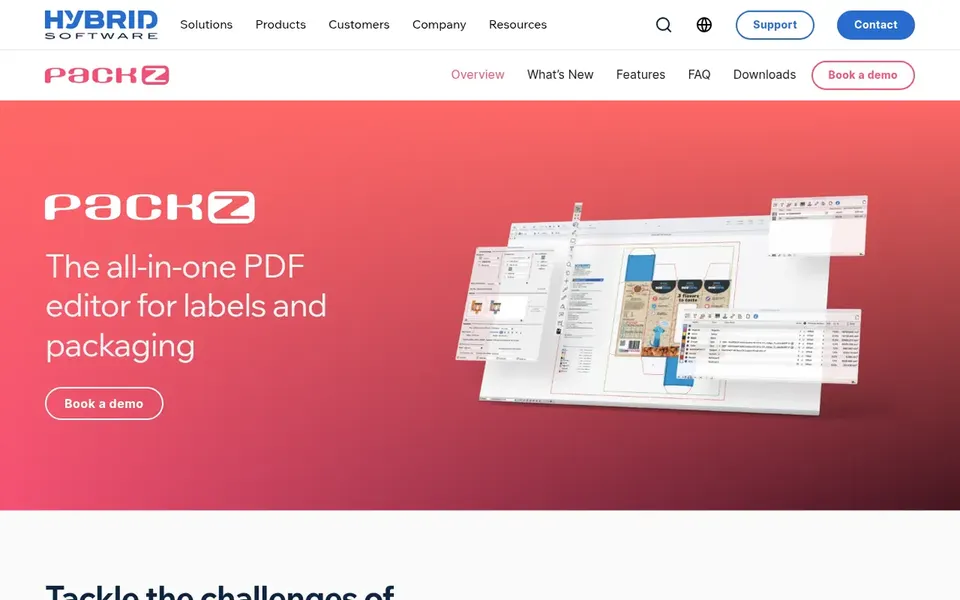
Packz makes the most sense for packaging and label prepress editing. PACKZ is a professional PDF editor from Hybrid Software targeted at packaging and label production.
Honest limits: Not a general design tool.
Its documented prepress tools support both digital and conventional printing methods. Designers seeking visual presentation tools should look to 3D rendering choices instead, and confirm workflow compatibility with the vendor. Packz does not show a starting price in this comparison, so check the vendor site for current pricing. Free access: Not stated.
Where KeyShot fits: live 3D rendering and collaboration. KeyShot is 3D rendering and AI visualization software. Its homepage describes live rendering technology that supports collaboration from concept to product launch for product design companies.
Confirm hardware and workflow requirements on the vendor page. Designers without prepared 3D assets may have to build them elsewhere first. KeyShot pricing: $7.92 per month. As for free access: Free trial.
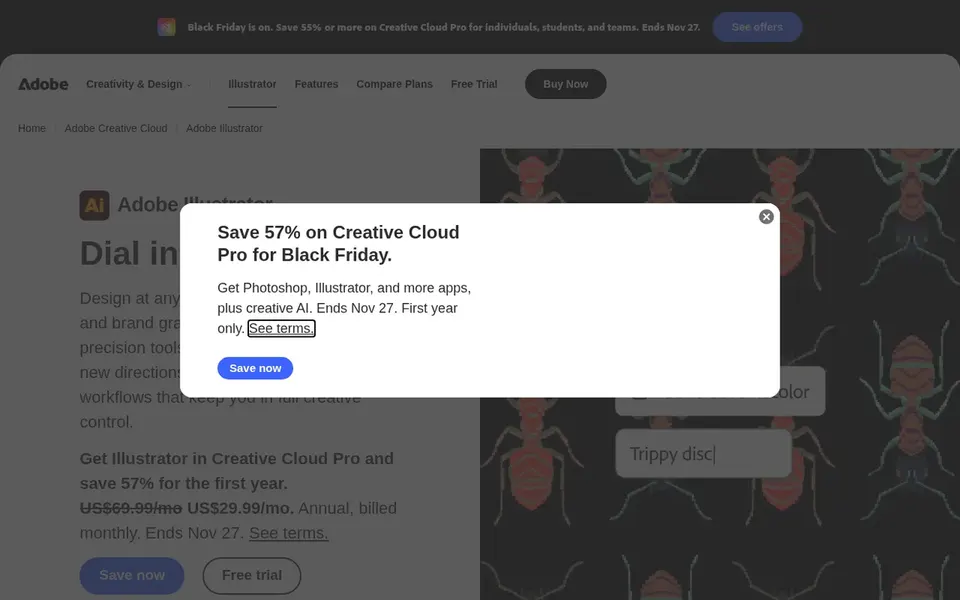
Adobe Illustrator is a good fit for vector artwork and dieline creation. Adobe Illustrator is a vector graphics editor used widely for packaging artwork, logos and dielines.
It suits designers who need clean, scalable artwork before moving to a mockup or rendering stage. This comparison lists no price for Adobe Illustrator; ask the vendor. Free plan details: Not stated.
Where it falls short: Not a dedicated 3D mockup tool.
Confirm the entry price on the vendor page. For CorelDRAW Graphics Suite, Substance 3D Painter, Packz and Adobe Illustrator that means a quote rather than a fixed price.
Run a trial of KeyShot with real work before paying for a year; your own workflow is the best test.
Read the limits listed for CorelDRAW Graphics Suite first: not a 3D mockup renderer.
Before you load data into Adobe Illustrator, check what an export looks like and who can run it.
Involve the people who will use Packz daily; a short pilot beats a long feature checklist.
How we picked
Each tool was reviewed on what its vendor publishes: price, plan limits, core features and stated drawbacks. We did not run hands-on tests. Prices and plan limits come from vendor pages and can change, so confirm them on the vendor site before you buy. We ordered the tools by general fit, then by how clearly pricing is shown, then by free access. A buyer with unusual needs may reorder them. The same method was used for each of the 5 Mockup software for packaging designers picks on this page.
Every price and plan detail on this page comes from the vendors’ own websites. We did not run hands-on tests unless the text says so, and we do not publish star ratings or review scores. See how we score and our disclosure.
Keep your shortlist in one place
Paste prices, trial dates and notes from this guide into Ainotely, our AI note app. It files them into a topic and pulls out tasks like “cancel trial by Friday”. Free 7-day trial, no card needed.
How are the tools for mockup software for packaging designers ordered?
The order follows typical fit for mockup software for packaging designers, with CorelDRAW Graphics Suite first and Adobe Illustrator last, then price clarity and free access. It is editorial judgement, not a score, so another team could rank the tools differently.
Which tool is best for prepress packaging files?
Start with CorelDRAW Graphics Suite if you need vector design, layout and photo editing. Substance 3D Painter is the better match for live texturing of 3D assets, and Packz for packaging and label prepress editing. The best choice depends on budget, team size and workflow.
Does any tool for mockup software for packaging designers here have a free plan?
A permanent free plan is not offered by CorelDRAW Graphics Suite, Adobe Illustrator or the other tools here. KeyShot offer a trial. Plan a short evaluation period instead.
Do packaging designers need both 2D and 3D mockup tools?
Numerous packaging workflows start with vector artwork in a 2D tool and then move to a 3D renderer for realistic presentation. Some suites include both areas, but dedicated 3D tools frequently offer more solid rendering. Confirm the handoff between tools before choosing.
Is CorelDRAW Graphics Suite the right pick for everyone comparing mockup software for packaging designers?
No single tool suits every team. CorelDRAW Graphics Suite comes first because it fits vector design, layout and photo editing, while Substance 3D Painter suits real-time texturing of 3D assets and Packz suits packaging and label prepress editing. Match the tool to your own size, budget and workflow before deciding.
What should I check before buying packaging mockup software?
Confirm format support, export choices, hardware requirements and how the tool suits your existing artwork workflow. Also check whether you need separate tools for texturing or rendering. More specifically, vendor pages list current features and limits.