Enscape is the first pick on this list for quick live walkthroughs and VR. Listed starting prices: Lumion from $96 named user per month. If your case is different, V-Ray suits Photorealistic rendering inside your design system and Twinmotion suits live visualization tied to design data. The other 3 tools in the list cover narrower or pricier cases.
If you are comparing architectural visualization software for interior designers, this page covers 6 tools in one place: what each is best for, what it costs to start, whether it has a free plan, and the main limit to know about.
Key takeaways
This list starts with Enscape, which is built for fast live walkthroughs and VR.
Lumion is the lowest-priced starter here at $96 named user per month.
One limit worth knowing about Enscape: less suited to heavy offline rendering.
Enscape, Cinema 4D and the 4 others all need a premium plan or a trial, since no free plan is listed.
Cinema 4D is the one to check for motion and stylized interior visuals.
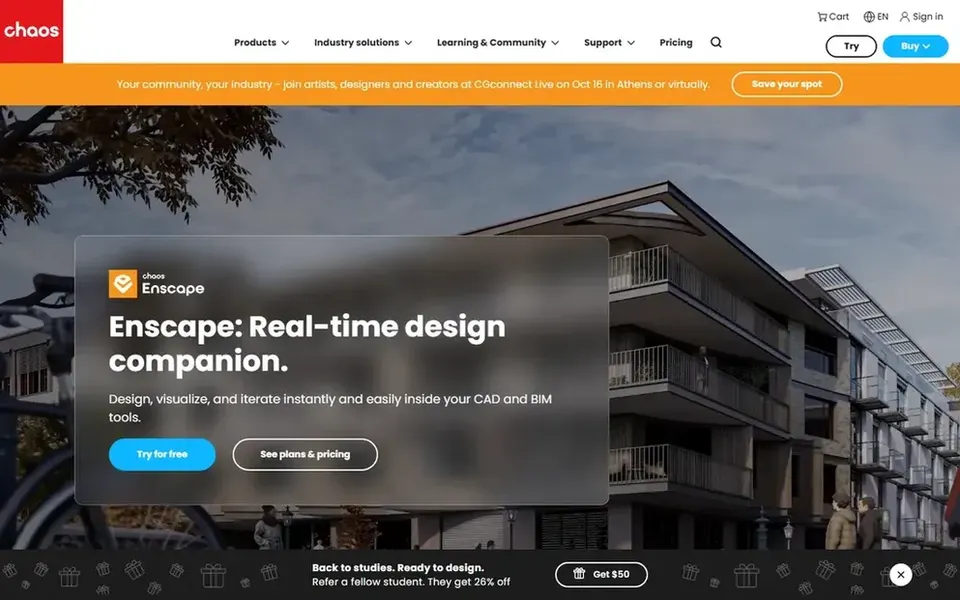
Pick Enscape if this describes you: quick live walkthroughs and VR. Enscape is live rendering and virtual reality software for Revit, SketchUp, Rhino, ArchiCAD and Vectorworks, positioned around one-click rendering.
More specifically, Interior designers who model in those products can move rapidly from design to an explorable scene, which helps during client reviews and iterative layout decisions. This comparison lists no price for Enscape; ask the vendor. Free options: Not stated.
Best for: Photorealistic rendering inside your design system
Think of V-Ray for Photorealistic rendering inside your design platform. Since V-Ray is a plugin, you need a compatible host application and must learn both environments.
Where it is weaker: Needs a host application.
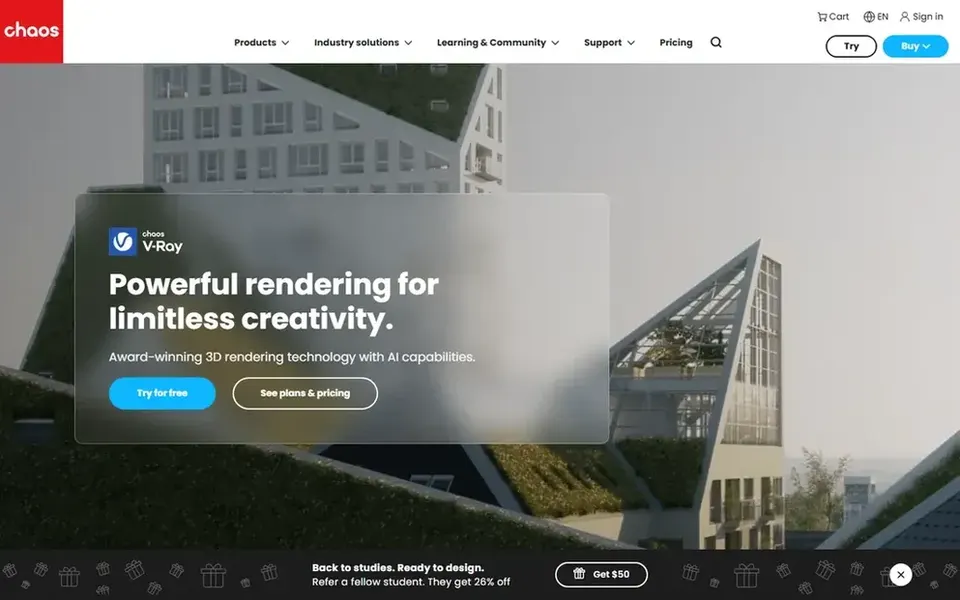
Photorealistic output can also mean longer render times than live engines. V-Ray from Chaos is a 3D rendering plugin available for widely used design systems like 3ds Max, SketchUp, Rhino, Maya and Blender. No starting price is listed for V-Ray here; confirm pricing on the vendor site. Free plan details: Not stated.
Twinmotion is designed for live visualization tied to design data. Twinmotion is live visualization software from Epic Games, widely known for turning architectural and design models into interactive scenes.
Worth adding: Interior designers can use it to review materials, furniture and lighting with clients in a live environment. Pick it for interactive reviews instead of final print-quality stills. Check the vendor site for Twinmotion pricing; none is listed in this comparison. Free plan details: Not stated.
Best for: In-depth interior modeling and animation
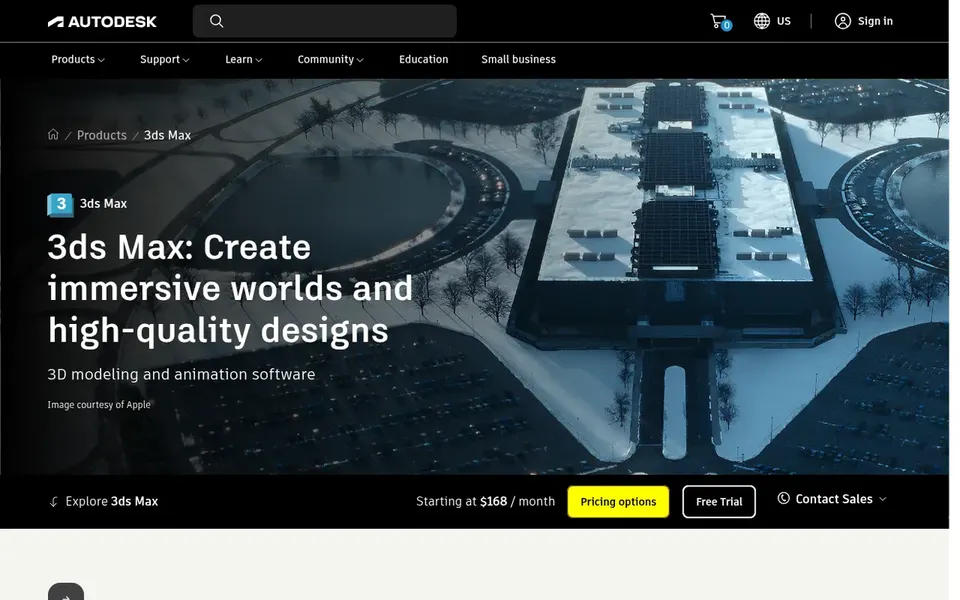
3ds Max was built for detailed interior modeling and animation. 3ds Max is Autodesk's professional 3D modeling, animation and rendering application for creating expansive worlds and high-quality designs.
Where it is weaker: Demanding on hardware.
If you primarily need quick live client walkthroughs, a lighter visualization tool may serve better. No starting price is listed for 3ds Max here; confirm pricing on the vendor site. As for free access: Not stated.
Pick Lumion if this describes you: live rendering for architects. Lumion is live 3D rendering software geared toward architects, letting users visualize every step from concept to final render with speed, quality and ease. Interior designers can use it to present furnished spaces and lighting moods rapidly, particularly when the model is built elsewhere.
Where it is weaker: Not a full modeling application.
From a buyer's view, choose it when presentation speed matters more than granular render settings. Very complicated custom scenes may call for more advanced rendering control. Lumion is primarily a visualization tool instead of a modeling environment, so you still need design software to build geometry. Starting cost for Lumion: $96 named user per month. As for free access: Free trial.
Choose Cinema 4D for motion and stylized interior visuals. Designers needing quick plan-driven walkthroughs may prefer a dedicated visualization tool.
In practice, Cinema 4D from Maxon is a widely used 3D modeling, animation and rendering application known for motion graphics and design work. On top of that, Cinema 4D is not designed for architecture, so importing CAD models and managing building data takes extra steps. Check the vendor site for Cinema 4D pricing; none is listed in this comparison. As for free access: Not stated.
Get a written quote from Enscape, V-Ray, Twinmotion and others; the list shows no starting price for them.
Use real work to test the free trial from Lumion, rather than a demo project.
Read the limits listed for Enscape first: less suited to heavy offline rendering.
Let daily users try Lumion on real work; their feedback beats any feature checklist.
Confirm you can export your data from Enscape, so leaving later does not mean losing records.
How we picked
Pricing pages, product documentation and feature lists were the main sources, and every entry carries at least one honest drawback. Prices and plan limits come from vendor pages and can change, so confirm them on the vendor site before you buy. Order on the page follows fit for the typical buyer first, then price transparency and free access. Your own requirements should decide the final pick. This applies to all 6 architectural Visualization software for Interior designers options compared here.
Every price and plan detail on this page comes from the vendors’ own websites. We did not run hands-on tests unless the text says so, and we do not publish star ratings or review scores. See how we score and our disclosure.
Keep your shortlist in one place
Paste prices, trial dates and notes from this guide into Ainotely, our AI note app. It files them into a topic and pulls out tasks like “cancel trial by Friday”. Free 7-day trial, no card needed.
Does any tool for architectural visualization software for interior designers here have a free plan?
No tool in this list, Enscape and Cinema 4D included, has a permanent free plan. Lumion offer a trial. Trials and quotes are the usual route, so plan a short evaluation period.
Do these tools publish their prices?
Not all of them. Enscape, V-Ray, Twinmotion and others publish no starting price, so expect a quote request for those. The rest, Lumion included, show a starting price, though seats and billing terms still change the final cost.
How do I choose between photorealistic and live rendering?
Photorealistic renderers for example V-Ray prioritize final image quality, which fits marketing and presentations but can take longer. Live tools for example Enscape and Lumion favor speed and interactivity during design reviews. Plenty of studios use both for different stages.
Can I try these tools before paying?
Often, yes. Lumion offers a free trial. Use your own data and a real task during the test, and check what the free tier or trial limits before you rely on it. Each of the 6 options in this architectural Visualization software for Interior designers guide has its own card above with the price, free plan and limits.
How are the tools for architectural visualization software for interior designers ordered?
The order follows typical fit for architectural visualization software for interior designers, with Enscape first and Cinema 4D last, then price clarity and free access. It is editorial judgement, not a score, so another team could rank the tools differently.