This list puts Lumion first for quick standalone architectural visualization. Listed starting prices: Lumion from $96 named user a month. Alternatives: Cinema 4D for motion and visualization work, and V-Ray for Photorealistic rendering across systems. The remaining 2 options are covered below with prices and limits.
Ainotely compared 5 architectural rendering software for startups. The goal is a practical shortlist: published prices, free plan facts, best-fit use cases and honest limits for every entry.
Key takeaways
This list starts with Lumion, which is built for fast standalone architectural visualization.
Starting prices begin at $96 named user per month with Lumion.
A permanent free plan is missing from all 5 tools, Lumion and Corona Renderer included; plan for a trial or a premium start.
For Photorealistic archviz in Max and Cinema 4D, Corona Renderer is worth a look.
Best for: Quick standalone architectural visualization
Lumion makes the most sense for quick standalone architectural visualization. Pick Lumion when presentation quality and fast scene building are the priority. Studios wanting rendering to happen inside their authoring software may prefer Enscape.
More specifically, Lumion is live rendering software geared toward architects, positioned around speed, quality and ease across the design workflow. It is a capable candidate for startups that want to turn models into presentable scenes without deep rendering expertise. Its focus on the entire path from concept to final render fits small teams that present often and cannot afford long iteration cycles. Lumion cost at the entry level: $96 named user per month. Free plan details: Free trial.
Points against: Live approach may limit some advanced effects.
Cinema 4D works best for motion and visualization work. Cinema 4D from Maxon is a general 3D modeling, animation and rendering application used across design and motion graphics. In architectural work it can host Corona Renderer and support animated presentations and stylized visuals.
Trade-offs to know: Extra cost alongside BIM tools.
More specifically, Cinema 4D is not designed for architecture, so architectural workflows depend on imported models and added setup. Consider Cinema 4D when animation and design-led visuals are part of your offering. Check the vendor site for Cinema 4D pricing; none is listed in this comparison. As for free access: Not stated.
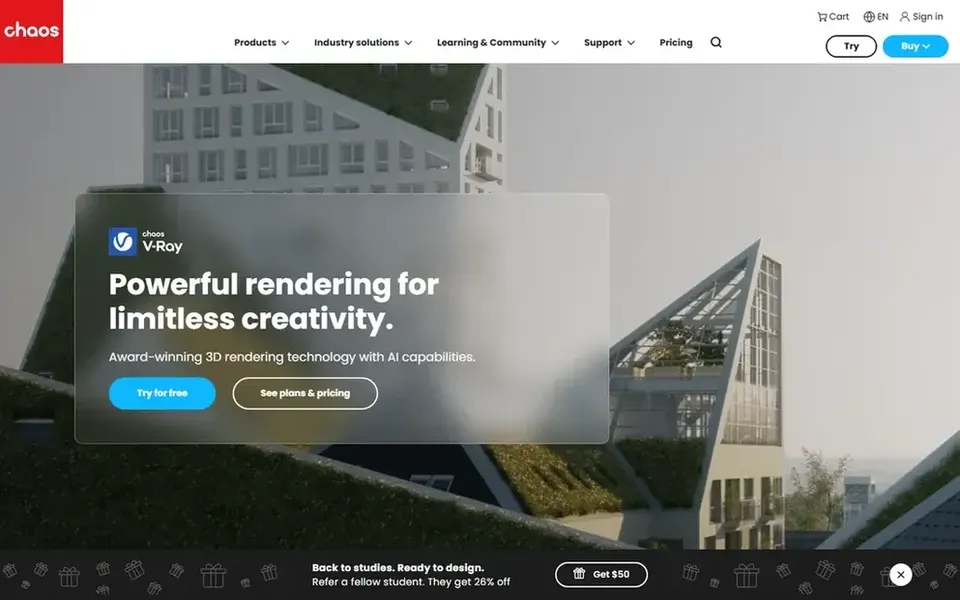
V-Ray works best for Photorealistic rendering across products. If your priority is instant feedback during design instead of final-frame quality, a live tool for example Enscape may serve better.
The main drawbacks: Needs learning render settings.
Where V-Ray stands out: Maya and Blender workflows. More specifically, choose V-Ray when image quality is the deciding factor. Pricing for V-Ray is not stated here, so ask the vendor for current figures. As for free access: Not stated.
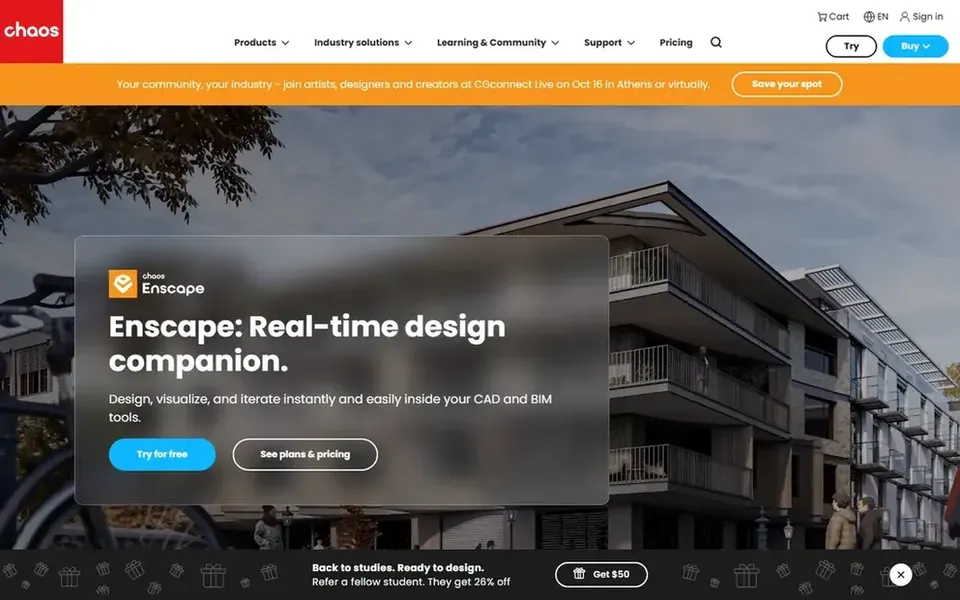
Enscape works best for live rendering inside design tools. Since Enscape relies on a host application, its value tracks the tools your studio already uses.
Worth adding: teams needing heavily art-directed, offline photorealistic frames may find a dedicated render engine a better fit. Pricing for Enscape is not stated here, so ask the vendor for current figures. Free access: Not stated.
What works well: One-click rendering from supported CAD and BIM systems.
Where it falls short: Less suited to offline high-end production rendering.
Best for: Photorealistic archviz in Max and Cinema 4D
For Photorealistic archviz in Max and Cinema 4D, Corona Renderer is a natural candidate. Startups producing still images and animations for clients can use it to reach convincing lighting and materials.
Its narrower product support keeps the workflow focused, which can ease decisions for a small visualization team. No starting price is listed for Corona Renderer here; confirm pricing on the vendor site. On free options: Not stated.
Get a written quote from Cinema 4D, V-Ray, Enscape and Corona Renderer; the list shows no starting price for them.
Use real work to test the free trial from Lumion, rather than a demo project.
Before choosing Lumion, weigh its main limit: separate workflow from BIM authoring.
Check the integration list for Cinema 4D against the tools you run today, and note which ones need a higher plan.
Before you load data into Enscape, check what an export looks like and who can run it.
How we picked
Ainotely looked at what each vendor publishes: pricing, plan limits, feature coverage for architectural rendering software for startups and stated drawbacks. No hands-on testing is claimed. Prices and plan limits come from vendor pages and can change, so confirm them on the vendor site before you buy. The sequence is a judgement call: typical use case first, then pricing transparency, then free access. Use the profiles to check fit.
Every price and plan detail on this page comes from the vendors’ own websites. We did not run hands-on tests unless the text says so, and we do not publish star ratings or review scores. See how we score and our disclosure.
Keep your shortlist in one place
Paste prices, trial dates and notes from this guide into Ainotely, our AI note app. It files them into a topic and pulls out tasks like “cancel trial by Friday”. Free 7-day trial, no card needed.
How are the tools for architectural rendering software for startups ordered?
The order follows typical fit for architectural rendering software for startups, with Lumion first and Corona Renderer last, then price clarity and free access. It is editorial judgement, not a score, so another team could rank the tools differently.
Can I try these tools before paying?
Often, yes. Lumion offers a free trial. Use your own data and a real task during the test, and check what the free tier or trial limits before you rely on it.
What is the cheapest option for architectural rendering software for startups in this list?
On published monthly entry prices, Lumion is the lowest here at $96 named user per month. Entry price is only part of the cost, because seats, add-ons and billing terms can change the total. Pricing, free plan details and limits for all 5 tools in this architectural Rendering software for startups roundup sit on the individual cards above.
Do these tools publish their prices?
Not all of them. Cinema 4D, V-Ray, Enscape and Corona Renderer publish no starting price, so expect a quote request for those. The rest, Lumion included, show a starting price, though seats and billing terms still change the final cost.