Our first pick is Viewpoint, best for contractors needing ERP and job costing. Listed starting prices: Fieldwire from $39 per user a month. If your case is different, CoConstruct suits custom home builders and remodelers and Procore suits site-to-office project visibility. The other 3 tools in the list cover narrower or pricier cases.
Short on time? The summary and table above give the quick view of 6 tools for online construction management software, and the profiles that follow give the detail behind each entry.
Key takeaways
Viewpoint is the opening pick, best for contractors needing ERP and job costing.
The lowest published monthly entry price here is $39 per user per month, from Fieldwire.
Fieldwire is the one to check for live jobsite task and drawing tracking.
Before buying CoConstruct, weigh this: narrower fit beyond residential.
Fieldwire stands alone as the one tool in this list with a free plan.
Viewpoint was built for contractors needing ERP and job costing. Pick Viewpoint when integrated job costing and reporting across the business matter most.
ERP systems carry setup and process overhead, so smaller businesses may find them heavy. Its homepage says it helps contractors run projects, people and profits whereas simplifying job costing, workflows and reporting. Check the vendor site for Viewpoint pricing; none is listed in this comparison. Free options: Not stated.
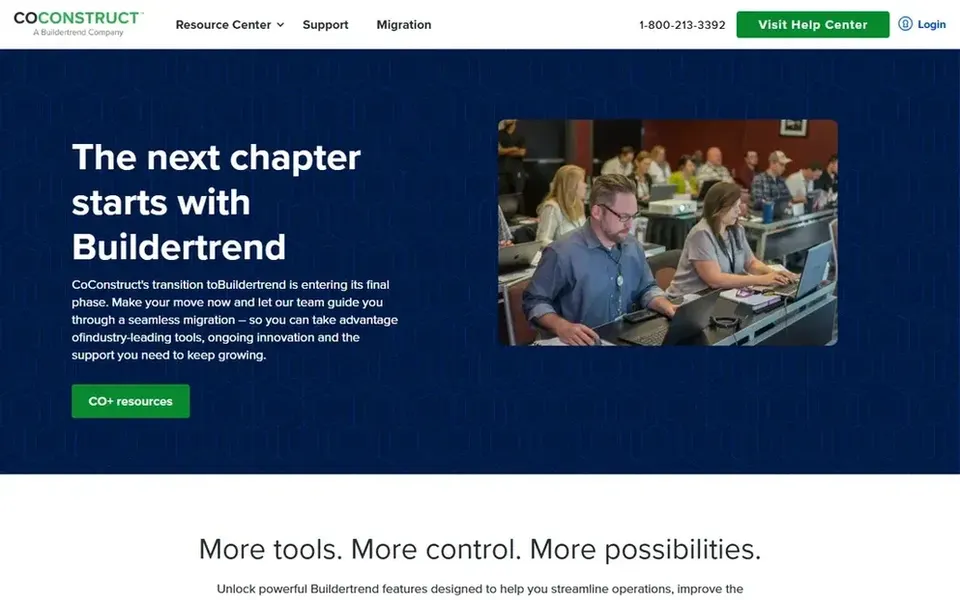
Where CoConstruct fits: custom home builders and remodelers. CoConstruct is construction management software pitched at custom home builders and remodelers. Its homepage notes that CoConstruct and Buildertrend are now a unified brand committed to a smooth experience.
Its residential focus means bigger commercial contractors will likely outgrow it quickly. Also, consider broader platforms when your work spans commercial or infrastructure projects instead of custom homes. The brand unification also means buyers should confirm current product direction. CoConstruct does not show a starting price in this comparison, so check the vendor site for current pricing. As for free access: Not stated.
Procore is a good fit for site-to-office project visibility. If your work is largely straightforward residential jobs, a lighter tool may suit you better.
Drawbacks to consider: Broad scope may exceed small teams' needs.
Its breadth means setup and configuration can take real effort, and smaller teams may find more capability than they need. Choose Procore when cross-team visibility across active projects is the priority. Procore shows no starting price here, so confirm the cost on the vendor site. On free options: Not stated. Strengths: Links field and office teams.
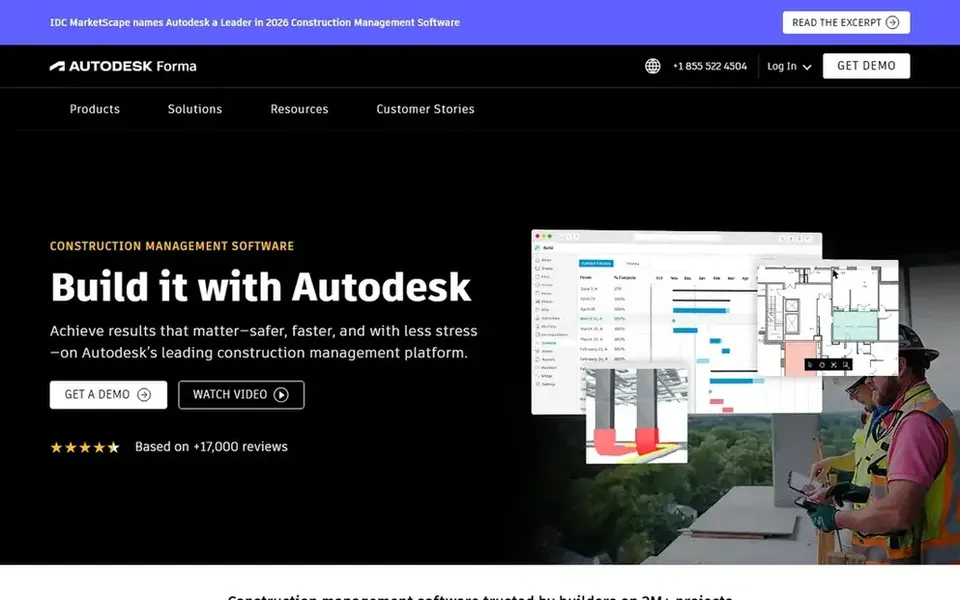
PlanGrid works best for field teams already in Autodesk. PlanGrid is a construction field app known for drawings and jobsite documentation. Its homepage notes that it is now part of Autodesk Forma, bringing the best of PlanGrid with it, with login and support information for existing users.
Beyond that, since it now sits within Autodesk Forma, buyers should confirm how it suits their broader stack instead of treating it as a standalone purchase. It is not a full accounting or ERP system. PlanGrid does not show a starting price in this comparison, so check the vendor site for current pricing. Free plan details: Not stated.
Where it is weaker: Not a full back-office system.
Autodesk Construction Cloud serves design-led collaborative project teams. If you need heavy accounting or job costing depth, look at construction ERP choices instead. Teams outside the Autodesk ecosystem may get less benefit, and sorting out overlapping products can take care.
Autodesk Construction Cloud, now under the Autodesk Forma name, is a construction management product for project teams. Its homepage emphasizes that teams can collaborate securely and rapidly to deliver projects on time and on budget. Autodesk Construction Cloud shows no starting price here, so confirm the cost on the vendor site. On free options: Not stated.
Limits to weigh: Best value for design-centric workflows.
Fieldwire was built for real-time jobsite task and drawing tracking. Bigger businesses wanting one unified system may prefer a broader suite.
Worth adding: choose Fieldwire when jobsite coordination and drawing control are the primary pain points. Entry price for Fieldwire: $39 per user per month. Free access exists with Fieldwire.
What users get: Task and drawing tracking.
Drawbacks to consider: Field-focused rather than full ERP.
Get a written quote from Viewpoint, CoConstruct, Procore and others; the list shows no starting price for them.
Look at the free plan from Fieldwire closely: its caps decide whether it is usable for real work.
Before choosing Viewpoint, weigh its main limit: ERP scope can be heavy.
Let daily users try PlanGrid on real work; their feedback beats any feature checklist.
Get the contract term, renewal terms and any onboarding fees from Autodesk Construction Cloud in writing.
How we picked
Selection started from tools commonly considered for online construction management software, then narrowed to 6 that have clear pricing information or a clear quote process. Plan names, prices and limits change often. Treat the figures here as a starting point and verify them with the vendor. We ordered the tools by general fit, then by how clearly pricing is shown, then by free access. A buyer with unusual needs may reorder them.
Every price and plan detail on this page comes from the vendors’ own websites. We did not run hands-on tests unless the text says so, and we do not publish star ratings or review scores. See how we score and our disclosure.
Keep your shortlist in one place
Paste prices, trial dates and notes from this guide into Ainotely, our AI note app. It files them into a topic and pulls out tasks like “cancel trial by Friday”. Free 7-day trial, no card needed.
What is the cheapest option for online construction management software in this list?
On published monthly entry prices, Fieldwire is the lowest here at $39 per user per month. Entry price is only part of the cost, because seats, add-ons and billing terms can change the total. Pricing, free plan details and limits for all 6 tools in this online construction management software roundup sit on the individual cards above.
Is Viewpoint the right pick for everyone comparing online construction management software?
No single tool suits every team. Viewpoint comes first because it fits contractors needing ERP and job costing, while CoConstruct suits custom home builders and remodelers and Procore suits site-to-office project visibility. Match the tool to your own size, budget and workflow before deciding.
Which options for online construction management software have a free plan?
Fieldwire is the only tool in this list with a free plan. Free plans usually cap users, projects or features, so check the limits on the vendor page. The 6 tool cards above repeat this per product for online construction management software, with the listed price or "pricing on request".
Can I try these options before paying?
Often, yes. Fieldwire has a free plan. Use your own data and a real task during the test, and check what the free tier or trial limits before you rely on it. Each of the 6 options in this online construction management software guide has its own card above with the price, free plan and limits.
Which tool fits residential builders?
CoConstruct is shaped around custom home builders and remodelers, with client and project coordination in mind. Also, confirm current product direction, since CoConstruct and Buildertrend now share a unified brand.