Our first pick is Tableau, best for visual exploration and wide connectivity. Listed starting prices: Tableau from $15 per user a month. Qlik Sense fits end-to-end data integration and analytics; Looker fits embedded analytics with a semantic layer. Details, prices and limits for the rest of the 6 tools are below.
This Ainotely guide covers 6 options for performance reporting software. Each profile lists a starting price, free plan details, strengths and drawbacks, so you can drop poor fits quickly.
Key takeaways
Tableau takes the first slot, best suited to visual exploration and wide connectivity.
The lowest published monthly entry price here is $15 per user per month, from Tableau.
Check the limits for Looker before you commit: tied closely to the Google Cloud ecosystem.
Tableau stands alone as the one tool in this list with a free plan.
Best for: Visual exploration and wide connectivity
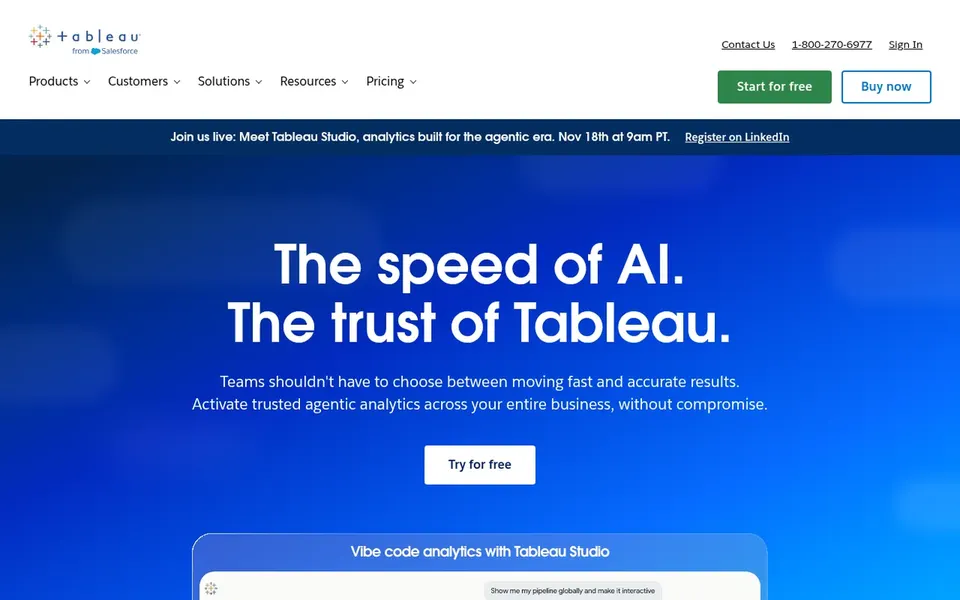
Choose Tableau for visual exploration and wide connectivity. Users link to almost any database, drag-and-drop to build visualizations, and share results with a click.
The main drawbacks: Deep modeling may need specialist skills.
Tableau is business intelligence and analytics software built around seeing and understanding data. Tableau's strength in visual discovery means governed semantic modeling and data preparation frequently need separate planning and skilled owners. Starting cost for Tableau: $15 per user per month. Tableau has a free plan.
Best for: End-to-end data integration and analytics
Qlik Sense targets end-to-end data integration and analytics. Qlik, now with Talend, provides a data fabric along with end-to-end data integration, data quality and analytics options.
For everyday use, teams that already have mature pipelines and only need visualization may prefer a more straightforward choice for example Tableau. Qlik Sense shows no starting price here, so confirm the cost on the vendor site. Trial and free access: Not stated.
Where it falls short: Wide stack may need dedicated administration.
Best for: Embedded analytics with a semantic layer
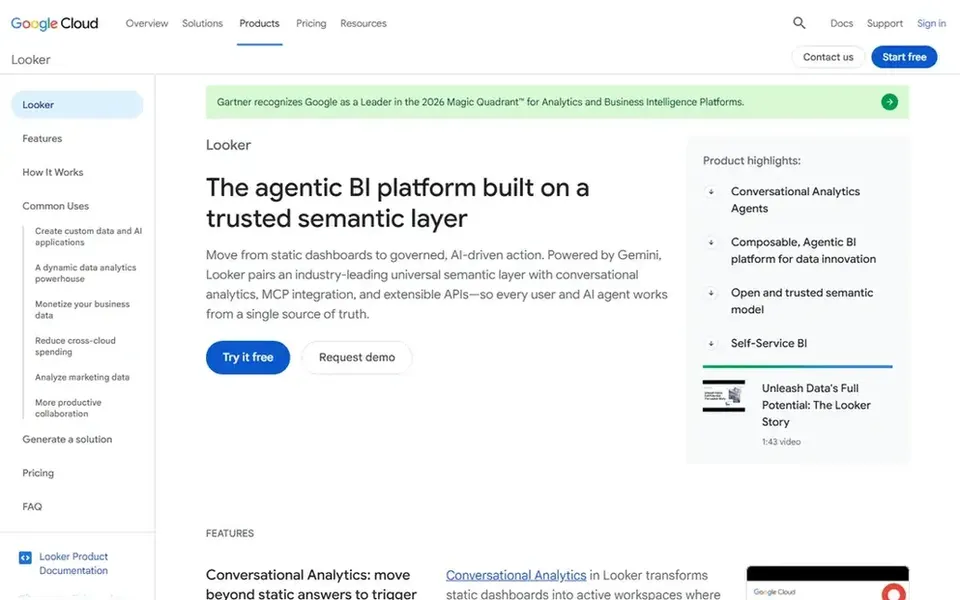
Where Looker fits: embedded analytics with a semantic layer. Teams outside that ecosystem, or those wanting light drag-and-drop exploration first, may prefer Tableau or Domo. More specifically, Looker is Google Cloud's agentic business intelligence and embedded analytics system.
Drawbacks to consider: Semantic modeling needs upfront discipline.
It brings together metrics through a trusted semantic layer and uses Gemini agents to support analysis. Also, Looker's semantic modeling approach demands upfront definition work, and its positioning is closely tied to Google Cloud. No starting price is listed for Looker here; confirm pricing on the vendor site. On free options: Not stated.
Where IBM Cognos Analytics fits: AI-assisted reporting and dashboards. It suits established enterprises that require governed, scheduled reporting alongside dashboards, and teams that want AI assistance layered onto familiar business intelligence workflows.
Limits to weigh: Enterprise scope can mean setup effort.
Check the vendor site for IBM Cognos Analytics pricing; none is listed in this comparison. As for free access: Not stated.
For self-service plus enterprise reporting, Oracle Analytics Cloud is a natural candidate. The breadth of self-service and enterprise reporting features calls for governance planning so teams do not fragment.
Where it falls short: Wide feature set needs governance planning.
Organizations outside Oracle environments may prefer a vendor-neutral choice like Domo or Tableau. Oracle Analytics Cloud shows no starting price here, so confirm the cost on the vendor site. As for free access: Not stated.
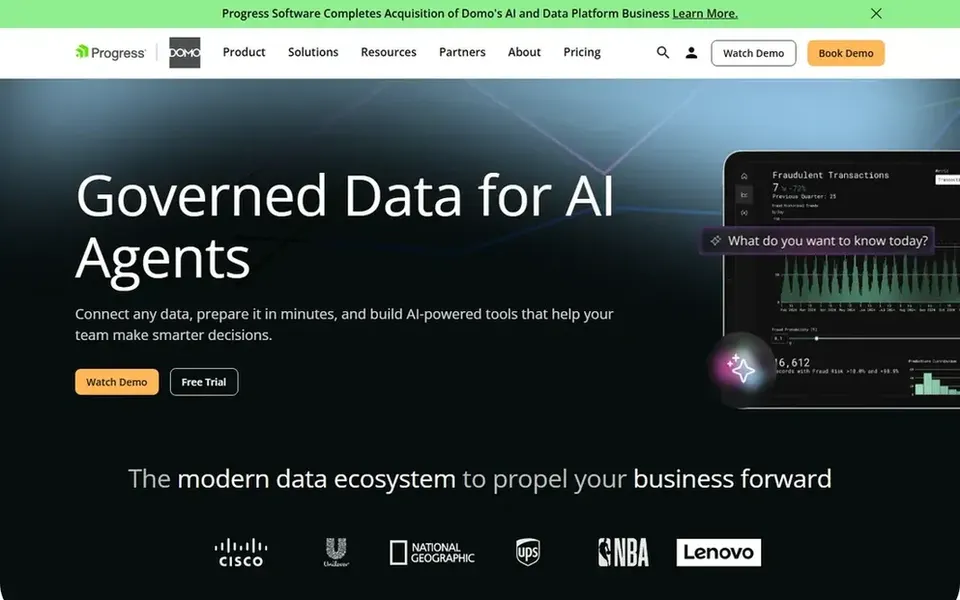
Think of Domo for governed data and AI-driven insights. Organizations seeking only straightforward chart building, or those already standardized on a separate warehouse and BI stack, may prefer a narrower tool for example Tableau.
Check the vendor site for Domo pricing; none is listed in this comparison. Free options: Free trial.
Where it is weaker: Wide system may need onboarding effort.
Ask Qlik Sense, Looker, IBM Cognos Analytics and others for a written quote, since no starting price is shown.
Look at the free plan from Tableau closely: its caps decide whether it is usable for real work.
Take the trial from Domo and push a live task through it before you pay.
Read the limits listed for Tableau first: governance setup can take planning.
Work out what Tableau costs with your real seat count, add-ons and usage, not just the entry price.
Verify that exporting from Qlik Sense is possible on your plan and covers all your records.
How we picked
The comparison looks at four things: starting price, free access, how well the feature set matches performance reporting software, and the main limit of each tool. Where a vendor does not publish a price, the entry says quote. Where a price depends on seats or billing term, the entry says so. Tools are placed by general fit for performance reporting software, with price clarity and free access as tie-breakers. A different team can reasonably rank them differently.
Every price and plan detail on this page comes from the vendors’ own websites. We did not run hands-on tests unless the text says so, and we do not publish star ratings or review scores. See how we score and our disclosure.
Keep your shortlist in one place
Paste prices, trial dates and notes from this guide into Ainotely, our AI note app. It files them into a topic and pulls out tasks like “cancel trial by Friday”. Free 7-day trial, no card needed.
Which options for performance reporting software have a free plan?
Tableau is the only tool in this list with a free plan. Free plans usually cap users, projects or features, so check the limits on the vendor page. One other tool offers a trial instead. The 6 tool cards above repeat this per product for performance reporting software, with the listed price or "pricing on request".
Can I try these options before paying?
Often, yes. Tableau has a free plan and Domo offers a free trial. Use your own data and a real task during the test, and check what the free tier or trial limits before you rely on it. Each of the 6 options in this performance reporting software guide has its own card above with the price, free plan and limits.
What should performance reporting software include?
Look for dependable data connectivity, governed metric definitions, adaptable dashboards and reporting, and sharing or embedding choices. Governance and data preparation matter as much as visualization, since reports are only as trustworthy as the data behind them.
Do these tools publish their prices?
Not all of them. Qlik Sense, Looker, IBM Cognos Analytics and others publish no starting price, so expect a quote request for those. The rest, Tableau included, show a starting price, though seats and billing terms still change the final cost.
How are the tools for performance reporting software ordered?
Tableau sits first and Domo last because the order follows typical fit for performance reporting software, then price clarity and free access. It is a judgement call, so read each profile for fit and limits.