If you need Procedural VFX and simulation, Houdini is the first tool to look at here. Alternatives: Adobe Animate for interactive 2D and web animation, and Adobe After Effects for motion graphics and compositing. All 5 tools are compared below on price, free plan and limits.
Short on time? The summary and table above give the quick view of 5 tools for professional animation software, and the profiles that follow give the detail behind each entry.
Key takeaways
Number one here is Houdini, a fit for Procedural VFX and simulation.
A permanent free plan is missing from all 5 tools, Houdini and Toon Boom Harmony included; plan for a trial or a premium start.
Before buying Cinema 4D, weigh this: less specialized for character animation.
Toon Boom Harmony is the one to check for 2D animation in any style.
Choose Houdini for Procedural VFX and simulation. It suits VFX artists and technical directors in film, TV and game development who require procedural control for effects, simulation and complicated scenes.
Trade-offs to know: Steep ramp-up time.
Beyond that, the procedural, node-based approach comes with a steep ramp-up time and may be overkill for more straightforward motion graphics or 2D animation. This comparison lists no price for Houdini; ask the vendor. As for free access: Not stated.
Choose Adobe Animate for interactive 2D and web animation. Adobe Animate is 2D animation software for creating Flash animation films, GIFs and cartoons, with tools for puppet design and tweening.
Where it falls short: Subscription-based licensing.
Animate is licensed by subscription and is less geared toward high-end 2D series production than Toon Boom Harmony. Check the vendor site for Adobe Animate pricing; none is listed in this comparison. Free options: Not stated. Strengths: Tools for puppet design and tweening.
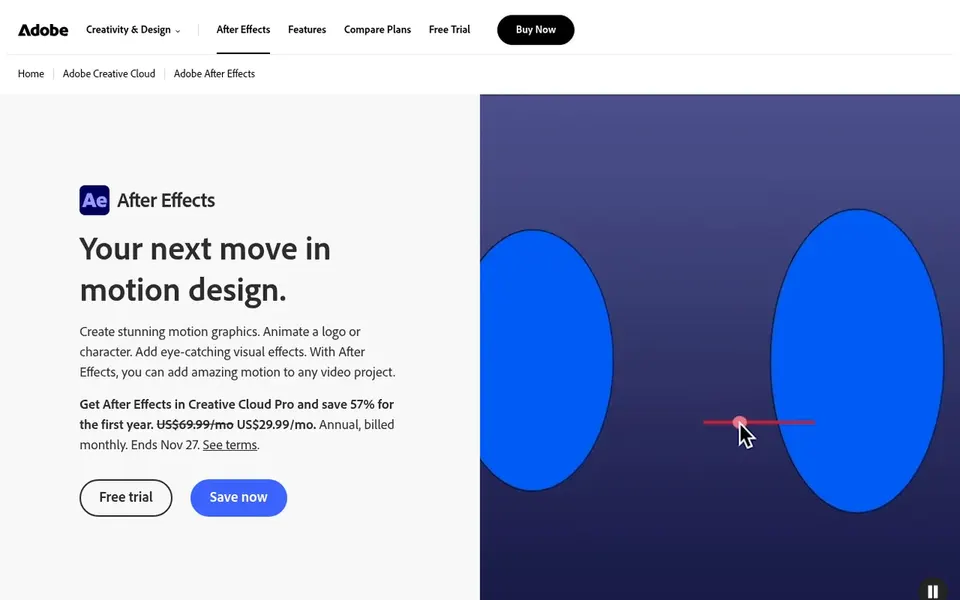
Adobe After Effects works best for motion graphics and compositing. It is widely adopted in broadcast and online content workflows.
The software is licensed by subscription and can be resource-intensive for complex projects. Adobe After Effects does not show a starting price in this comparison, so check the vendor site for current pricing. Free access: Not stated.
Cinema 4D targets 3D motion graphics and visualization. Teams focused on procedural workflows or deep VFX simulation may find those tools more appropriate.
Honest limits: Less specialized for character animation.
It fits designers and studios that need to produce 3D elements for broadcast, product visuals and interactive content without the complexity of a full VFX pipeline. Pricing for Cinema 4D is not stated here, so ask the vendor for current figures. Free plan details: Not stated.
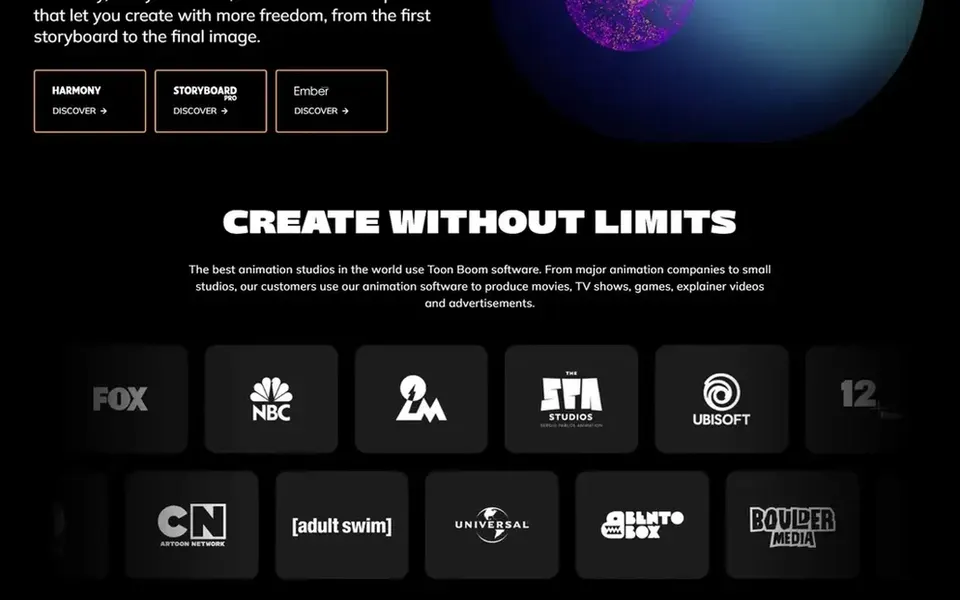
In short, Toon Boom Harmony is for 2D animation in any style. Harmony is end-to-end 2D animation software that lets animators produce art in every style.
It suits 2D studios and artists producing series, films and commercial work who require a complete pipeline for drawing, rigging and compositing within one application. Pricing for Toon Boom Harmony is not stated here, so ask the vendor for current figures. Free access: Not stated.
The main drawbacks: Advanced features need training.
Request quotes from Houdini, Toon Boom Harmony and the others; the list shows no fixed prices.
Read the limits listed for Houdini first: steep ramp-up time.
Find out what support Houdini includes on your plan, and whether onboarding help costs extra.
Work out what Adobe After Effects costs with your real seat count, add-ons and usage, not just the entry price.
Look at the renewal terms for Cinema 4D: auto-renewal, notice periods and price changes can matter more than the first-year price.
How we picked
Selection started from tools commonly considered for professional animation software, then narrowed to 5 that have clear pricing information or a clear quote process. Where a vendor does not publish a price, the entry says quote. Where a price depends on seats or billing term, the entry says so. The sequence is a judgement call: typical use case first, then pricing transparency, then free access. Use the profiles to check fit.
Every price and plan detail on this page comes from the vendors’ own websites. We did not run hands-on tests unless the text says so, and we do not publish star ratings or review scores. See how we score and our disclosure.
Keep your shortlist in one place
Paste prices, trial dates and notes from this guide into Ainotely, our AI note app. It files them into a topic and pulls out tasks like “cancel trial by Friday”. Free 7-day trial, no card needed.
What is the best animation software for beginners?
Houdini comes first here and is built for Procedural VFX and simulation. Buyers with other needs may prefer Adobe Animate (for interactive 2D and web animation) or Adobe After Effects (for motion graphics and compositing). Compare costs and limits first.
Does any tool for professional animation software here have a free plan?
No tool in this list, Houdini and Toon Boom Harmony included, has a permanent free plan. Trials and quotes are the usual route, so plan a short evaluation period.
Can I try these options before paying?
Not by default. None of the tools, from Houdini to Toon Boom Harmony, lists a free plan or a free trial here, so ask each vendor for a demo before committing.
How are the tools for professional animation software ordered?
Houdini sits first and Toon Boom Harmony last because the order follows typical fit for professional animation software, then price clarity and free access. It is a judgement call, so read each profile for fit and limits.
Is Houdini the right pick for everyone comparing professional animation software?
No single tool suits every team. Houdini comes first because it fits Procedural VFX and simulation, while Adobe Animate suits interactive 2D and web animation and Adobe After Effects suits motion graphics and compositing. Match the tool to your own size, budget and workflow before deciding.