Sisense leads the list, best for embedded analytics in products. Listed starting prices: Tableau from $15 per user a month. If your case is different, IBM Cognos Analytics suits AI-assisted reporting and dashboards and Tableau suits visual exploration and dashboards. Details, prices and limits for the rest of the 5 tools are below.
Ainotely compared 5 self service BI tools. The goal is a practical shortlist: published prices, free plan facts, best-fit use cases and honest limits for every entry.
Key takeaways
The list opens with Sisense, aimed at embedded analytics in products.
What to know about Looker first: tied to Google Cloud context.
Domo suits governed data and dashboards in one system.
Just one of the 5 tools, Tableau, has a free plan.
Think of Sisense for embedded analytics in products. Sisense provides AI-powered embedded analytics designed to turn data into revenue, offering pro-code, low-code and no-code adaptability.
Watch-outs: Setup relies on product context.
It suits software firms and product teams that want to place dashboards and insights inside their own applications whereas giving different skill levels appropriate ways to build and customize them. Sisense does not show a starting price in this comparison, so check the vendor site for current pricing. On free options: Free trial.
IBM Cognos Analytics is built with AI-assisted reporting and dashboards in mind. It suits established organizations that require governed reporting alongside self-service exploration and are comfortable with an enterprise analytics platform.
Where it falls short: Interface can feel dense.
IBM Cognos Analytics does not show a starting price in this comparison, so check the vendor site for current pricing. As for free access: Not stated.
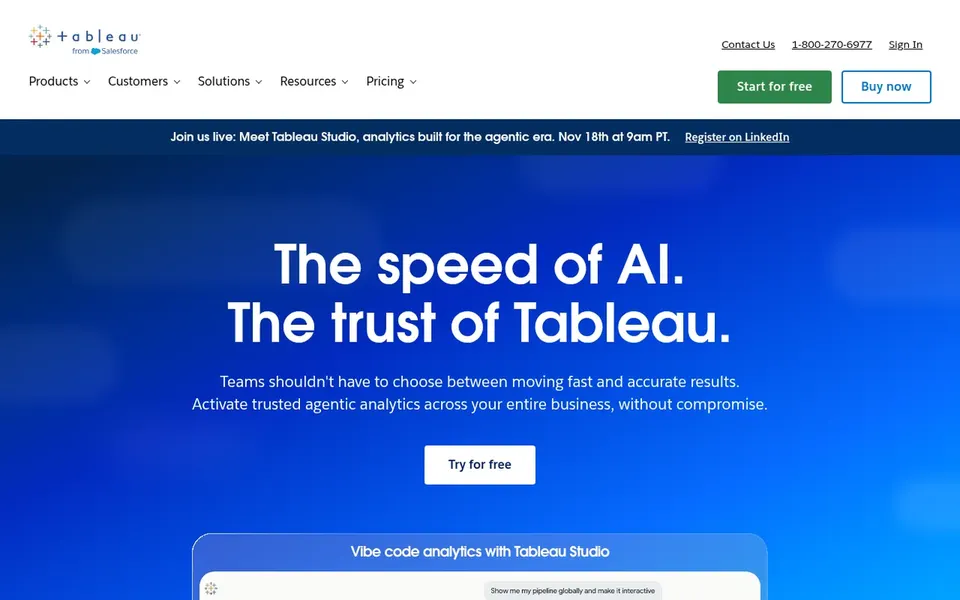
In short, Tableau is for visual exploration and dashboards. Users link to databases, drag-and-drop fields to build charts and dashboards, and share results with a click.
What to check first: Advanced modeling needs training.
It suits analysts and business teams that want quick, visual answers and a broad range of data connections without writing code for every question. Tableau pricing: $15 per user per month. Tableau offers a free plan.
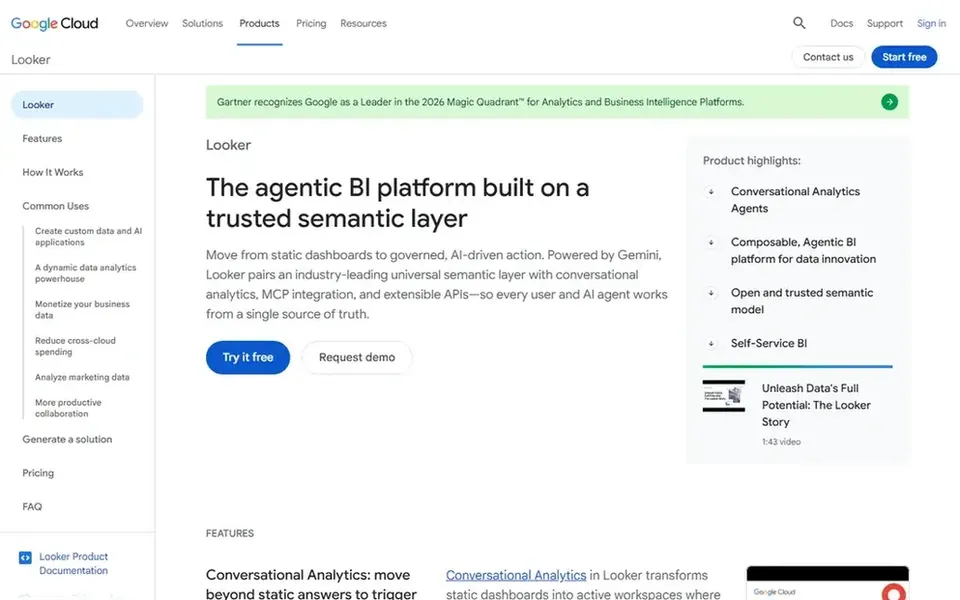
Looker targets governed and embedded analytics. Looker is Google Cloud's business intelligence and embedded analytics system. It brings together metrics through a trusted semantic layer and brings Gemini agents for assisted analysis.
Limits to weigh: Tied to Google Cloud context.
Looker's strength in governed modeling means setup relies on data modeling skills. The system is most natural for teams invested in Google Cloud. Check the vendor site for Looker pricing; none is listed in this comparison. On free options: Not stated.
Best for: Governed data and dashboards in one system
Domo works best for governed data and dashboards in one platform. Teams wanting a focused visualization tool or analytics embedded in an existing product may find Tableau or Sisense a more straightforward fit.
No starting price is listed for Domo here; confirm pricing on the vendor site. As for free access: Free trial.
The main drawbacks: Wide product needs governance.
Get a written quote from Sisense, IBM Cognos Analytics, Looker and Domo; the list shows no starting price for them.
Look at the free plan from Tableau closely: its caps decide whether it is usable for real work.
Take the trial from Sisense and Domo and push a live task through it before you pay.
Read the limits listed for Sisense first: embedding focus may exceed needs.
Check how data leaves Tableau: formats, limits and whether exports are available on every plan.
Run a one or two week pilot of IBM Cognos Analytics with the people who will use it every day.
How we picked
For each of the 5 tools we noted price, free plan or trial, fit for self service BI tools and the main limit, using vendor pages and documentation. Where a vendor does not publish a price, the entry says quote. Where a price depends on seats or billing term, the entry says so. Order on the page follows fit for the typical buyer first, then price transparency and free access. Your own requirements should decide the final pick.
Every price and plan detail on this page comes from the vendors’ own websites. We did not run hands-on tests unless the text says so, and we do not publish star ratings or review scores. See how we score and our disclosure.
Keep your shortlist in one place
Paste prices, trial dates and notes from this guide into Ainotely, our AI note app. It files them into a topic and pulls out tasks like “cancel trial by Friday”. Free 7-day trial, no card needed.
Not all of them. Sisense, IBM Cognos Analytics, Looker and Domo publish no starting price, so expect a quote request for those. The rest, Tableau included, show a starting price, though seats and billing terms still change the final cost.
Which self service BI tools have a free plan?
Tableau is the only tool in this list with a free plan. Free plans usually cap users, projects or features, so check the limits on the vendor page. Several others offer a trial instead. For the full picture, the cards above cover all 5 entries of this self service BI tools list, including price, free plan and limits.
What is the cheapest option for self service BI tools in this list?
On published monthly entry prices, Tableau is the lowest here at $15 per user per month. Entry price is only part of the cost, because seats, add-ons and billing terms can change the total. Pricing, free plan details and limits for all 5 tools in this self service BI tools roundup sit on the individual cards above.
Which tool is a good match for embedded analytics?
This list starts with Sisense, which fits embedded analytics in products. For other needs, IBM Cognos Analytics is aimed at AI-assisted reporting and dashboards, and Tableau at visual exploration and dashboards. Check each tool's price and main limit first.
Can I try these options before paying?
Often, yes. Tableau has a free plan and Sisense and Domo offer a free trial. Use your own data and a real task during the test, and check what the free tier or trial limits before you rely on it. The 5 tool cards above repeat this per product for self service BI tools, with the listed price or "pricing on request".
How should I evaluate these tools before buying?
Map your data sources, governance needs, embedding plans and user skill levels, then compare how each system addresses them. Confirm current capabilities on vendor sites and run a small pilot with real data before committing.