Adobe Illustrator leads the list, best for vector sketches and technical drawings. Listed starting prices: KeyShot from $7.92 per month. If your case is different, Fusion 360 suits Parametric CAD and manufacturing prep and ZBrush suits sculpted organic jewelry forms. The full list of 6 tools follows, with prices and free plan facts.
Ainotely put together this guide to software for custom jewelry design for readers who want a clear shortlist without reading every vendor page. It compares 6 tools on starting price, free plans, who each one suits and where each one falls short.
Key takeaways
Top of the list is Adobe Illustrator, which targets vector sketches and technical drawings.
The main caution on Fusion 360: general CAD, not jewelry-specific.
The cheapest monthly starting price in the list is $7.92 per month, offered by KeyShot.
A permanent free plan is missing from all 6 tools, Adobe Illustrator and V-Ray included; plan for a trial or a premium start.
Adobe Illustrator is built with vector sketches and technical drawings in mind. In jewelry design it supports concept sketching, presentation sheets and clean vector illustrations of designs before or alongside 3D work. From a buyer's view, Adobe Illustrator is vector graphics software used for line art, layouts and technical drawings.
Honest limits: Not a 3D modeling tool.
Illustrator cannot produce 3D jewelry models or manufacturing-ready geometry on its own. It performs best as a complement to CAD and rendering tools. Pricing for Adobe Illustrator is not stated here, so ask the vendor for current figures. As for free access: Not stated.
Fusion 360 was built for Parametric CAD and manufacturing prep. Pick Fusion when precise, parametric design and manufacturing preparation matter more than jewelry-tailored features. For custom jewelry, it supplies precise parametric modeling handy for dimension-driven pieces and preparing designs for production.
Complicated organic forms may be simpler in sculpting software. In practice, Autodesk Fusion, formerly Fusion 360, is a cloud-based product for 3D CAD, modeling, manufacturing, industrial design, electronics and mechanical engineering. Fusion is a general-purpose CAD product, so jewelry-specific tools and workflows are less prominent than in dedicated packages. Fusion 360 shows no starting price here, so confirm the cost on the vendor site. Free options: Not stated.
Limits to weigh: Cloud workflow may not suit everyone.
Choose ZBrush for sculpted organic jewelry forms. For custom jewelry, it fits designers who want to sculpt flowing shapes, textured surfaces or artistic centerpieces that are hard to build with traditional CAD primitives. Choose it when artistic form is the priority and pair it with CAD software for technical output.
ZBrush is not made for jewelry production, so exact dimensions and manufacturing preparation normally need another tool. Its sculpting approach can be slower for straightforward, dimension-driven pieces. Check the vendor site for ZBrush pricing; none is listed in this comparison. Trial and free access: Not stated.
Drawbacks to consider: Ramp-up time for new users.
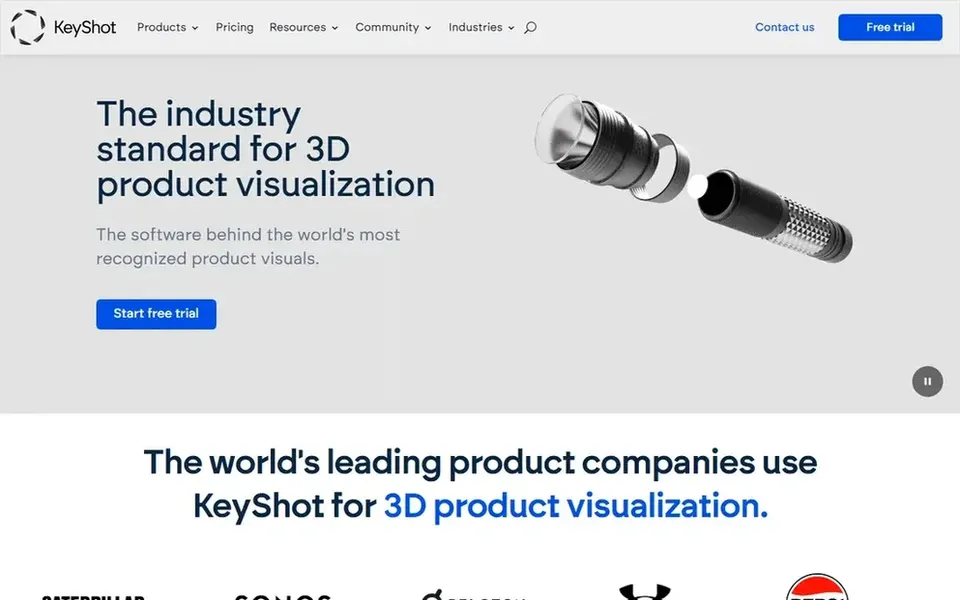
KeyShot is built with live product visualization in mind. KeyShot is 3D rendering and visualization software that emphasizes live rendering and collaboration from concept to product launch.
The main drawbacks: Rendering focus, not modeling.
On top of that, in custom jewelry work, it is handy for turning finished models into clear, presentable visuals for client approval or marketing. Its value relies on how much presentation rendering your workflow needs. On cost, KeyShot starts like this: $7.92 per month. As for free access: Free trial.
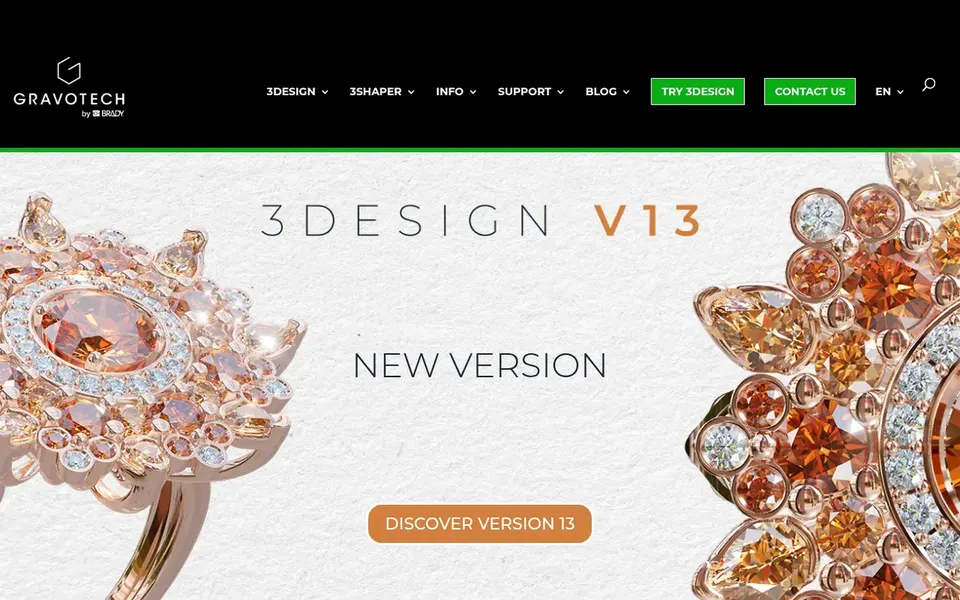
3Design serves dedicated jewelry design and production. 3Design is a 3D software suite positioned around jewelry design, creation and production.
Worth adding: teams needing deep sculpting or general CAD may prefer to pair it with other tools. On top of that, confirm the exact feature set and compatibility on the vendor site before committing. This comparison lists no price for 3Design; ask the vendor. Free access: Not stated.
Points against: Less suited to general product design.
V-Ray makes the most sense for Photorealistic rendering across systems. V-Ray by Chaos is a photorealistic 3D rendering plugin available for widely used design products for example 3ds Max, SketchUp, Rhino, Maya and Blender.
Beyond that, rendering settings and plugin management add a layer of complexity. Choose it when photorealism is essential and your team already works in a supported product. No starting price is listed for V-Ray here; confirm pricing on the vendor site. Free access: Not stated.
The main drawbacks: Plugin setup brings complexity.
Get a written quote from Adobe Illustrator, Fusion 360, ZBrush and others; the list shows no starting price for them.
Use real work to test the free trial from KeyShot, rather than a demo project.
Before choosing Adobe Illustrator, weigh its main limit: not a 3D modeling tool.
Make sure V-Ray lets you export your data in a format another tool can read.
Check the integration list for 3Design against the tools you run today, and note which ones need a higher plan.
How we picked
Ainotely looked at what each vendor publishes: pricing, plan limits, feature coverage for software for custom jewelry design and stated drawbacks. No hands-on testing is claimed. Plan names, prices and limits change often. Treat the figures here as a starting point and verify them with the vendor. Tools are placed by general fit for software for custom jewelry design, with price clarity and free access as tie-breakers. A different team can reasonably rank them differently.
Every price and plan detail on this page comes from the vendors’ own websites. We did not run hands-on tests unless the text says so, and we do not publish star ratings or review scores. See how we score and our disclosure.
Keep your shortlist in one place
Paste prices, trial dates and notes from this guide into Ainotely, our AI note app. It files them into a topic and pulls out tasks like “cancel trial by Friday”. Free 7-day trial, no card needed.
Often, yes. KeyShot offers a free trial. Use your own data and a real task during the test, and check what the free tier or trial limits before you rely on it. Pricing, free plan details and limits for all 6 tools in this software for custom Jewelry design roundup sit on the individual cards above.
Is ZBrush a good match for precise jewelry manufacturing?
ZBrush excels at sculpted organic detail but is not aimed at jewelry production, so exact dimensions and manufacturing preparation normally need another tool. It performs well for artistic forms that are later refined in CAD software. Confirm your production requirements with the vendor.
How are the tools for software for custom jewelry design ordered?
Adobe Illustrator sits first and V-Ray last because the order follows typical fit for software for custom jewelry design, then price clarity and free access. It is a judgement call, so read each profile for fit and limits.
Do I need separate modeling and rendering software?
Modeling tools like 3Design, ZBrush and Fusion 360 produce the jewelry geometry, whereas KeyShot and V-Ray produce realistic images. Some workflows combine multiple tools, so check compatibility before building a stack.
Can Illustrator or Photoshop create jewelry models?
No. Illustrator is vector graphics software and Photoshop is image editing software, so neither produces 3D jewelry geometry or manufacturing files. They are best used for concept sketches, presentation sheets and retouching renders alongside dedicated modeling tools.
What is the cheapest option for software for custom jewelry design in this list?
On published monthly entry prices, KeyShot is the lowest here at $7.92 per month. Entry price is only part of the cost, because seats, add-ons and billing terms can change the total. The 6 tool cards above repeat this per product for software for custom Jewelry design, with the listed price or "pricing on request".