KeyShot is the first pick on this list for live product rendering. Listed starting prices: KeyShot from $7.92 a month. V-Ray fits Photorealistic rendering inside design platforms; 3Design fits dedicated jewelry CAD and production. Prices, free plans and limits for all 5 tools follow.
This Ainotely guide covers 5 options for software for jewelry design. Each profile lists a starting price, free plan details, strengths and drawbacks, so you can drop poor fits quickly.
Key takeaways
KeyShot sits first on this list: live product rendering.
Adobe Illustrator fits vector drawings and design presentation.
KeyShot is the lowest-priced starter here at $7.92 per month.
The main caution on 3Design: narrow focus outside jewelry.
KeyShot is built with live product rendering in mind. For jewelry, it suits presenting metal, gemstone and finish choices as convincing images before a piece is made.
From a buyer's view, pick it when presentation quality is the priority, and look to a modeling tool first if you have nothing to render yet. On cost, KeyShot starts like this: $7.92 per month. Trial and free access: Free trial.
Trade-offs to know: Needs models from other software.
Best for: Photorealistic rendering inside design products
Choose V-Ray for Photorealistic rendering inside design products. If you prefer a standalone rendering workflow, KeyShot may be more straightforward.
What works well: Suits existing modeling workflows.
Where it falls short: Needs a host application.
V-Ray from Chaos is a photorealistic 3D rendering plugin available for widely used design systems for example 3ds Max, SketchUp, Rhino, Maya and Blender. No starting price is listed for V-Ray here; confirm pricing on the vendor site. Trial and free access: Not stated.
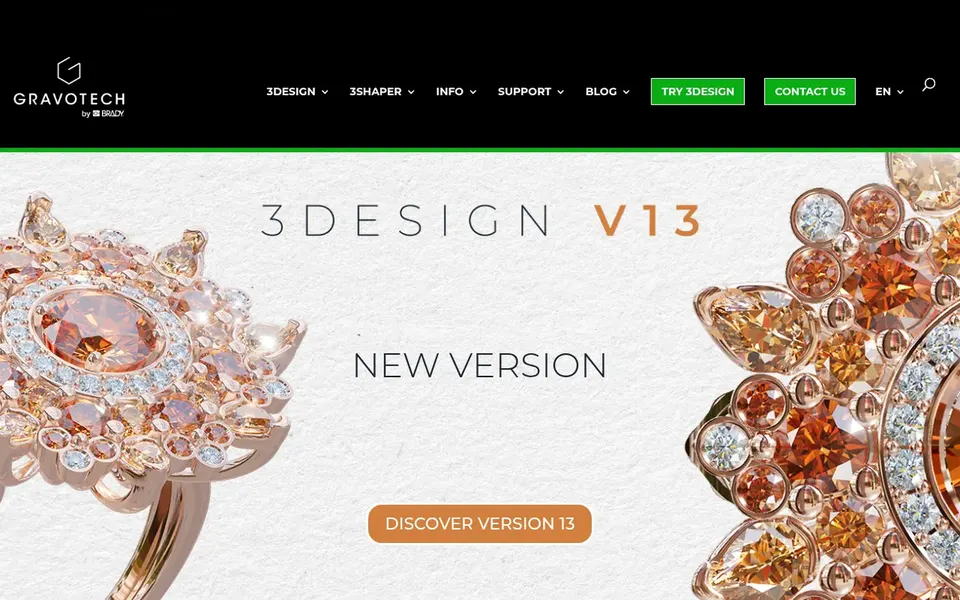
3Design makes the most sense for dedicated jewelry CAD and production. 3Design presents itself as 3D jewelry software for design, creation and production, aimed at professionals who make rings, settings and other wearable pieces.
Its jewelry focus means it is less suited to wide industrial design or product work outside the trade. This comparison lists no price for 3Design; ask the vendor. Trial and free access: Not stated.
Pick Fusion 360 if this describes you: Parametric CAD and manufacturing prep. Autodesk Fusion, formerly Fusion 360, is a cloud-based system for 3D CAD, modeling, manufacturing, industrial design and mechanical engineering.
Worth adding: if your work is purely fine jewelry, a dedicated package may feel more direct. Pricing for Fusion 360 is not stated here, so ask the vendor for current figures. Trial and free access: Not stated.
Reasons to shortlist it: Cloud-based 3D CAD. Trade-offs to know: Wide feature set takes time to learn.
Adobe Illustrator is a good fit for vector drawings and design presentation. Illustrator does not model three-dimensional jewelry or produce manufacturing files, so it cannot carry a piece from concept to casting on its own.
This comparison lists no price for Adobe Illustrator; ask the vendor. Free plan details: Not stated.
Ask V-Ray, 3Design, Fusion 360 and Adobe Illustrator for a written quote, since no starting price is shown.
Run a trial of KeyShot with real work before paying for a year; your own workflow is the best test.
Read the limits listed for KeyShot first: rendering only, not modeling.
Find out what support KeyShot includes on your plan, and whether onboarding help costs extra.
Ask whether Adobe Illustrator integrates with your current software, and whether that comes standard or as an add-on.
How we picked
Pricing pages, product documentation and feature lists were the main sources, and every entry carries at least one honest drawback. Where a price is missing, the vendor does not list one publicly or ties it to a quote. Always confirm before budgeting. Position on the page reflects fit for a typical buyer first, with price clarity and free access breaking ties. Treat it as a guide, not a ruling. This applies to all 5 software for Jewelry design options compared here.
Every price and plan detail on this page comes from the vendors’ own websites. We did not run hands-on tests unless the text says so, and we do not publish star ratings or review scores. See how we score and our disclosure.
Keep your shortlist in one place
Paste prices, trial dates and notes from this guide into Ainotely, our AI note app. It files them into a topic and pulls out tasks like “cancel trial by Friday”. Free 7-day trial, no card needed.
Often, yes. KeyShot offers a free trial. Use your own data and a real task during the test, and check what the free tier or trial limits before you rely on it. For the full picture, the cards above cover all 5 entries of this software for Jewelry design list, including price, free plan and limits.
Is KeyShot the right pick for everyone comparing software for jewelry design?
No single tool suits every team. KeyShot comes first because it fits real-time product rendering, while V-Ray suits Photorealistic rendering inside design platforms and 3Design suits dedicated jewelry CAD and production. Match the tool to your own size, budget and workflow before deciding.
What is the cheapest option for software for jewelry design in this list?
On published monthly entry prices, KeyShot is the lowest here at $7.92 per month. Entry price is only part of the cost, because seats, add-ons and billing terms can change the total. Pricing, free plan details and limits for all 5 tools in this software for Jewelry design roundup sit on the individual cards above.
Does any tool for software for jewelry design here have a free plan?
No tool in this list, KeyShot and Adobe Illustrator included, has a permanent free plan. KeyShot offer a trial. Trials and quotes are the usual route, so plan a short evaluation period.