Allplan leads the list, best for structural, civil and precast engineering. Listed starting prices: BricsCAD from €330 per year. Look at Enscape for live rendering and VR, and at ArchiCAD for easy-to-learn BIM for architects. The other 2 tools in the list cover narrower or pricier cases.
If you are comparing software for architecture design, this page covers 5 tools in one place: what each is best for, what it costs to start, whether it has a free plan, and the main limit to know about.
Key takeaways
The list opens with Allplan, aimed at structural, civil and precast engineering.
Neither Allplan nor Autodesk Revit, nor any of the other 3 tools, has a permanent free plan; trials and quotes are the norm.
Autodesk Revit fits Coordinated BIM design and documentation.
The main caution on BricsCAD: BIM depth varies by level.
For Allplan, Enscape, ArchiCAD and Autodesk Revit, you have to request a quote because no starting price is shown.
Best for: Structural, civil and precast engineering
Allplan targets structural, civil and precast engineering. It fits engineering-led teams and architects who coordinate closely with structural work, offering modeling and documentation tools tuned to those disciplines rather than a purely architectural design workflow.
Where it falls short: Less architect-centric.
Allplan is less centered on architectural concept design, so design-led practices may find other tools more natural. This comparison lists no price for Allplan; ask the vendor. Free options: Not stated.
Enscape is designed for real-time rendering and VR. In daily use, Enscape is a visualization layer, not a design or documentation environment.
What to check first: Not a design authoring tool.
So it relies on the host model and its quality. Check the vendor site for Enscape pricing; none is listed in this comparison. Trial and free access: Not stated.
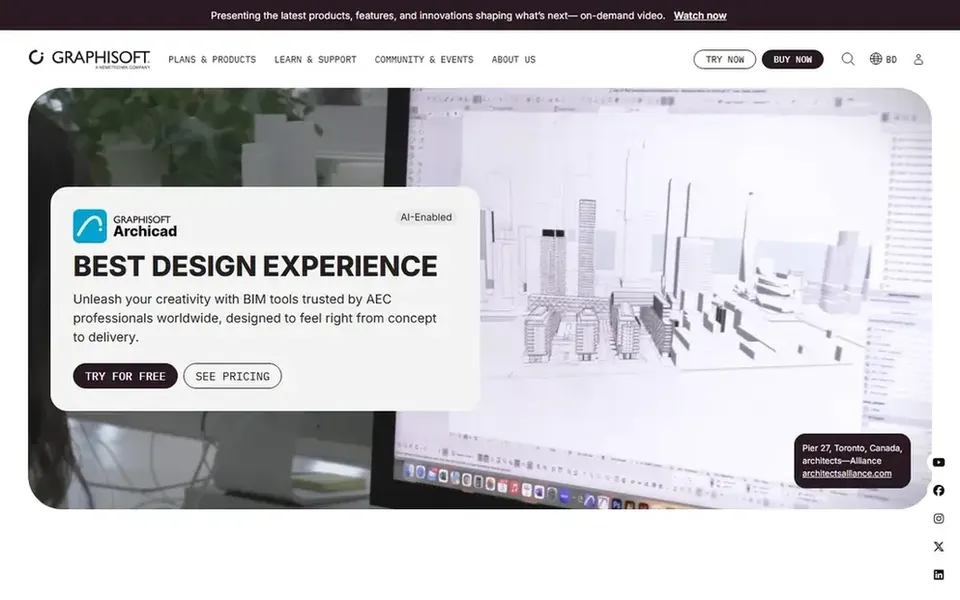
ArchiCAD works best for easy-to-learn BIM for architects. It is presented as an efficient, easy-to-learn BIM choice.
ArchiCAD may need planning when exchanging files with teams standardized on other BIM platforms. No starting price is listed for ArchiCAD here; confirm pricing on the vendor site. Free options: Not stated.
Limits to weigh: Interoperability planning needed.
BricsCAD is built with native DWG drafting and modeling in mind. Practices wanting a completely integrated BIM authoring environment may prefer Revit or ArchiCAD, whereas visualization-focused teams may add Enscape.
What you pay to start with BricsCAD: €330 per year. On free options: Free trial.
Best for: Coordinated BIM design and documentation
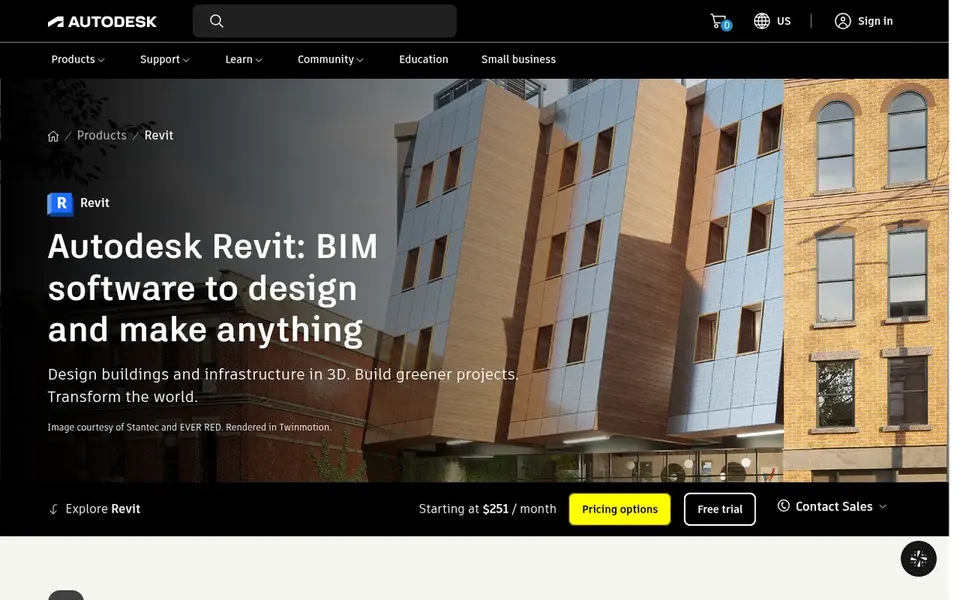
Think of Autodesk Revit for Coordinated BIM design and documentation. It produces intelligent 3D models that keep drawings current as the model changes, and it contains optional AI-assisted workflows.
Revit carries a ramp-up time and can demand capable hardware on large projects. Autodesk Revit shows no starting price here, so confirm the cost on the vendor site. Trial and free access: Not stated.
Confirm the entry price on the vendor page. For Allplan, Enscape, ArchiCAD and Autodesk Revit that means a quote rather than a fixed price.
Run a trial of BricsCAD with real work before paying for a year; your own workflow is the best test.
Before choosing Allplan, weigh its main limit: less architect-centric.
Ask the daily users to test Autodesk Revit on a live task before you roll it out to everyone.
Look at the help docs and support options for BricsCAD before you commit.
How we picked
Each tool was reviewed on what its vendor publishes: price, plan limits, core features and stated drawbacks. We did not run hands-on tests. Where a vendor does not publish a price, the entry says quote. Where a price depends on seats or billing term, the entry says so. Position on the page reflects fit for a typical buyer first, with price clarity and free access breaking ties. Treat it as a guide, not a ruling. This applies to all 5 software for architecture design options compared here.
Every price and plan detail on this page comes from the vendors’ own websites. We did not run hands-on tests unless the text says so, and we do not publish star ratings or review scores. See how we score and our disclosure.
Keep your shortlist in one place
Paste prices, trial dates and notes from this guide into Ainotely, our AI note app. It files them into a topic and pulls out tasks like “cancel trial by Friday”. Free 7-day trial, no card needed.
Does any tool for software for architecture design here have a free plan?
A permanent free plan is not offered by Allplan, Autodesk Revit or the other tools here. BricsCAD offer a trial. Plan a short evaluation period instead.
Which software is a good match for BIM architecture design?
Start with Allplan if you need structural, civil and precast engineering. Enscape is the better match for live rendering and VR, and ArchiCAD for easy-to-learn BIM for architects. The best choice depends on budget, team size and workflow.
Can I try these tools before paying?
Often, yes. BricsCAD offers a free trial. Use your own data and a real task during the test, and check what the free tier or trial limits before you rely on it. All 5 picks in this software for architecture design comparison show their pricing, free plan details and main limits on the cards above.
Is Allplan the right pick for everyone comparing software for architecture design?
No single tool suits every team. Allplan comes first because it fits structural, civil and precast engineering, while Enscape suits real-time rendering and VR and ArchiCAD suits intuitive BIM for architects. Match the tool to your own size, budget and workflow before deciding.
How are the tools for software for architecture design ordered?
Allplan sits first and Autodesk Revit last because the order follows typical fit for software for architecture design, then price clarity and free access. It is a judgement call, so read each profile for fit and limits.