For spatial data management and mapping analytics, ArcGIS Pro is where this list starts. Listed starting prices: Lumion from $96 named user a month. Lumion is better for live rendering for design presentation, and QGIS is better for open-source desktop GIS work. The remaining 2 options are covered below with prices and limits.
Ainotely compared 5 tools for urban planning and design software for small business. The goal is a practical shortlist: published prices, free plan facts, best-fit use cases and honest limits for every entry.
Key takeaways
ArcGIS Pro takes the first slot, best suited to spatial data management and mapping analytics.
The lowest published monthly entry price here is $96 named user per month, from Lumion.
For one-click rendering inside design tools, Enscape is worth a look.
A permanent free plan is missing from all 5 tools, ArcGIS Pro and Enscape included; plan for a trial or a premium start.
One limit worth knowing about AutoCAD: not a dedicated GIS or analysis tool.
Best for: Spatial data management and mapping analytics
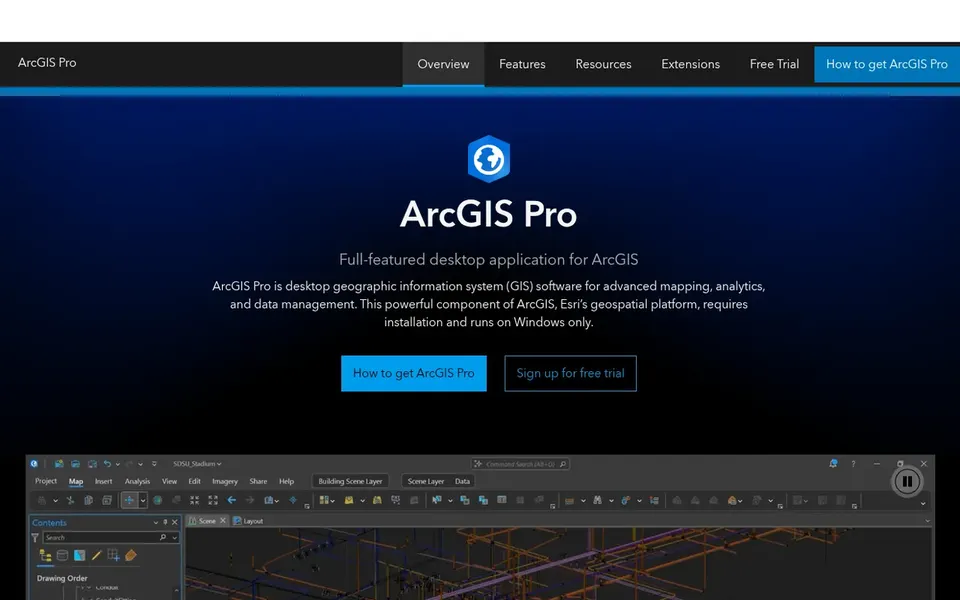
In short, ArcGIS Pro is for spatial data management and mapping analytics. It fits small planning consultancies that require to analyze parcels, land use, demographics, or infrastructure layers and produce maps that support planning recommendations and public-facing documents.
No starting price is listed for ArcGIS Pro here; confirm pricing on the vendor site. Trial and free access: Not stated.
Lumion works best for live rendering for design presentation. Choose it when visual communication is the gap in your workflow and you already have models to render. Lumion is live rendering software for architects that helps visualize every step from concept to final render with speed, quality, and ease.
As for the details, small urban design firms can use it to turn models into presentation images and animations for client meetings, community consultations, and planning submissions. It complements modeling and GIS tools instead of replacing them, so it does not manage drafting or spatial analysis. Starting cost for Lumion: $96 named user per month. Free options: Free trial.
Drawbacks to consider: not a planning analysis product.
QGIS is built with open-source desktop GIS work in mind. QGIS is open-source desktop GIS software for spatial data and mapping without compromise. In daily use, small planning companies with restricted budgets or a preference for open-source tools can use it for map production, spatial queries, and data preparation alongside other design software.
It is a GIS environment instead of a drafting, BIM, or rendering tool, and advanced analysis may need technical comfort and plugin setup. Pick it when open-source adaptability is important and your team can support its own GIS workflows. Pricing for QGIS is not stated here, so ask the vendor for current figures. Free access: Not stated.
Honest limits: Advanced workflows need technical comfort.
Best for: General drafting and design documentation
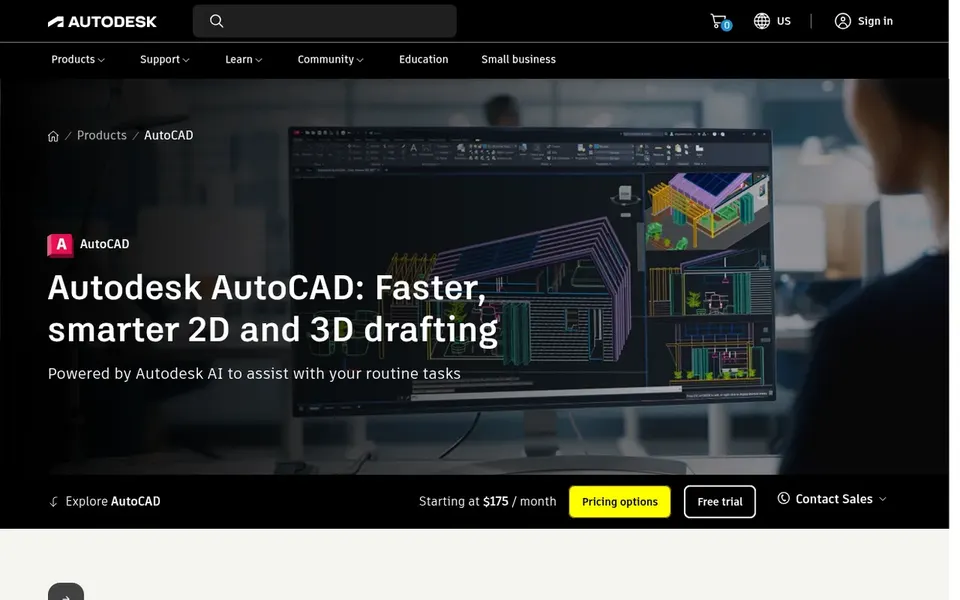
AutoCAD was built for general drafting and design documentation. AutoCAD is a drafting and design product built around the DWG format, with shared collaboration across desktop and web and automation features in the current release.
Points against: Not a dedicated GIS or analysis tool.
Pick something else when your central need is mapping analytics or live visualization instead of drawing production. Check the vendor site for AutoCAD pricing; none is listed in this comparison. Free access: Not stated.
Enscape is a good fit for one-click rendering inside design tools. Since it plugs into supported design software, it is only useful if your team works in one of those environments.
Watch-outs: Relies on a supported host design tool.
It does not supply GIS or planning analysis. Enscape does not show a starting price in this comparison, so check the vendor site for current pricing. On free options: Not stated.
Confirm the entry price on the vendor page. For ArcGIS Pro, QGIS, AutoCAD and Enscape that means a quote rather than a fixed price.
Take the trial from Lumion and push a live task through it before you pay.
Read the limits listed for ArcGIS Pro first: specialized GIS ramp-up time.
Confirm minimum seats and billing terms with Lumion before you commit to an annual plan.
Check how data leaves Enscape: formats, limits and whether exports are available on every plan.
How we picked
Ainotely looked at what each vendor publishes: pricing, plan limits, feature coverage for urban planning and design software for small business and stated drawbacks. No hands-on testing is claimed. Plan names, prices and limits change often. Treat the figures here as a starting point and verify them with the vendor. The sequence is a judgement call: typical use case first, then pricing transparency, then free access. Use the profiles to check fit.
Every price and plan detail on this page comes from the vendors’ own websites. We did not run hands-on tests unless the text says so, and we do not publish star ratings or review scores. See how we score and our disclosure.
Keep your shortlist in one place
Paste prices, trial dates and notes from this guide into Ainotely, our AI note app. It files them into a topic and pulls out tasks like “cancel trial by Friday”. Free 7-day trial, no card needed.
Which software should a small planning firm start with?
Start with the core of your workflow. AutoCAD handles drafting and documentation, whereas ArcGIS Pro or QGIS deals with spatial analysis. Plenty of small businesses combine a drafting tool with a GIS tool and add rendering software for presentations.
Does any tool for urban planning and design software for small business here have a free plan?
A permanent free plan is not offered by ArcGIS Pro, Enscape or the other tools here. Lumion offer a trial. Plan a short evaluation period instead.
What is the cheapest option for urban planning and design software for small business in this list?
On published monthly entry prices, Lumion is the lowest here at $96 named user per month. Entry price is only part of the cost, because seats, add-ons and billing terms can change the total. Pricing, free plan details and limits for all 5 tools in this Urban planning and design software for small business roundup sit on the individual cards above.
How are the tools for urban planning and design software for small business ordered?
The order follows typical fit for urban planning and design software for small business, with ArcGIS Pro first and Enscape last, then price clarity and free access. It is editorial judgement, not a score, so another team could rank the tools differently.
Can I try these tools before paying?
Often, yes. Lumion offers a free trial. Use your own data and a real task during the test, and check what the free tier or trial limits before you rely on it. The 5 tool cards above repeat this per product for Urban planning and design software for small business, with the listed price or "pricing on request".