This list puts Lumion first for quick architectural visualization. Listed starting prices: Lumion from $96 named user a month. CityEngine is the stronger choice for Procedural 3D city scenarios, while Enscape suits one-click rendering inside design tools. Prices, free plans and limits for all 6 tools follow.
Short on time? The summary and table above give the quick view of 6 urban planning and design software for startups, and the profiles that follow give the detail behind each entry.
Key takeaways
Lumion is the opening pick, best for quick architectural visualization.
Esri ArcGIS is the one to check for advanced spatial data and mapping analytics.
What to know about Lumion first: rendering tool, not a planning or GIS system.
Neither Lumion nor Esri ArcGIS, nor any of the other 4 tools, has a permanent free plan; trials and quotes are the norm.
Lumion is the lowest-priced starter here at $96 named user per month.
Think of Lumion for quick architectural visualization. It complements instead of replaces design and analysis tools, so you still need software to produce the underlying models and spatial data.
The main drawbacks: Hardware demands for smooth live work.
Worth adding: if your bottleneck is analysis instead of presentation, prioritize a GIS or modeling tool first and add rendering later. The starting price for Lumion: $96 named user per month. As for free access: Free trial.
Think of CityEngine for Procedural 3D city scenarios. Startups exploring massing, zoning envelopes or alternative urban layouts can produce and compare 3D scenarios quickly rather than modeling every building by hand.
Where it is weaker: Specialized instead of a general design tool.
ArcGIS CityEngine is Esri's procedural city maker and 3D city design option, described as creating and iterating on urban environments and scenarios using either synthetic or real-world GIS data. CityEngine shows no starting price here, so confirm the cost on the vendor site. Trial and free access: Not stated.
Enscape is a good fit for one-click rendering inside design tools. Enscape, part of Chaos, is live rendering and virtual reality software for Revit, SketchUp, Rhino, ArchiCAD and Vectorworks, promoted with a one-click workflow.
Downsides: Not a planning or GIS analysis tool.
Choose it when live rendering during design review matters more than standalone visualization features. No starting price is listed for Enscape here; confirm pricing on the vendor site. Free options: Not stated.
Where Enscape stands out: Works with Revit, SketchUp, Rhino.
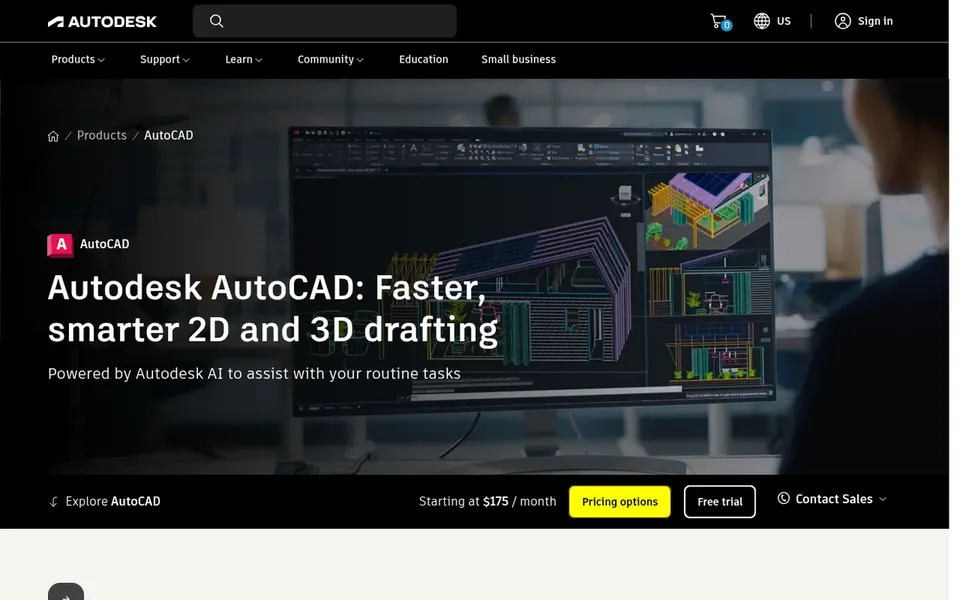
Pick Autodesk AutoCAD if this describes you: drafting and DWG collaboration. For a startup, it can serve as the typical drawing base for site plans, layouts and consultant coordination, particularly when partners and clients already exchange DWG files.
Autodesk AutoCAD shows no starting price here, so confirm the cost on the vendor site. On free options: Not stated.
Watch-outs: Needs setup and training for new users.
Vectorworks targets adaptable BIM and CAD modeling. A startup centred on site design, landscape planning or building-scale work can use it to combine modeling and documentation in a single workflow while collaborating with consultants.
Watch-outs: Not a dedicated GIS or city-simulation tool.
Its breadth means onboarding takes effort, and it does not supply the spatial analysis of a GIS or the procedural city generation of a dedicated urban tool. Vectorworks shows no starting price here, so confirm the cost on the vendor site. Free access: Not stated.
Best for: Advanced spatial data and mapping analytics
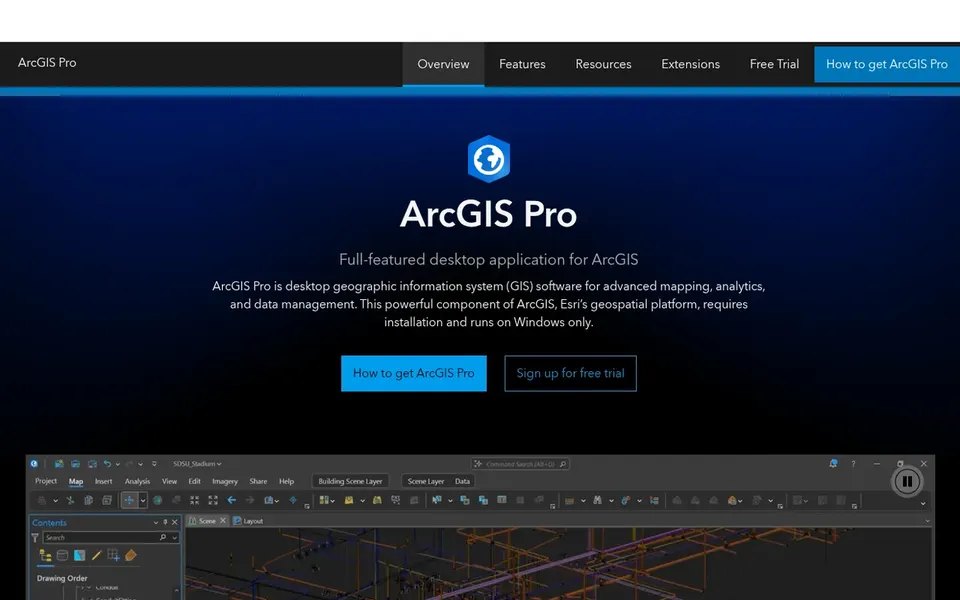
Esri ArcGIS is aimed squarely at advanced spatial data and mapping analytics. ArcGIS Pro is Esri's desktop GIS software, described on its official page as a capable tool for managing spatial data, performing advanced mapping and analytics, and creating visualizations.
Beyond that, consider it when spatial analysis and data management are central to your planning product. Esri ArcGIS does not show a starting price in this comparison, so check the vendor site for current pricing. Free plan details: Not stated.
Where it falls short: Overkill for straightforward drafting tasks.
Ask CityEngine, Enscape, Autodesk AutoCAD and others for a written quote, since no starting price is shown.
Take the trial from Lumion and push a live task through it before you pay.
Read the limits listed for Lumion first: rendering tool, not a planning or GIS product.
Read the plan comparison for Vectorworks carefully; key features often start on a higher tier.
Make sure Esri ArcGIS lets you export your data in a format another tool can read.
How we picked
For each of the 6 tools we noted price, free plan or trial, fit for urban planning and design software for startups and the main limit, using vendor pages and documentation. Treat prices as a snapshot: vendors change plans often, so check the vendor site for the figure that applies today. Tools are placed by general fit for urban planning and design software for startups, with price clarity and free access as tie-breakers. A different team can reasonably rank them differently.
Every price and plan detail on this page comes from the vendors’ own websites. We did not run hands-on tests unless the text says so, and we do not publish star ratings or review scores. See how we score and our disclosure.
Keep your shortlist in one place
Paste prices, trial dates and notes from this guide into Ainotely, our AI note app. It files them into a topic and pulls out tasks like “cancel trial by Friday”. Free 7-day trial, no card needed.
Not all of them. CityEngine, Enscape, Autodesk AutoCAD and others publish no starting price, so expect a quote request for those. The rest, Lumion included, show a starting price, though seats and billing terms still change the final cost.
Does any tool for urban planning and design software for startups here have a free plan?
No tool in this list, Lumion and Esri ArcGIS included, has a permanent free plan. Lumion offer a trial. Trials and quotes are the usual route, so plan a short evaluation period.
How do Lumion and Enscape differ for a small team?
Lumion is a dedicated live rendering application for architectural visualization, whereas Enscape runs inside supported design tools like Revit, SketchUp, Rhino, ArchiCAD and Vectorworks. In practice, if your team already models in one of those, Enscape keeps rendering close to the design workflow.
What is the cheapest option for urban planning and design software for startups in this list?
On published monthly entry prices, Lumion is the lowest here at $96 named user per month. Entry price is only part of the cost, because seats, add-ons and billing terms can change the total. For the full picture, the cards above cover all 6 entries of this Urban planning and design software for startups list, including price, free plan and limits.
How are the tools for urban planning and design software for startups ordered?
Lumion sits first and Esri ArcGIS last because the order follows typical fit for urban planning and design software for startups, then price clarity and free access. It is a judgement call, so read each profile for fit and limits.