Start with Hanwha Wisenet WAVE if you need AI-focused surveillance deployments. Listed starting prices: Verkada Command from $799 USD MSRP. Verkada Command is the stronger choice for cloud-managed camera and access control, while Genetec Security Center suits unified physical security management. All 6 tools are compared below on price, free plan and limits.
Short on time? The summary and table above give the quick view of 6 video surveillance software for remote teams, and the profiles that follow give the detail behind each entry.
Key takeaways
Hanwha Wisenet WAVE is the opening pick, best for AI-focused surveillance deployments.
Expect to ask for a quote from Hanwha Wisenet WAVE, Genetec Security Center, Axis Camera Station and others; the other tools show a starting price.
Before buying Axis Camera Station, weigh this: most solid with Axis hardware.
Milestone XProtect suits wide video management deployments.
Hanwha Wisenet WAVE is aimed squarely at AI-focused surveillance deployments. Hanwha Wisenet WAVE is video management software from Hanwha Vision, which describes AI-powered video surveillance and vision intelligence for smart cities, factories and retail.
Trade-offs to know: Feature depth varies by edition.
For everyday use, choose WAVE when AI-oriented surveillance across sites is the priority. Capabilities can differ by edition and hardware pairing, so confirm what your deployment needs before committing. Check the vendor site for Hanwha Wisenet WAVE pricing; none is listed in this comparison. Free plan details: Not stated.
Verkada Command targets cloud-managed camera and access control. Verkada Command is the management product for Verkada's cloud-managed security cameras, access control and smart building options, described as a single integrated system with simple setup.
Downsides: Tied to vendor hardware.
Also, choose Command when cloud management and integration are the central goals. Teams needing deep on-premises customization may prefer a traditional video management system. The starting price for Verkada Command: $799 USD MSRP. There is no free plan with Verkada Command.
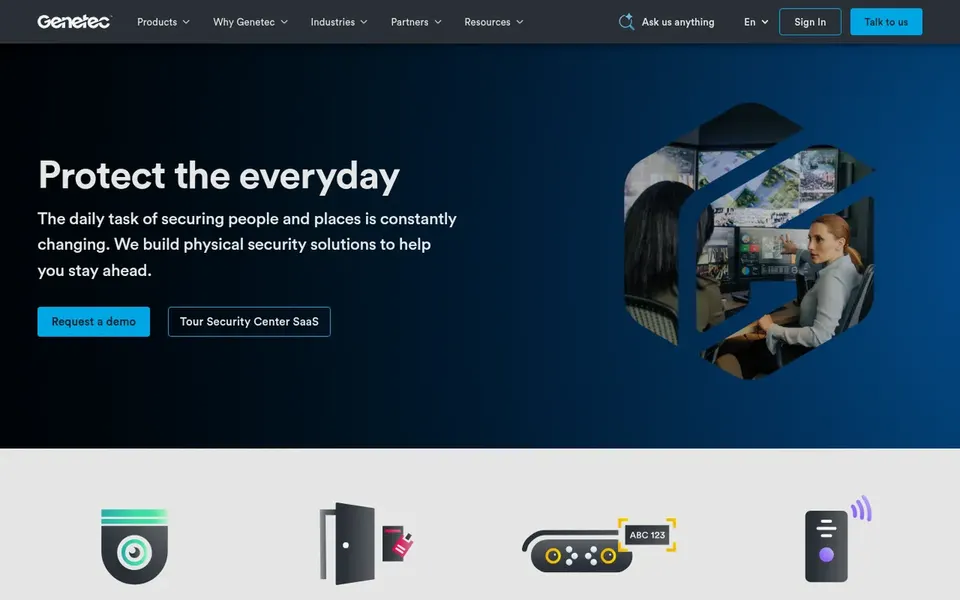
Genetec Security Center is built with unified physical security management in mind. Genetec Security Center is unified physical security software from Genetec, a company positioned around unified security products. It is a reasonable fit for organizations that already plan around unified security management.
Limits to weigh: Heavier than straightforward camera tools.
Smaller teams may find it more than they need. For everyday use, unified platforms carry more configuration overhead than a standalone camera viewer, and they reward teams with dedicated security staff. Genetec Security Center does not show a starting price in this comparison, so check the vendor site for current pricing. Free access: Not stated.
Axis Camera Station makes the most sense for organizations using Axis cameras. Choose it when your cameras are Axis and you want a coherent management experience.
Its natural advantage is with Axis hardware, so mixed-brand sites may not get the same fit. Axis Camera Station does not show a starting price in this comparison, so check the vendor site for current pricing. As for free access: Not stated.
Drawbacks to consider: Advanced needs may need extras.
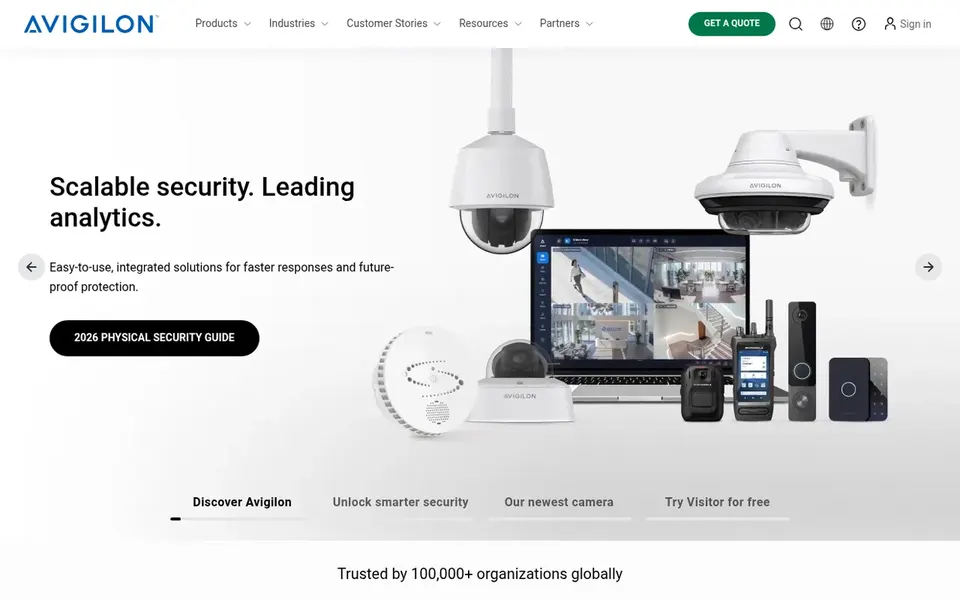
Avigilon Control Center makes the most sense for Video and access control together. Avigilon Control Center is video management software within the Avigilon Unity portfolio, which also handles access control.
Avigilon describes end-to-end security options and a broad set of offerings. In practice, teams wanting only remote camera viewing may prefer a lighter tool. Avigilon Control Center shows no starting price here, so confirm the cost on the vendor site. On free options: Not stated.
Milestone XProtect works best for wide video management deployments. Milestone XProtect is video management software from Milestone Systems, a provider focused on video technology. For everyday use, choose XProtect when you need wide device support and a proven video management foundation.
Drawbacks to consider: Can be complicated to configure.
In practice, the portfolio also comes with Arcules VSaaS and BriefCam analytics. Also, the product is feature-rich, which can mean a steeper setup and more administration than a straightforward cloud camera app. This comparison lists no price for Milestone XProtect; ask the vendor. On free options: Not stated.
Confirm the entry price on the vendor page. For Hanwha Wisenet WAVE, Genetec Security Center, Axis Camera Station and others that means a quote rather than a fixed price.
Read the limits listed for Hanwha Wisenet WAVE first: feature depth varies by edition.
Ask the daily users to test Verkada Command on a live task before you roll it out to everyone.
Map your must-have features to a specific Hanwha Wisenet WAVE plan before you compare prices.
Total up the real monthly cost of Genetec Security Center, including add-ons, extra users and usage-based fees.
How we picked
We compared the tools on published pricing, free plan or trial availability, feature coverage for video surveillance software for remote teams, and the limits each vendor documents. Plan names, prices and limits change often. Treat the figures here as a starting point and verify them with the vendor. The sequence is a judgement call: typical use case first, then pricing transparency, then free access. Use the profiles to check fit.
Every price and plan detail on this page comes from the vendors’ own websites. We did not run hands-on tests unless the text says so, and we do not publish star ratings or review scores. See how we score and our disclosure.
Keep your shortlist in one place
Paste prices, trial dates and notes from this guide into Ainotely, our AI note app. It files them into a topic and pulls out tasks like “cancel trial by Friday”. Free 7-day trial, no card needed.
Which surveillance software is a good match for remote teams?
Start with Hanwha Wisenet WAVE if you need AI-focused surveillance deployments. Verkada Command is the better match for cloud-managed camera and access control, and Genetec Security Center for unified physical security management. The best choice depends on budget, team size and workflow.
Do these tools publish their prices?
Not all of them. Hanwha Wisenet WAVE, Genetec Security Center, Axis Camera Station and others publish no starting price, so expect a quote request for those. The rest, Verkada Command included, show a starting price, though seats and billing terms still change the final cost.
Can I try these tools before paying?
Not by default. None of the tools, from Hanwha Wisenet WAVE to Milestone XProtect, lists a free plan or a free trial here, so ask each vendor for a demo before committing.
How are the tools for video surveillance software for remote teams ordered?
The order follows typical fit for video surveillance software for remote teams, with Hanwha Wisenet WAVE first and Milestone XProtect last, then price clarity and free access. It is editorial judgement, not a score, so another team could rank the tools differently.
Is Hanwha Wisenet WAVE the right pick for everyone comparing video surveillance software for remote teams?
No single tool suits every team. Hanwha Wisenet WAVE comes first because it fits AI-focused surveillance deployments, while Verkada Command suits cloud-managed camera and access control and Genetec Security Center suits unified physical security management. Match the tool to your own size, budget and workflow before deciding.