WebinarJam leads the list, best for live and automatic events with sales focus. Listed starting prices: Livestorm from €2.50 per attendee. Alternatives: Adobe Connect for training sessions and presenter productivity, and GoTo Webinar for large virtual conferences and steady engagement. All 6 tools are compared below on price, free plan and limits.
Choosing webinar software for manufacturers usually comes down to price, fit and limits. This Ainotely guide sets 6 tools side by side on those three points, with the facts kept short and checkable.
Key takeaways
WebinarJam sits first on this list: live and automatic events with sales focus.
Livestorm suits marketing teams needing branded events and CRM sync.
A fair warning about GoTo Webinar: interface can feel dated.
Cisco Webex Webinars stands alone as the one tool in this list with a free plan.
WebinarJam, Adobe Connect, GoTo Webinar and others: pricing is by quote only, so plan time for a sales conversation.
Marketing teams needing branded events and CRM sync
€2.50 per attendee
Less known in manufacturing
The 6 picks in detail
WJ
#1
WebinarJam
Best for: Live and automatic events with sales focus
WebinarJam is designed for live and automatic events with sales focus. Manufacturers running dealer sales training or product promotions may use its automatic event features to reach audiences across time zones.
For everyday use, the sales-focused toolset may be unnecessary or distracting for technical training or internal updates. Also, the product fits teams that want to pair presentations with direct response elements. WebinarJam does not show a starting price in this comparison, so check the vendor site for current pricing. As for free access: Not stated.
The main drawbacks: Sales-oriented features may not fit training.
Best for: Training sessions and presenter productivity
Adobe Connect is built with training sessions and presenter productivity in mind. Adobe Connect is positioned for training and webinars, with an emphasis on audience engagement, presenter productivity, and measurable business outcomes.
The main drawbacks: Can feel complicated for straightforward events.
In daily use, for straightforward broadcast-style webinars, Adobe Connect may offer more complexity than necessary. This comparison lists no price for Adobe Connect; ask the vendor. Free plan details: Not stated.
Best for: Large virtual conferences and steady engagement
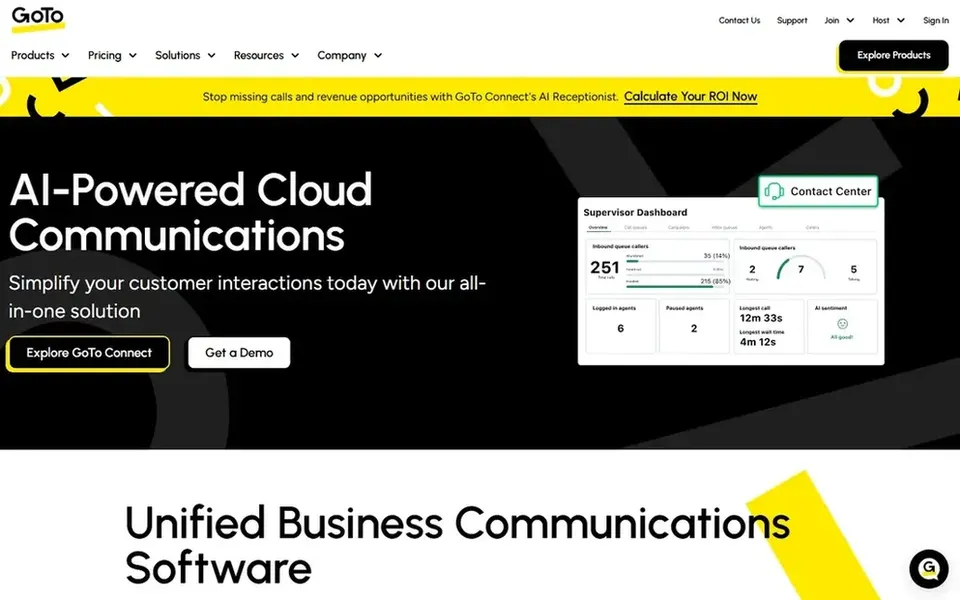
GoTo Webinar is aimed squarely at large virtual conferences and steady engagement. The system is made for webinar-style delivery, which can ease planning for teams that run frequent, structured events.
The main drawbacks: Advanced analytics may need higher levels.
GoTo Webinar shows no starting price here, so confirm the cost on the vendor site. Trial and free access: Free trial.
Best for: Enterprise collaboration and device ecosystems
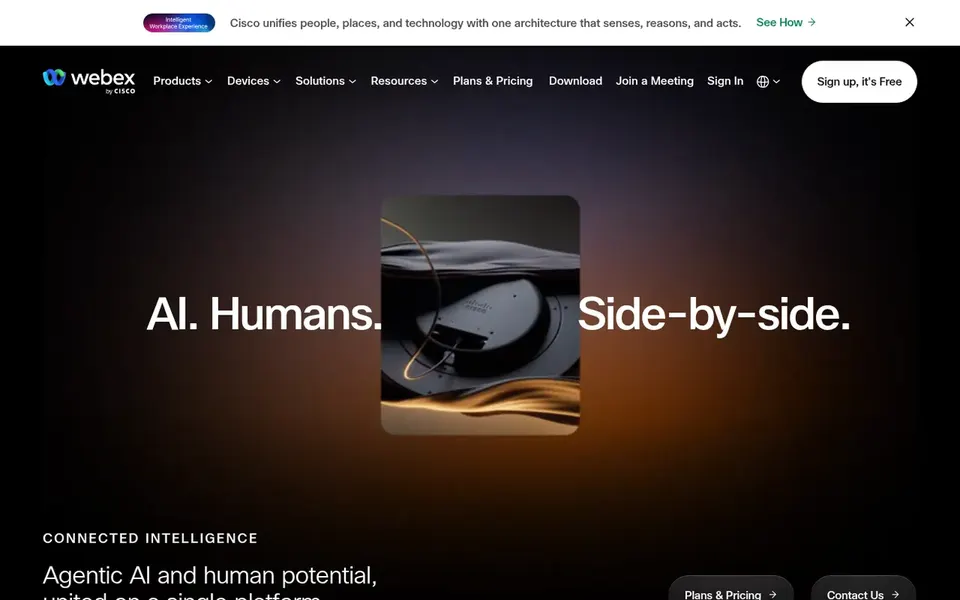
Pick Cisco Webex Webinars if this describes you: enterprise collaboration and device ecosystems. Cisco Webex Webinars is part of an AI-powered collaboration suite that bundles customer experience and device options.
Trade-offs to know: Complicated setup for smaller teams.
Beyond that, the system's depth can mean a steeper ramp-up time for smaller teams or those without IT support. Pricing for Cisco Webex Webinars is not stated here, so ask the vendor for current figures. Cisco Webex Webinars offers a free plan.
Best for: Wide compatibility and large audience events
Zoom Webinars is aimed squarely at wide compatibility and large audience events. Zoom Webinars is part of a broader collaboration system that contains meetings, chat, phone, whiteboard, and events. For manufacturers, it suits product launches, dealer briefings, and all-hands sessions where attendees may join from varied devices.
Where it falls short: Advanced marketing tools may need extras.
In daily use, marketing automation and CRM sync are available but may involve extra configuration. Zoom's webinar features are solid for general events, but manufacturers with heavy training or certification needs may find dedicated training products more tailored. As for the details, the familiar Zoom interface cuts setup friction for presenters and external partners, making it a practical default when you need reliability across a distributed audience. Pricing for Zoom Webinars is not stated here, so ask the vendor for current figures. Trial and free access: Not stated.
Best for: Marketing teams needing branded events and CRM sync
Where Livestorm fits: marketing teams needing branded events and CRM sync. Livestorm is an all-in-one webinar system pitched at marketing teams, with branded events, engagement insights, and CRM sync to demonstrate ROI.
Worth adding: manufacturers whose webinars are primarily internal or engineering-focused might prefer a training-centric tool. Livestorm pricing: €2.50 per attendee. Free access: Not stated.
Honest limits: Marketing focus may not suit technical training.
Ask WebinarJam, Adobe Connect, GoTo Webinar and others for a written quote, since no starting price is shown.
Look at the free plan from Cisco Webex Webinars closely: its caps decide whether it is usable for real work.
Use real work to test the free trial from GoTo Webinar, rather than a demo project.
Read the limits listed for WebinarJam first: sales-oriented features may not fit training.
Check whether Cisco Webex Webinars bills monthly or annually, and what cancelling early costs.
See whether Zoom Webinars offers onboarding or training, and whether it is included in the price.
How we picked
The comparison looks at four things: starting price, free access, how well the feature set matches webinar software for manufacturers, and the main limit of each tool. Prices and plan limits come from vendor pages and can change, so confirm them on the vendor site before you buy. We ordered the tools by general fit, then by how clearly pricing is shown, then by free access. A buyer with unusual needs may reorder them.
Every price and plan detail on this page comes from the vendors’ own websites. We did not run hands-on tests unless the text says so, and we do not publish star ratings or review scores. See how we score and our disclosure.
Keep your shortlist in one place
Paste prices, trial dates and notes from this guide into Ainotely, our AI note app. It files them into a topic and pulls out tasks like “cancel trial by Friday”. Free 7-day trial, no card needed.
How do webinar products support lead generation for manufacturers?
These can help capture and follow up on leads from product launches or dealer events. Confirm data export and integration choices with your sales systems.
What should manufacturers look for in webinar software?
Prioritize reliability across devices, attendee capacity for dealer or partner events, and integration with existing tools like CRM or training systems. Confirm recording and reporting choices to support follow-up.
How are the tools for webinar software for manufacturers ordered?
The order follows typical fit for webinar software for manufacturers, with WebinarJam first and Livestorm last, then price clarity and free access. It is editorial judgement, not a score, so another team could rank the tools differently.
Is WebinarJam the right pick for everyone comparing webinar software for manufacturers?
No single tool suits every team. WebinarJam comes first because it fits live and automated events with sales focus, while Adobe Connect suits training sessions and presenter productivity and GoTo Webinar suits large virtual conferences and steady engagement. Match the tool to your own size, budget and workflow before deciding.
Is a collaboration suite or dedicated webinar tool better for training?
Collaboration suites like Microsoft Teams work well for internal sessions, whereas Adobe Connect and GoTo Webinar offer more structured training and engagement features. Also, consider your audience and presenter needs.
Can I try these tools before paying?
Often, yes. Cisco Webex Webinars has a free plan and GoTo Webinar offers a free trial. Use your own data and a real task during the test, and check what the free tier or trial limits before you rely on it. Each of the 6 options in this webinar software for manufacturers guide has its own card above with the price, free plan and limits.