GoTo Webinar comes first here, mainly for structured virtual conferences and events. Listed starting prices: Livestorm from €2.50 per attendee. Livestorm is the stronger choice for branded events with engagement insights, while Adobe Connect suits training sessions with measurable outcomes. Details, prices and limits for the rest of the 6 tools are below.
Short on time? The summary and table above give the quick view of 6 webinar software for schools, and the profiles that follow give the detail behind each entry.
Key takeaways
Top of the list is GoTo Webinar, which targets structured virtual conferences and events.
What to know about GoTo Webinar first: less centered on daily classroom teaching.
Cisco Webex Webinars stands alone as the one tool in this list with a free plan.
No starting price is published for GoTo Webinar, Adobe Connect, Microsoft Teams and others; expect a quote.
Zoom Webinars suits familiar large-audience school events.
Best for: Structured virtual conferences and events
For structured virtual conferences and events, GoTo Webinar is a natural candidate. It fits schools running open houses, guest speaker series or district-wide presentations where the format is a scheduled broadcast rather than a recurring class.
More specifically, since it targets events instead of everyday instruction, it may not replace a learning product for daily teaching. Pricing for GoTo Webinar is not stated here, so ask the vendor for current figures. Free access: Free trial.
Honest limits: Separate from routine class meetings.
Where Livestorm fits: branded events with engagement insights. Livestorm is an all-in-one webinar product pitched at marketing teams, with branded events, engagement insights and CRM sync.
Limits to weigh: Less emphasis on daily teaching tools.
Its marketing focus means classroom teaching features are not the priority. Livestorm pricing: €2.50 per attendee. Trial and free access: Not stated.
Best for: Training sessions with measurable outcomes
Adobe Connect makes the most sense for training sessions with measurable outcomes. Its training orientation means it may feel less natural for elementary classrooms or casual parent meetings.
Honest limits: Focused more on training than K-12 daily use.
Check the vendor site for Adobe Connect pricing; none is listed in this comparison. Free plan details: Not stated.
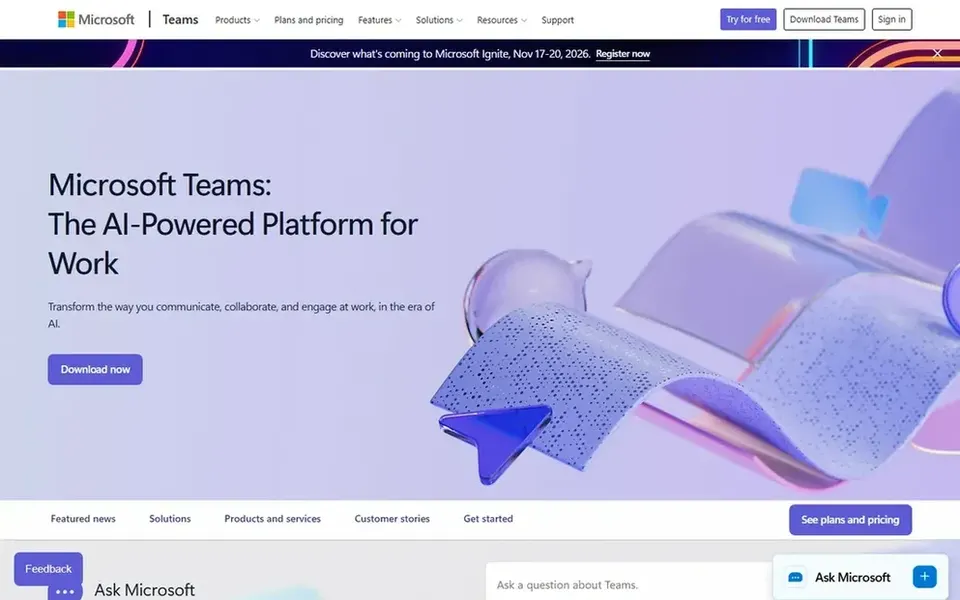
Microsoft Teams targets schools already inside Microsoft 365. Microsoft Teams brings meetings, calling, chat and files together in a single workspace, which fits schools that already standardize on Microsoft tools. The density of features can confuse occasional guests like parents, and webinar choices rely on how the school's environment is configured.
Trade-offs to know: Webinar setup relies on tenant configuration.
Schools wanting a more straightforward, education-only tool may prefer a dedicated classroom product. Beyond that, teachers can keep class materials, conversations and live sessions in one place, and webinars can be run alongside everyday collaboration instead of through a separate product. Microsoft Teams does not show a starting price in this comparison, so check the vendor site for current pricing. Free access: Not stated.
Best for: Institutions wanting AI-assisted collaboration
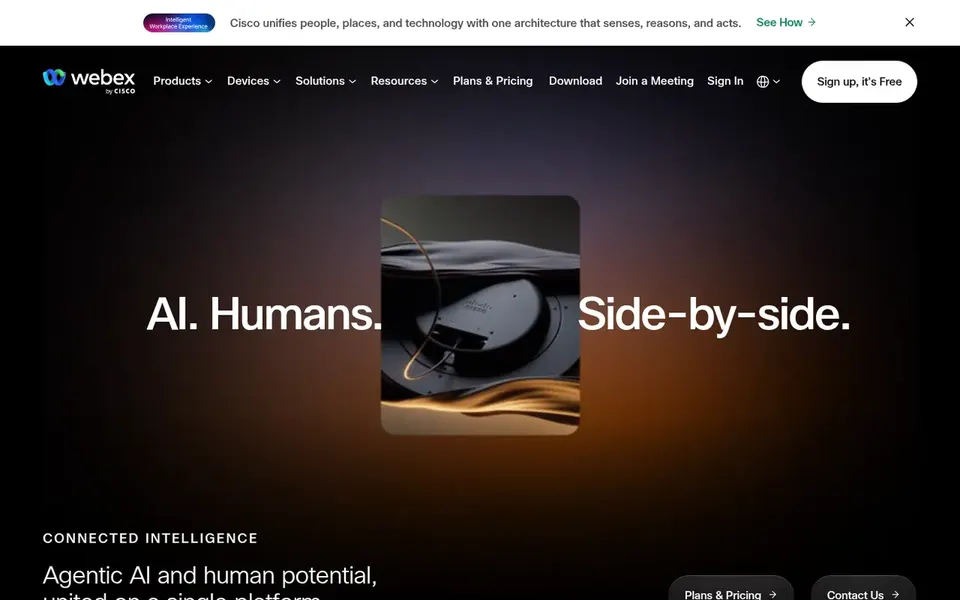
In short, Cisco Webex Webinars is for institutions wanting AI-assisted collaboration. Cisco Webex Webinars sits within a collaboration product that spans meetings, customer experience and devices, with AI features promoted across the suite.
Strengths: Fits formal.
In daily use, the product leans toward corporate use, so education-specific workflows may need additional configuration. Check the vendor site for Cisco Webex Webinars pricing; none is listed in this comparison. Cisco Webex Webinars offers a free plan.
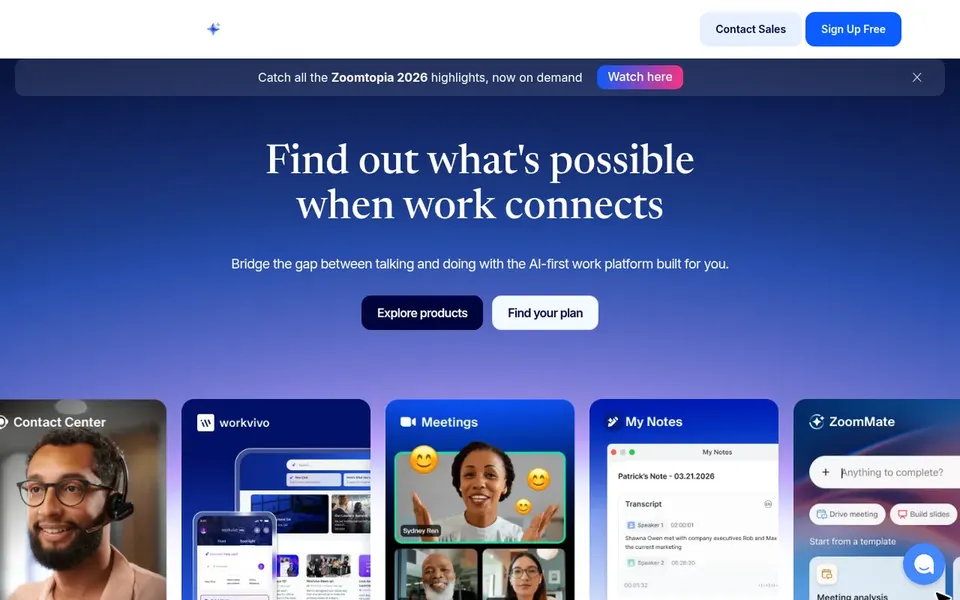
Zoom Webinars works best for familiar large-audience school events. It supports webinars, whiteboard and events within one collaboration suite, which fits districts that want a single vendor for daily classes and bigger broadcasts for example assemblies or information nights.
No starting price is listed for Zoom Webinars here; confirm pricing on the vendor site. Free access: Not stated.
The main drawbacks: Webinar features separated from meeting plans.
Confirm the entry price on the vendor page. For GoTo Webinar, Adobe Connect, Microsoft Teams and others that means a quote rather than a fixed price.
Test the free plan from Cisco Webex Webinars against your real workload before relying on it.
Take the trial from GoTo Webinar and push a live task through it before you pay.
Read the limits listed for GoTo Webinar first: less centered on daily classroom teaching.
Let daily users try Adobe Connect on real work; their feedback beats any feature checklist.
Confirm that Livestorm connects to the apps your team already uses, on the plan you would actually buy.
How we picked
Each tool was reviewed on what its vendor publishes: price, plan limits, core features and stated drawbacks. We did not run hands-on tests. Prices and plan limits come from vendor pages and can change, so confirm them on the vendor site before you buy. The order reflects how well each tool fits the most common buying scenario for webinar software for schools, then price clarity, then free plan access. It is a starting point, not a verdict.
Every price and plan detail on this page comes from the vendors’ own websites. We did not run hands-on tests unless the text says so, and we do not publish star ratings or review scores. See how we score and our disclosure.
Keep your shortlist in one place
Paste prices, trial dates and notes from this guide into Ainotely, our AI note app. It files them into a topic and pulls out tasks like “cancel trial by Friday”. Free 7-day trial, no card needed.
How are the tools for webinar software for schools ordered?
The order follows typical fit for webinar software for schools, with GoTo Webinar first and Zoom Webinars last, then price clarity and free access. It is editorial judgement, not a score, so another team could rank the tools differently.
Can these tools deal with parent information sessions?
Most listed systems support scheduled broadcasts with presenter controls, so they can work for parent sessions and open houses. Check guest access rules before inviting families.
Is GoTo Webinar the right pick for everyone comparing webinar software for schools?
No single tool suits every team. GoTo Webinar comes first because it fits structured virtual conferences and events, while Livestorm suits branded events with engagement insights and Adobe Connect suits training sessions with measurable outcomes. Match the tool to your own size, budget and workflow before deciding.
Do these tools publish their prices?
Not all of them. GoTo Webinar, Adobe Connect, Microsoft Teams and others publish no starting price, so expect a quote request for those. The rest, Livestorm included, show a starting price, though seats and billing terms still change the final cost.
Can I try these tools before paying?
Often, yes. Cisco Webex Webinars has a free plan and GoTo Webinar offers a free trial. Use your own data and a real task during the test, and check what the free tier or trial limits before you rely on it. For the full picture, the cards above cover all 6 entries of this webinar software for schools list, including price, free plan and limits.