This list puts LightWave 3D first for modeling, animation and VFX on Windows and Mac. Look at Autodesk 3ds Max for professional modeling and large environments, and at Modo for modeling-focused artists, with caution. The remaining 2 options are covered below with prices and limits.
If you are comparing Maxon Cinema 4D, this page covers 5 tools in one place: what each is best for, what it costs to start, whether it has a free plan, and the main limit to know about.
Key takeaways
Top of the list is LightWave 3D, which targets modeling, animation and VFX on Windows and Mac.
None of the 5 tools, from LightWave 3D to ZBrush, has a free plan, so budget for a subscription or use a trial.
Pricing across the list, from LightWave 3D to ZBrush, is by quote only.
ZBrush fits digital sculpting and high-detail models.
Best for: Modeling, animation and VFX on Windows and Mac
LightWave 3D is built with modeling, animation and VFX on Windows and Mac in mind. Its ecosystem and external support are smaller than those of the biggest 3D suites.
The interface and workflow differ noticeably from Cinema 4D, so retraining is required. Pick it when you want a combined modeling and animation toolset and can accept a smaller community. This comparison lists no price for LightWave 3D; ask the vendor. On free options: Not stated.
What to check first: Smaller ecosystem than major suites.
Best for: Professional modeling and large environments
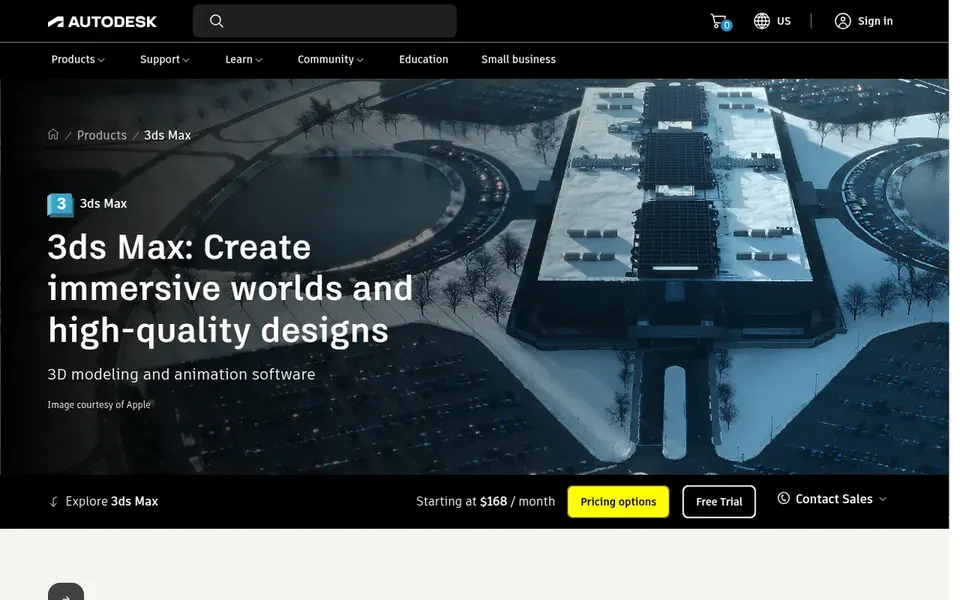
Autodesk 3ds Max works best for professional modeling and large environments. Autodesk 3ds Max is a professional 3D modeling, animation and rendering application targeted at creating expansive worlds and high-quality designs. It is widely used in architectural visualization, game environment work and product imagery.
In daily use, choose 3ds Max when modeling depth, environment scale and vendor support outweigh the cost of switching. Artists who primarily need sculpting or texturing may prefer a dedicated tool. Studios that require a mature, commercially supported package with deep modeling tools frequently treat it as a direct alternative for Cinema 4D projects. It is a commercial product, so budget and licensing matter, and its workflow is centered on Windows. Pricing for Autodesk 3ds Max is not stated here, so ask the vendor for current figures. Free access: Not stated.
Modo was built for modeling-focused artists, with caution. Modo is a 3D modeling and design application from Foundry that has been used for product visualization, concept design and asset creation. As for the details, artists who value its modeling workflow may consider it when looking beyond Cinema 4D.
Where it falls short: Vendor has ceased future development.
Foundry has announced that it is winding down Modo development, so future updates and long-term support are uncertain. That makes it a risky choice for new studio pipelines. Pricing for Modo is not stated here, so ask the vendor for current figures. On free options: Not stated.
Pick Blender if this describes you: all-in-one open-source 3D workflow. The interface and shortcut-driven workflow can feel unfamiliar at first, and some production pipelines still standardize on commercial packages.
Also, pick something else if your team relies on specific proprietary integrations or vendor support contracts. Blender shows no starting price here, so confirm the cost on the vendor site. Trial and free access: Not stated.
Where it is weaker: Some studio pipelines expect commercial tools.
Best for: Digital sculpting and high-detail models
ZBrush is a good fit for digital sculpting and high-detail models. ZBrush is not a full animation or general-purpose scene assembly tool.
Points against: Not a full animation suite.
So it will not include every part of a production on its own. Its sculpting-centric workflow also takes adjustment. ZBrush does not show a starting price in this comparison, so check the vendor site for current pricing. Free plan details: Not stated.
Confirm the entry price with every vendor: no tool from LightWave 3D to ZBrush shows a fixed starting price.
Before choosing LightWave 3D, weigh its main limit: smaller ecosystem than major suites.
Find out whether the entry plan of Modo covers your must-haves or only a trimmed-down version.
Check how data leaves LightWave 3D: formats, limits and whether exports are available on every plan.
Confirm that ZBrush connects to the apps your team already uses, on the plan you would actually buy.
How we picked
Pricing pages, product documentation and feature lists were the main sources, and every entry carries at least one honest drawback. Seat minimums, billing terms and add-ons can move the real cost, so the starting prices here are a guide and not a quote. The order reflects how well each tool fits the most common buying scenario for Maxon Cinema 4D, then price clarity, then free plan access. It is a starting point, not a verdict.
Every price and plan detail on this page comes from the vendors’ own websites. We did not run hands-on tests unless the text says so, and we do not publish star ratings or review scores. See how we score and our disclosure.
Keep your shortlist in one place
Paste prices, trial dates and notes from this guide into Ainotely, our AI note app. It files them into a topic and pulls out tasks like “cancel trial by Friday”. Free 7-day trial, no card needed.
Which alternative is a good match for sculpting in-depth characters?
For most readers this guide would start with LightWave 3D, built for modeling, animation and VFX on Windows and Mac. Autodesk 3ds Max is the alternative for professional modeling and large environments, and Modo for modeling-focused artists, with caution. The right answer depends on budget and workflow.
Should I consider Modo given its development status?
Foundry has announced it is winding down Modo development, so future updates and long-term support are uncertain. That makes it a riskier choice for new pipelines.
How are the tools for Maxon Cinema 4D ordered?
LightWave 3D sits first and ZBrush last because the order follows typical fit for Maxon Cinema 4D, then price clarity and free access. It is a judgement call, so read each profile for fit and limits.
Is LightWave 3D the right pick for everyone comparing Maxon Cinema 4D?
No single tool suits every team. LightWave 3D comes first because it fits modeling, animation and VFX on Windows and Mac, while Autodesk 3ds Max suits professional modeling and large environments and Modo suits modeling-focused artists, with caution. Match the tool to your own size, budget and workflow before deciding.
Do these tools publish their prices?
No. None of the tools, from LightWave 3D to ZBrush, shows a fixed starting price here, so budget time for quotes.
Can I try these tools before paying?
Not by default. None of the tools, from LightWave 3D to ZBrush, lists a free plan or a free trial here, so ask each vendor for a demo before committing.