Pinnacle Studio leads the list, best for precise advanced moviemaking on Windows. Listed starting prices: CyberLink PowerDirector from $54.99 a month. CyberLink PowerDirector fits quicker video creation with AI tools; Magix Movie Edit Pro fits beginner-friendly editing with creative content. Details, prices and limits for the rest of the 5 tools are below.
This Ainotely guide covers 5 options for PhotoStage Slideshow Producer. Each profile lists a starting price, free plan details, strengths and drawbacks, so you can drop poor fits quickly.
Key takeaways
Pinnacle Studio is the opening pick, best for precise advanced moviemaking on Windows.
Adobe Premiere Pro is the one to check for professional editing and postproduction work.
A permanent free plan is missing from all 5 tools, Pinnacle Studio and Adobe Premiere Pro included; plan for a trial or a premium start.
What to know about Magix Movie Edit Pro first: less depth than pro suites.
For the cheapest start, look at CyberLink PowerDirector: $54.99 per month.
Where Pinnacle Studio fits: precise advanced moviemaking on Windows. Pinnacle Studio is advanced video editing software for Windows, positioned around feature-rich and precise editing tools for moviemaking. It can serve slideshow creators ready to move beyond templates into a more deliberate editing process.
Where it falls short: Less suited to casual slideshows.
The Windows requirement limits it for mixed-device households, and the advanced focus can be more than a straightforward slideshow needs. In daily use, pick Pinnacle Studio when precision editing on Windows is the goal, and choose a more straightforward tool for fast photo montages. Pinnacle Studio shows no starting price here, so confirm the cost on the vendor site. Free plan details: Not stated.
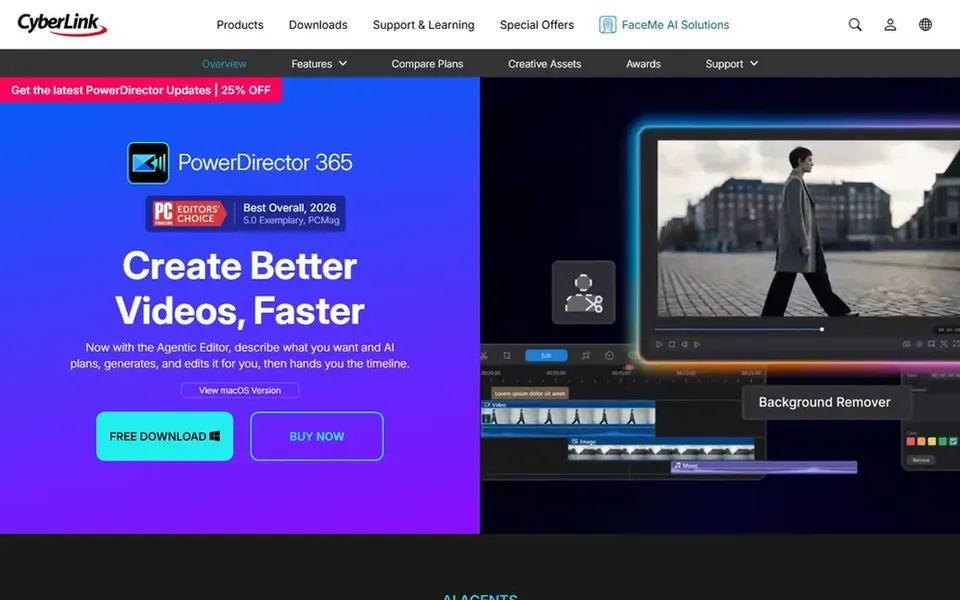
Pick CyberLink PowerDirector if this describes you: quicker video creation with AI tools. CyberLink PowerDirector is video editing software built around AI tools, pro-grade effects and a large royalty-free asset library. The guided tools can help slideshow makers step up without rebuilding their entire workflow from scratch.
Downsides: Windows-centric workflow.
Consider a lighter editor if you seldom use effects or AI features, and pick PowerDirector when speed and built-in assets are central to your output. Beyond that, the breadth of tools means menus and choices can feel crowded for straightforward slideshow projects. Entry price for CyberLink PowerDirector: $54.99 per month. Free plan details: Not stated.
Best for: Beginner-friendly editing with creative content
Magix Movie Edit Pro is a good fit for beginner-friendly editing with creative content. Consider it for approachable everyday editing, and look to a professional application when complicated postproduction becomes routine.
Magix Movie Edit Pro, sold as Video deluxe, emphasizes beginner-friendly operation alongside diverse editing tools and creative content. This comparison lists no price for Magix Movie Edit Pro; ask the vendor. As for free access: Not stated.
Best for: Accessible editing with learning resources
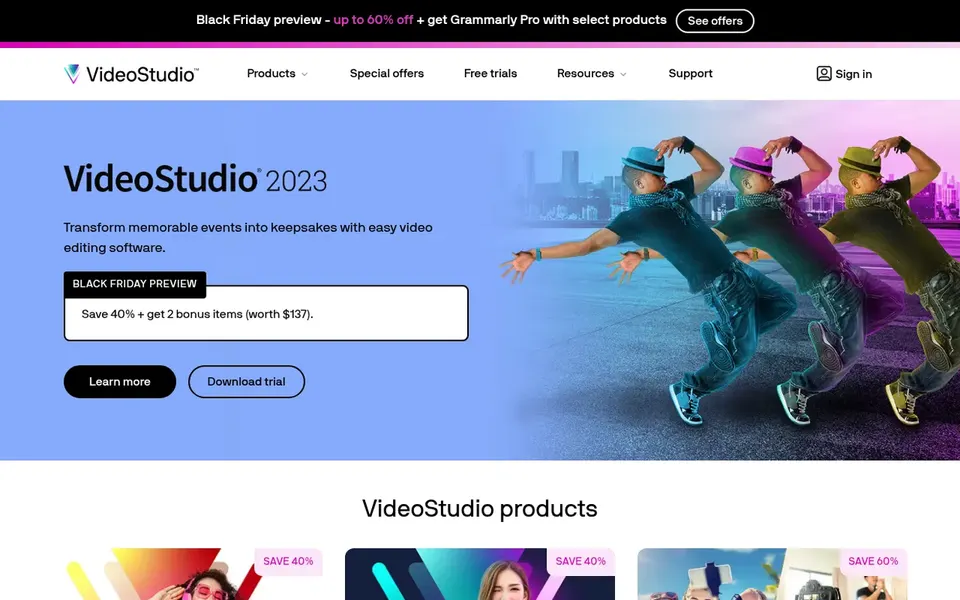
Pick Corel VideoStudio if this describes you: accessible editing with learning resources. The tutorial material helps slideshow users translate familiar photo-and-music projects into a timeline.
The main drawbacks: Advanced work may need another tool.
Complicated multi-track productions may push past what the family is made for, and moving from a slideshow tool means learning new habits. Check the vendor site for Corel VideoStudio pricing; none is listed in this comparison. On free options: Not stated.
Best for: Professional editing and postproduction work
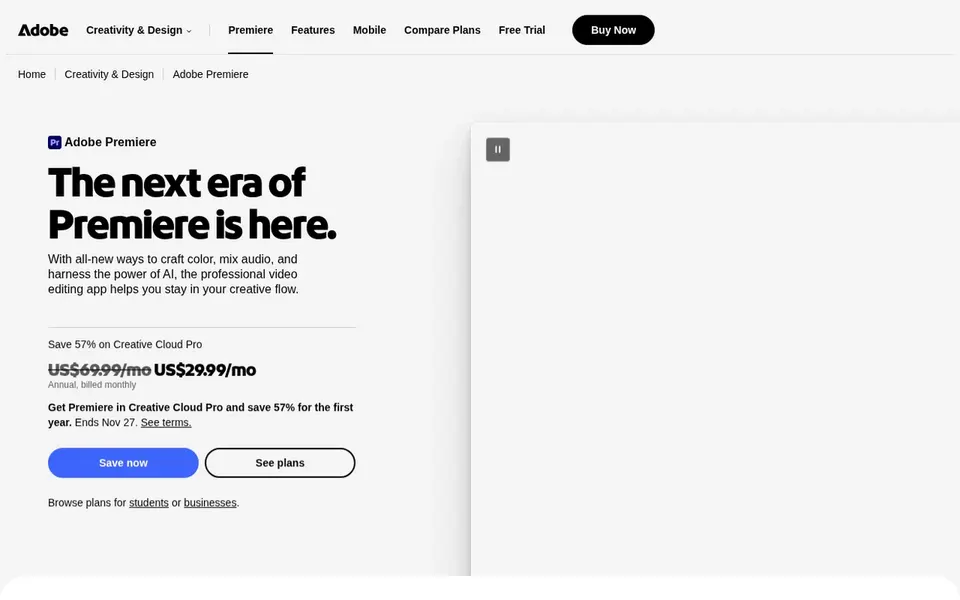
Adobe Premiere Pro works best for professional editing and postproduction work. Pick something more straightforward when fast slideshows are the entire job, and choose Premiere Pro when editing and postproduction are continuing needs.
In practice, Adobe Premiere Pro is professional video editing and postproduction software for trimming and editing footage, adding effects, mixing audio and extending video. Its depth can feel heavy if you only have to assemble photos with music and titles, and the interface takes time to learn. No starting price is listed for Adobe Premiere Pro here; confirm pricing on the vendor site. Free options: Not stated.
Confirm the entry price on the vendor page. For Pinnacle Studio, Magix Movie Edit Pro, Corel VideoStudio and Adobe Premiere Pro that means a quote rather than a fixed price.
Before choosing Pinnacle Studio, weigh its main limit: Windows only.
Before rolling out Adobe Premiere Pro, verify the integrations your workflow depends on.
Ask the daily users to test Corel VideoStudio on a live task before you roll it out to everyone.
Compare total cost, not headline price: for Magix Movie Edit Pro, add extra seats, add-ons and any usage-based charges.
How we picked
We compared the tools on published pricing, free plan or trial availability, feature coverage for PhotoStage Slideshow Producer, and the limits each vendor documents. Treat prices as a snapshot: vendors change plans often, so check the vendor site for the figure that applies today. The ranking is editorial: typical fit first, then clear pricing, then free access. If your needs are unusual, read the profiles rather than relying on position.
Every price and plan detail on this page comes from the vendors’ own websites. We did not run hands-on tests unless the text says so, and we do not publish star ratings or review scores. See how we score and our disclosure.
Keep your shortlist in one place
Paste prices, trial dates and notes from this guide into Ainotely, our AI note app. It files them into a topic and pulls out tasks like “cancel trial by Friday”. Free 7-day trial, no card needed.
Which alternative is easiest for someone new to video editing?
Corel VideoStudio and Magix Movie Edit Pro both present themselves around approachable editing, with tutorials and beginner-friendly operation. They can ease the move from slideshow software into a timeline-based editor.
Is Pinnacle Studio the right pick for everyone comparing PhotoStage Slideshow Producer?
No single tool suits every team. Pinnacle Studio comes first because it fits precise advanced moviemaking on Windows, while CyberLink PowerDirector suits faster video creation with AI tools and Magix Movie Edit Pro suits beginner-friendly editing with creative content. Match the tool to your own size, budget and workflow before deciding.
Do these tools publish their prices?
Not all of them. Pinnacle Studio, Magix Movie Edit Pro, Corel VideoStudio and Adobe Premiere Pro publish no starting price, so expect a quote request for those. The rest, CyberLink PowerDirector included, show a starting price, though seats and billing terms still change the final cost.
What is the cheapest option for PhotoStage Slideshow Producer in this list?
On published monthly entry prices, CyberLink PowerDirector is the lowest here at $54.99 per month. Entry price is only part of the cost, because seats, add-ons and billing terms can change the total. The 5 tool cards above repeat this per product for PhotoStage Slideshow Producer alternatives, with the listed price or "pricing on request".
Can I try these tools before paying?
Not by default. None of the tools, from Pinnacle Studio to Adobe Premiere Pro, lists a free plan or a free trial here, so ask each vendor for a demo before committing.