For adaptable CAD for architecture and entertainment, Vectorworks is where this list starts. Listed starting prices: ArchiCAD from $43 per seat a month. Cinema 4D is the stronger choice for motion graphics and 3D animation, while 3ds Max suits advanced 3D modeling and animation. The remaining 2 options are covered below with prices and limits.
Short on time? The summary and table above give the quick view of 5 tools for SketchUp, and the profiles that follow give the detail behind each entry.
Key takeaways
Vectorworks is the opening pick, best for adaptable CAD for architecture and entertainment.
ArchiCAD has the lowest monthly starting price in this list: $43 per seat per month.
None of the 5 tools, from Vectorworks to AutoCAD, has a free plan, so budget for a subscription or use a trial.
For precise 2D drafting and documentation, AutoCAD is worth a look.
Best for: Adaptable CAD for architecture and entertainment
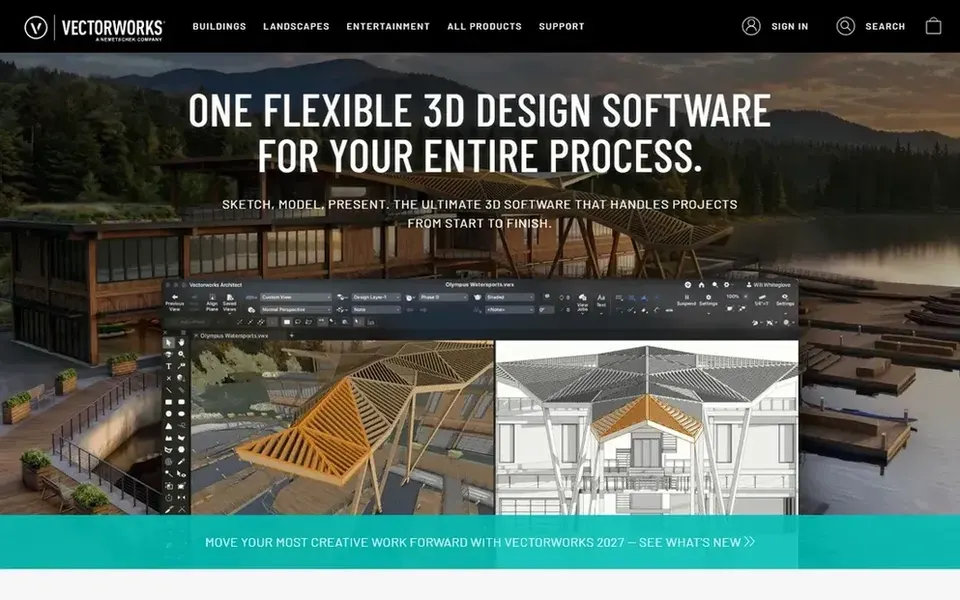
Vectorworks is a good fit for adaptable CAD for architecture and entertainment. Vectorworks is a 3D modeling and design software that offers an adaptable and collaborative CAD process for architecture, landscaping, and entertainment professionals. It supplies industry-specific toolsets that simplify workflows, from building information modeling to stage design.
As for the details, the breadth of features means a steeper ramp-up time, and the cost may be higher than more straightforward alternatives. Those focused solely on BIM might prefer ArchiCAD, while pure animators may lean toward 3ds Max. Vectorworks does not show a starting price in this comparison, so check the vendor site for current pricing. Free access: Not stated.
Cinema 4D serves motion graphics and 3D animation. Cinema 4D is a 3D modeling, animation, and rendering application developed by Maxon, widely used in motion graphics, visual effects, and design. For everyday use, Cinema 4D fits designers and studios centred on broadcast graphics, product visualization, or artistic 3D work.
Watch-outs: Restricted CAD or BIM capabilities.
More specifically, Cinema 4D lacks the precision drafting and BIM features needed for architectural documentation, so it is not a direct substitute for SketchUp in construction contexts. In practice, for CAD-centric tasks, AutoCAD or Vectorworks are more appropriate. More specifically, choose Cinema 4D when your priority is creative animation and rendering instead of technical design. This comparison lists no price for Cinema 4D; ask the vendor. Free plan details: Not stated.
3ds Max makes the most sense for advanced 3D modeling and animation. 3ds Max is a professional 3D modeling, animation, and rendering software used to produce expansive worlds and high-quality designs. More specifically, 3ds Max is not intended for BIM or precise drafting.
So it is not a direct replacement for SketchUp in construction documentation. Its complexity and resource demands may overwhelm casual users. On top of that, 3ds Max suits artists and designers who require advanced creative control and are comfortable with a steep ramp-up time. Check the vendor site for 3ds Max pricing; none is listed in this comparison. On free options: Not stated.
ArchiCAD targets easy-to-learn BIM for architects. ArchiCAD is a BIM software made for architects, offering an easy-to-learn interface and a capable suite of built-in tools. It makes it possible for efficient design and documentation of building projects, with a focus on architectural workflows.
In practice, as an architecture-centric tool, ArchiCAD may not serve entertainment or product design needs along with Vectorworks or Cinema 4D. Its BIM focus also means a ramp-up time for those new to the approach. ArchiCAD cost at the entry level: $43 per seat per month. Free access: Free trial.
Watch-outs: Less suited for non-architectural fields.
AutoCAD serves precise 2D drafting and documentation. Whereas AutoCAD deals with 3D modeling, its strengths lie in 2D workflows. So it may not be well suited to complicated BIM or parametric design.
The main drawbacks: Primarily 2D-focused.
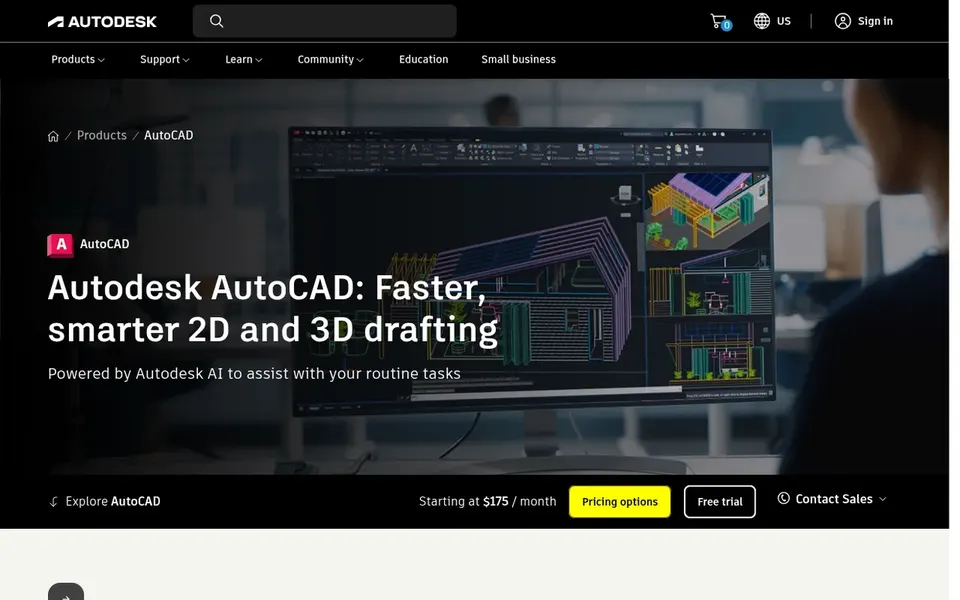
In daily use, AutoCAD is a widely used computer-aided design application known for precise 2D drafting and documentation. It supports DWG files natively and provides collaboration tools across desktop and web. This makes it a good fit for professionals who require dependable drafting for architectural plans, engineering drawings, or construction documents, notably when working in teams that exchange DWG files. This comparison lists no price for AutoCAD; ask the vendor. Free plan details: Not stated.
Ask Vectorworks, Cinema 4D, 3ds Max and AutoCAD for a written quote, since no starting price is shown.
Use real work to test the free trial from ArchiCAD, rather than a demo project.
Read the limits listed for Vectorworks first: can be complicated for new users.
A short pilot of AutoCAD with your real workflow tells you more than a feature table.
Find out what support Vectorworks includes on your plan, and whether onboarding help costs extra.
How we picked
Ainotely looked at what each vendor publishes: pricing, plan limits, feature coverage for SketchUp and stated drawbacks. No hands-on testing is claimed. Treat prices as a snapshot: vendors change plans often, so check the vendor site for the figure that applies today. The sequence is a judgement call: typical use case first, then pricing transparency, then free access. Use the profiles to check fit.
Every price and plan detail on this page comes from the vendors’ own websites. We did not run hands-on tests unless the text says so, and we do not publish star ratings or review scores. See how we score and our disclosure.
Keep your shortlist in one place
Paste prices, trial dates and notes from this guide into Ainotely, our AI note app. It files them into a topic and pulls out tasks like “cancel trial by Friday”. Free 7-day trial, no card needed.
Not all of them. Vectorworks, Cinema 4D, 3ds Max and AutoCAD publish no starting price, so expect a quote request for those. The rest, ArchiCAD included, show a starting price, though seats and billing terms still change the final cost.
Is Vectorworks a good all-around alternative to SketchUp?
Vectorworks offers adaptable 3D modeling and CAD tools for architecture, landscaping, and entertainment. It can serve as a versatile alternative if you need industry-specific features and collaboration.
What is the cheapest option for SketchUp in this list?
On published monthly entry prices, ArchiCAD is the lowest here at $43 per seat per month. Entry price is only part of the cost, because seats, add-ons and billing terms can change the total. The 5 tool cards above repeat this per product for SketchUp alternatives, with the listed price or "pricing on request".
Which SketchUp alternative is a good match for architectural BIM?
This list starts with Vectorworks, which fits adaptable CAD for architecture and entertainment. For other needs, Cinema 4D is aimed at motion graphics and 3D animation, and 3ds Max at advanced 3D modeling and animation. Check each tool's price and main limit first.
Can I use AutoCAD for 3D modeling like SketchUp?
AutoCAD does support 3D modeling, but it is primarily optimized for 2D drafting and documentation. For conceptual 3D design, SketchUp or Vectorworks may feel more adaptable.
Can I try these tools before paying?
Often, yes. ArchiCAD offers a free trial. Use your own data and a real task during the test, and check what the free tier or trial limits before you rely on it.