For adaptable intranet for employee experience, LumApps is where this list starts. Listed starting prices: Slack from $4.38 per user a month. Confluence fits team knowledge and documentation; Microsoft SharePoint fits document collaboration inside Microsoft 365. Details, prices and limits for the rest of the 5 tools are below.
Best for: Adaptable intranet for employee experience
For flexible intranet for employee experience, LumApps is a natural candidate. LumApps centers on the intranet experience, so live chat, meetings and deep document governance may call for companion tools.
It aims to produce a connected way to work that boosts communication, productivity and learning, making it a fit for organizations investing in internal communications. LumApps shows no starting price here, so confirm the cost on the vendor site. Free plan details: Not stated.
Trade-offs to know: Needs clear content ownership to thrive.
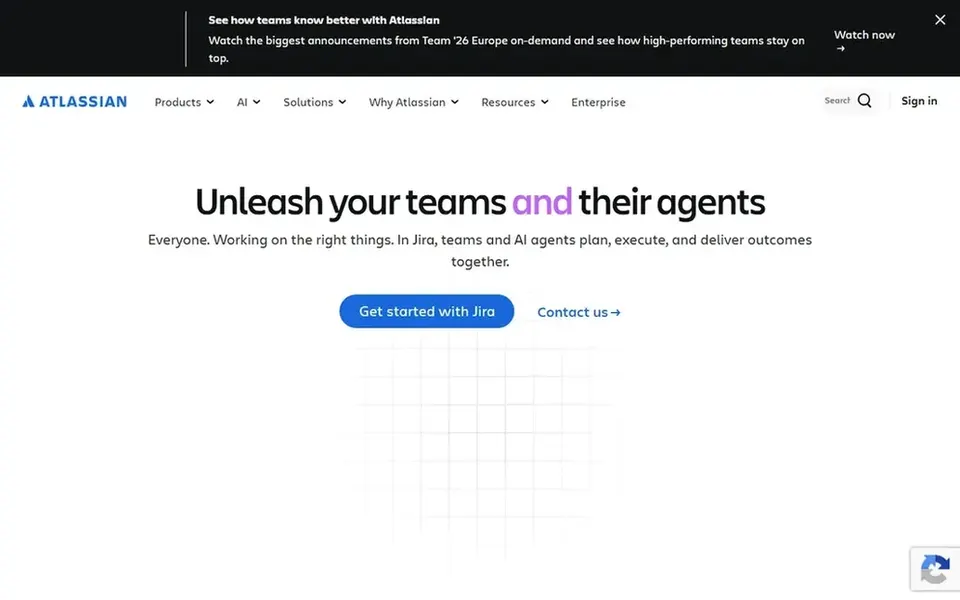
Confluence is designed for team knowledge and documentation. Confluence is not a full intranet or chat replacement, so communication-heavy organizations may need complementary tools. As for the details, Confluence is a team workspace for creating and sharing knowledge, with AI features to draft, summarize and find answers.
For everyday use, pages can sprawl without governance habits. Teams wanting live conversation as the primary surface should look at chat-centered choices instead. Confluence shows no starting price here, so confirm the cost on the vendor site. Trial and free access: Not stated.
Trade-offs to know: Documentation focus may not handle chat needs. Strengths: Helps projects move quicker.
Best for: Document collaboration inside Microsoft 365
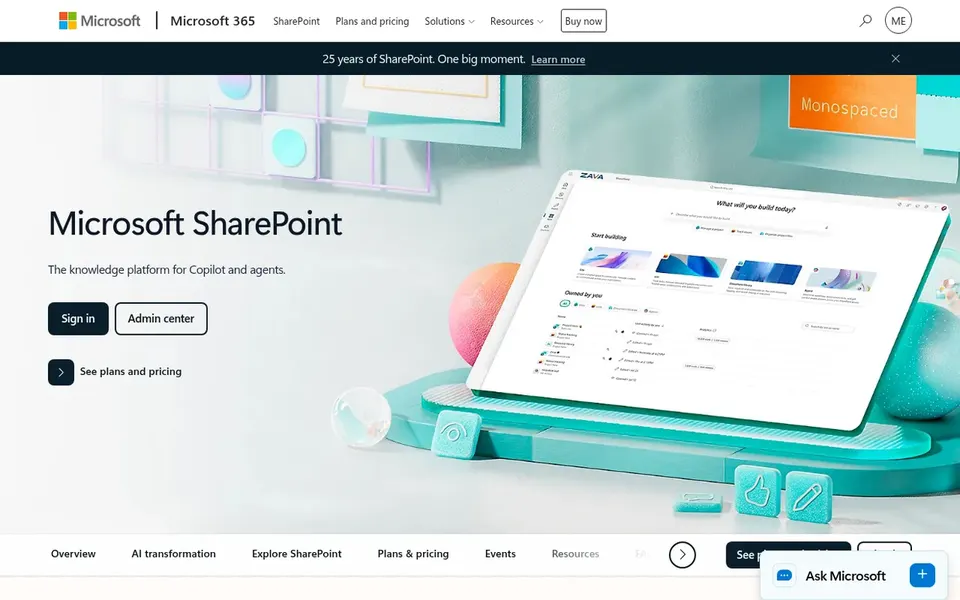
Microsoft SharePoint serves document collaboration inside Microsoft 365. Microsoft SharePoint is a collaborative content management system for creating, sharing and governing trusted knowledge. It powers collaboration, communication, automation and AI experiences across Microsoft 365, so it suits organizations already working in that ecosystem.
The main drawbacks: Best value inside the Microsoft ecosystem.
In practice, the product carries real configuration overhead, and smaller teams may find it heavy for straightforward needs. Teams that require structured document libraries, secure file sharing and governance controls will find it a natural fit for intranet and knowledge scenarios. No starting price is listed for Microsoft SharePoint here; confirm pricing on the vendor site. Free plan details: Not stated.
Simpplr is a good fit for AI-powered employee intranet experience. Simpplr is an AI-powered intranet system with specialized employee experience agents that help employees stay informed, find what they need and get support.
Where it is weaker: Adoption relies on content quality.
For everyday use, Simpplr is built around the intranet and employee experience, so project chat and document governance may need other tools. Teams replacing an intranet-style tool like Axero will find Simpplr's focus on information access and everyday needs relevant. Check the vendor site for Simpplr pricing; none is listed in this comparison. Free plan details: Free trial.
Best for: Chat, automation and workflow productivity
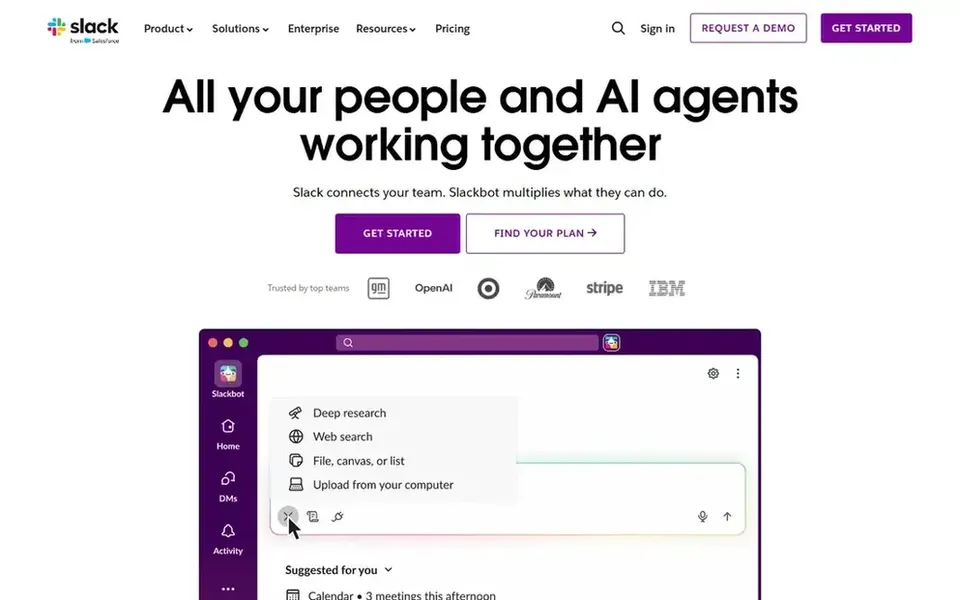
Pick Slack if this describes you: chat, automation and workflow productivity. It suits organizations that want conversation and automation at the center of daily work, with channels organizing projects and integrations.
Trade-offs to know: Conversation volume can overwhelm newcomers.
Entry price for Slack: $4.38 per user per month. A free plan is available with Slack.
Get a written quote from LumApps, Confluence, Microsoft SharePoint and Simpplr; the list shows no starting price for them.
Look at the free plan from Slack closely: its caps decide whether it is usable for real work.
Use real work to test the free trial from Simpplr, rather than a demo project.
Read the limits listed for LumApps first: intranet scope may leave chat gaps.
Find out whether the entry plan of LumApps covers your must-haves or only a trimmed-down version.
Before you load data into Slack, check what an export looks like and who can run it.
How we picked
For each of the 5 tools we noted price, free plan or trial, fit for Axero and the main limit, using vendor pages and documentation. Prices and plan limits come from vendor pages and can change, so confirm them on the vendor site before you buy. The ranking is editorial: typical fit first, then clear pricing, then free access. If your needs are unusual, read the profiles rather than relying on position.
Every price and plan detail on this page comes from the vendors’ own websites. We did not run hands-on tests unless the text says so, and we do not publish star ratings or review scores. See how we score and our disclosure.
Keep your shortlist in one place
Paste prices, trial dates and notes from this guide into Ainotely, our AI note app. It files them into a topic and pulls out tasks like “cancel trial by Friday”. Free 7-day trial, no card needed.
What is the cheapest option for Axero in this list?
On published monthly entry prices, Slack is the lowest here at $4.38 per user per month. Entry price is only part of the cost, because seats, add-ons and billing terms can change the total. The 5 tool cards above repeat this per product for Axero alternatives, with the listed price or "pricing on request".
How do Confluence and Slack differ as alternatives?
Confluence centers on shared knowledge and documentation with AI drafting and search, whereas Slack centers on chat, automation and workflow productivity. In practice, numerous teams use both, but if you must pick one, choose based on whether documentation or conversation drives your work.
Do these tools publish their prices?
Not all of them. LumApps, Confluence, Microsoft SharePoint and Simpplr publish no starting price, so expect a quote request for those. The rest, Slack included, show a starting price, though seats and billing terms still change the final cost.
Can I try these tools before paying?
Often, yes. Slack has a free plan and Simpplr offers a free trial. Use your own data and a real task during the test, and check what the free tier or trial limits before you rely on it. Each of the 5 options in this Axero alternatives guide has its own card above with the price, free plan and limits.
What should I look for in an Axero alternative?
Then check integrations with your existing stack, governance controls and how much administration the system needs. Matching the tool to daily workflows matters more than feature count.
Is LumApps the right pick for everyone comparing Axero?
No single tool suits every team. LumApps comes first because it fits flexible intranet for employee experience, while Confluence suits team knowledge and documentation and Microsoft SharePoint suits document collaboration inside Microsoft 365. Match the tool to your own size, budget and workflow before deciding.