Best AI note taking software 2026: 11 tools ranked honestly
The split nobody tells you about
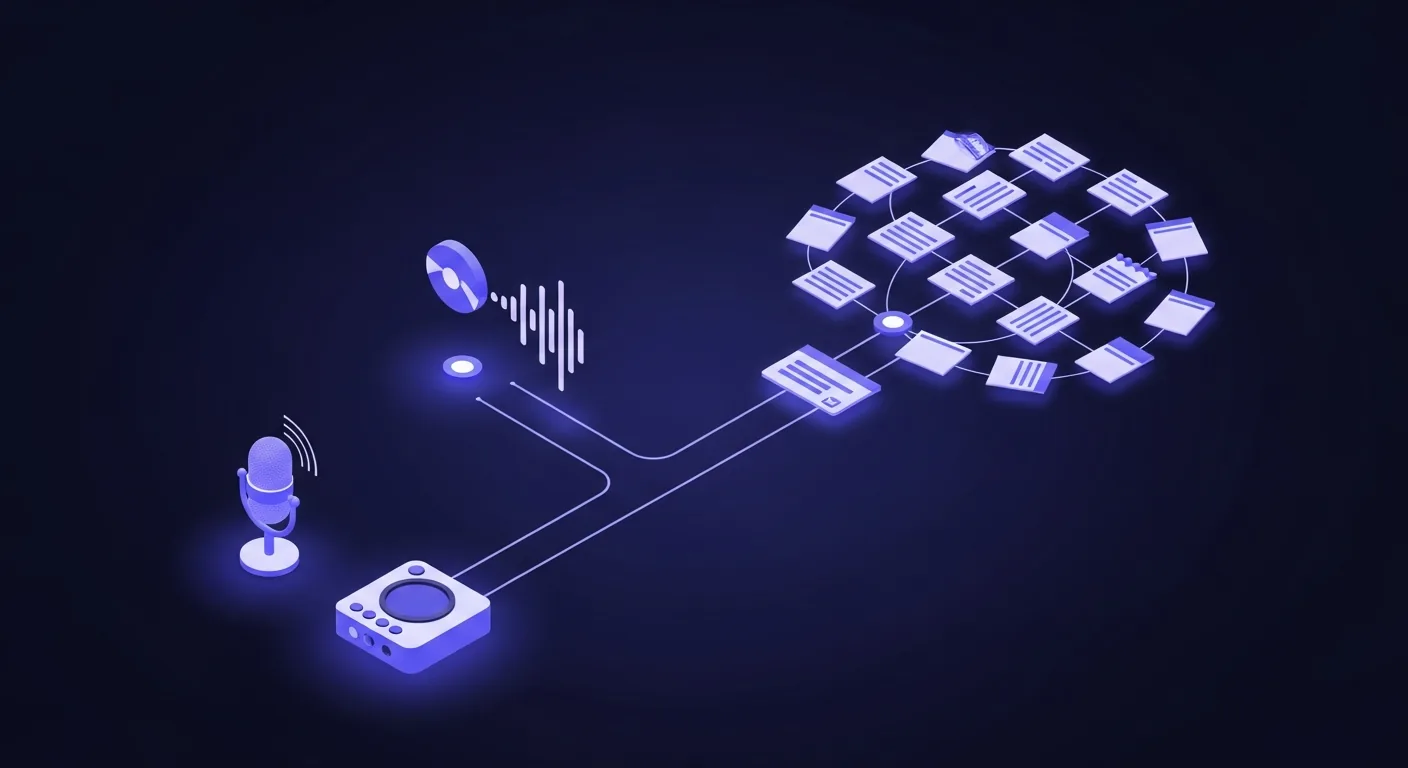
Almost every "best AI note taker" list makes the same mistake. It ranks a meeting transcription bot against a personal note organizer as if they do the same job. They do not. So before any ranking, sort yourself into one of two buckets.
- Meeting note-takers. They join your Zoom, Meet, or Teams call, transcribe it, and hand you a summary with action items. Fathom, Granola, Otter, Fireflies, tl;dv, Krisp, Jamie. This is the crowded, commercial half.
- Personal note brains. They organize the notes you already write or speak: stray thoughts, voice memos, research. Ainotely, Mem, NotebookLM, Reflect, Notion AI, Obsidian. This is the quieter half most lists skip.
A meeting bot does nothing for your pile of half-finished notes. A note brain will not sit in your 10am standup. Pick the bucket first, then the tool. That single decision removes most of the confusion behind the phrase "best AI note taking software 2026."
How I researched this
Let me be straight about method, because "I tested 40 apps" claims rarely survive a second look. This guide is not a controlled lab benchmark. It is built from each vendor's official pricing and privacy pages, their public documentation, and real user reviews from 2026 on G2 and Reddit, cross-checked against my own daily work building and using a personal note brain.
Where I describe how a tool behaves, it reflects documented behavior and common user experience, not a fabricated head-to-head score. Every price links to the vendor's own pricing page so you can verify it, because prices in older blog posts have already drifted. I judged each tool on five things: real-world fit, summary quality, capture friction, true price including the free-tier cap, and privacy.
One disclosure up front: I built Ainotely, one of the apps in the personal note brain bucket. I have kept its placement honest and told you exactly where it loses. If you wanted a self-serving "we are number one" page, this is not it.
The full comparison table, with sourced prices
Here is the at-a-glance view. Every tool, its bucket, what it is best for, the standout feature, the real starting price, and the catch. Prices are US, per user, monthly billing, taken from each vendor's official pricing page on the dates linked in the sources at the foot of this page. Annual billing is usually cheaper.
| Tool | Bucket | Best for | Standout feature | Starting price | Free tier | Main limit |
|---|---|---|---|---|---|---|
| Fathom | Meeting | Free meeting notes | Unlimited free recording | $20/mo (Premium) | Yes, unlimited recordings | Advanced AI features gated on free |
| Granola | Meeting | No bot in the call | Listens locally, no bot joins | $14/mo (Business) | Yes (Basic) | Desktop and iPhone focused |
| Otter | Meeting | Students, in-person | Live transcript, mobile capture | $16.99/mo (Pro) | 300 min/month | Tight free minute cap |
| Fireflies | Meeting | Teams and CRM | Search across all calls, CRM sync | $18/mo (Pro) | 400 min storage/team | Free storage fills fast |
| tl;dv | Meeting | Sales coaching | Timestamped clips, coaching | $18/mo (Pro) | Yes, limited AI summaries | Free AI summaries capped |
| Krisp | Meeting | Noisy rooms | Noise cancel plus AI notes | $16/mo (Core) | 7-day trial | No permanent free tier |
| Jamie | Meeting | Bot-free, in-person | No bot, captures device audio | About $23/mo (Plus) | 10 meetings/month | 30-min cap on free meetings |
| Ainotely publisher | Brain | Organizing personal notes free | Auto title, tag, link, voice capture | Free | Yes | Not a meeting bot |
| Mem | Brain | Self-organizing notes | Auto-linking, chat over notes | $12/mo (Pro) | 25 notes/month | Free note count is low |
| NotebookLM | Brain | Researching your sources | Grounded answers with citations | Free (Standard) | Yes | Source sets, not daily capture |
| Notion AI | Brain | Existing Notion users | AI inside your workspace | $10/seat (Plus) | Limited AI trial | Heavy AI use metered |
Best AI note takers for meetings
This is the commercial half: tools that join a call, transcribe it, and summarize it. If your problem is "I am in too many meetings and forget what was decided," you are here.
1. Fathom, best free meeting note taker
Fathom is the one I point most people to first, because the free tier is genuinely usable rather than a trap. Its free plan advertises unlimited recordings and transcriptions plus instant AI call summaries, and it joins your Google Meet, Zoom, or Teams call on its own (Fathom pricing). The deeper features, like the assistant that searches across many past calls and unlimited AI action items, unlock on Premium at $20 per month billed monthly, or about $16 per month annually.
Pros
- Genuinely unlimited free recording
- Bot-free or bot capture option
- SOC 2 Type II, HIPAA, GDPR
Cons
- Best AI features gated to Premium
- A visible bot joins by default
What users say: reviewers on G2 consistently praise the free tier as the most generous in the category. Pricing: Free, then $20/mo. Bottom line: for most individuals the free tier is enough, which is rare here.
2. Granola, best if you hate bots joining the call
Granola solves a problem the others create. Instead of sending a visible bot into your meeting, it listens through your own machine and enhances the notes you type. Nobody on the call sees a recorder join, which matters for client calls and one-on-ones. Worth correcting an old claim repeated elsewhere: Granola now has a free Basic plan at $0, with the paid Business plan at $14 per user per month and Enterprise at $35 (Granola pricing).
Pros
- No bot joins the call
- Polished, fast note enhancement
- Free Basic plan to try
Cons
- Desktop and iPhone focused
- Free plan caps meeting history
What users say: Reddit threads praise the clean interface and the no-bot capture for sensitive calls. Pricing: Free, then $14/mo. Bottom line: the best pick when a visible recorder would be awkward.
3. Otter, best for students and in-person
Otter has been doing this longest and it shows in the mobile app, which records in-person conversations and lectures cleanly. Its free Basic plan includes 300 transcription minutes a month, and Pro is $16.99 per user per month billed monthly, dropping to about $8.33 per month on annual billing (Otter pricing). The 300 free minutes suit a student more than a sales team.
Pros
- Strong mobile, in-person capture
- Live transcript as you speak
- Long track record
Cons
- 300 free minutes per month is tight
- A bot joins video calls
What users say: students rate the lecture capture highly; heavy users hit the free minute cap quickly. Pricing: Free (300 min), then $16.99/mo. Bottom line: the natural pick for live, in-room audio.
4. Fireflies, best for teams and CRM
Fireflies is the team player. It pushes call notes into your CRM, searches across every meeting your team has recorded, and has one of the widest integration lists. It has a free-forever plan with unlimited transcription but only 400 minutes of storage per team, and the Pro plan runs $18 per user per month billed monthly, or $10 per month annually (Fireflies pricing).
Pros
- Search across every team call
- Wide CRM and app integrations
- Unlimited transcription on free
Cons
- 400 min team storage fills fast
- Overkill for a solo user
What users say: teams value the searchable call library; solo users find it heavier than needed. Pricing: Free, then $18/mo. Bottom line: earns its price for a sales team logging every call.
5. tl;dv, Krisp, and Jamie
Three more meeting tools that overlap heavily for individuals. tl;dv has a free plan but limits AI summaries, with Pro at $18 per user per month; it leans toward sales coaching with timestamped clips (tl;dv pricing). Krisp wins if your real problem is background noise and notes are a bonus: it offers a 7-day free trial, with the Core plan at $16 per user per month billed monthly, or $8 annually (Krisp pricing). Jamie is a bot-free option like Granola: it captures your device audio rather than sending a participant into the call. Its free plan allows 10 meetings a month with a 30-minute cap, and the Plus plan is 21 euros per month billed annually, roughly $23 (Jamie pricing). None of these are wrong choices; they just optimize for different rooms.
Best AI software to organize your notes
This is the quieter half, and the one most "best AI note app" lists skip or confuse with meeting tools. If your problem is "I write notes everywhere and can never find them again," a meeting bot does nothing for you. You want a personal note brain. If you want the deeper version of this category, I wrote a dedicated guide to the best AI note taking app and to building a second brain app workflow.
6. Ainotely, best free way to organize personal notes
I will be straight since I built it. Ainotely is for the pile of notes you already create: thoughts, voice memos, things you saved and forgot. You write or speak in plain language, and it writes the title, picks a category, tags it, pulls out action items, and links it to related notes. Then you find things by describing them, not by remembering a folder. One thing no competitor here tests: it handles accented and non-English audio well, including Bangla, which most meeting tools mishandle.
Pros
- Free to use
- Auto title, tag, link, action items
- Strong on accented and non-English voice
Cons
- Not a meeting bot
- No Obsidian-style local files
Pricing: Free. Bottom line: pair it with Fathom if you also need call transcription. It loses to Obsidian on local control and to Notion on full-workspace breadth, and I would rather tell you that than hide it.
7. Mem, best self-organizing note app
Mem is the closest paid competitor to what Ainotely does. It auto-links related notes and lets you chat with your knowledge base, and the linking is genuinely good. Correcting another outdated claim: Mem now has a free plan (25 notes and 25 chat messages a month), with Mem Pro at $12 per month for unlimited notes, chat, and collections (Mem pricing).
Pros
- Excellent auto-linking
- Chat across your notes
- Free tier to test the feel
Cons
- 25 notes/month free is restrictive
- Cloud-stored, not local
Pricing: Free (25 notes), then $12/mo. Bottom line: if you want this exact job done and do not mind paying, Mem is excellent.
8. NotebookLM, best for researching your own sources
Google's NotebookLM is a different shape. You feed it documents, PDFs, and notes, and it answers questions grounded in only those sources, with citations back to the line. It is one of the most trustworthy tools here for "what did my own material actually say," because it will not invent answers from outside your files. The Standard tier is free with a Google account (NotebookLM).
Pros
- Answers grounded in your sources only
- Citations back to the source line
- Free Standard tier
Cons
- Built around source sets you load
- Not for constant daily capture
Pricing: Free. Bottom line: it complements a note app rather than replacing it. Great for students and researchers questioning their own material.
9. Notion AI, Obsidian, and Reflect
If you already live in Notion, AI is the path of least resistance. Notion now bundles its core AI into paid plans rather than selling a flat add-on: Plus is $10 per seat per month and Business is $20, with AI included, while heavier agent and credit usage is metered separately (Notion pricing). Obsidian is for people who want their notes as local files they fully control, with AI added through plugins, which means more setup but total ownership. Reflect is a clean networked-notes app with AI assist, similar in spirit to Mem, at $10 per month with a trial and no permanent free plan. And Apple Notes now has built-in AI for summarizing and rewriting, which is fine and free if you are on an iPhone with light needs. I compare two of these head to head in Ainotely vs Notion and Ainotely vs Obsidian.
Accuracy: do you still need to review the notes?
Yes. Even the best AI note taking software in 2026 still makes transcription and summary errors, especially with accents, crosstalk, fast speakers, and proper nouns. Plan to skim every AI summary before you act on it. The error rate is low enough to save real time, but not low enough to trust blindly for names, numbers, and decisions.
No top result publishes a real accuracy score, so I will be honest about why: a fair, controlled word-error-rate benchmark across every tool is more than a blog post can credibly claim, and a fake number would be worse than none. What the reviews and documentation consistently show is the failure pattern. Proper nouns get mangled (a name like "Dr. Martinez" becomes "Dr. Martin S."), numbers get transposed, and a confident summary can quietly drop the one decision that mattered.
The practical rule: transcription accuracy is high in clean audio and drops with noise, accents, and overlapping speakers. Action-item extraction is the weaker link, because the model has to infer intent, not just words. So the workflow that actually works in 2026 is "AI drafts, human confirms." Treat the summary as a fast first pass, then verify anything you will be held to. Tools that let you click from the summary back to the exact transcript moment, like NotebookLM's citations or most meeting tools' timestamped transcripts, make that check far quicker.
Privacy at a glance: who trains AI on your notes
Some AI note apps use your content to improve their own models unless you opt out, even when their third-party AI providers are contractually barred from training on it. For client calls or sensitive notes this is the most important thing to check, and almost no comparison page shows it side by side. Here is that table, with sources.
This is the gap I found most glaring. Everyone lists features and prices. Nobody puts privacy in one view. Policies change, so confirm against each linked policy before you trust any of these with something sensitive.
| Tool | Bot joins call? | Trains on your content? | Notable |
|---|---|---|---|
| Fathom | Yes, visible bot | Third-party AI barred from training; Fathom uses de-identified data to improve its own models, opt-out available (source) | SOC 2 Type II, HIPAA, GDPR |
| Granola | No bot, local capture | Review current privacy policy before sensitive use | Local capture, no visible bot |
| Otter | Yes, visible bot | May use de-identified data to improve services; check settings to opt out | Review opt-out options |
| Fireflies | Yes, visible bot | Opt-out available, varies by plan | Team admin controls |
| Jamie | No, device audio | Check current policy; EU-based | GDPR focus, no bot |
| Ainotely | No, not a meeting tool | No, we do not train models on your notes | Personal data stays yours |
| Mem | No | Check current policy | Cloud-stored |
| NotebookLM | No | Individual uploads not used to train unless you submit feedback (Google) | Source-grounded answers |
The pattern: the no-bot and local-first tools (Granola, Jamie, Ainotely, NotebookLM) tend to give the cleanest privacy story. But read the fine print, because "we do not train on your data" sometimes means "our AI vendors do not" while the company still improves its own models from your content. And if you record other people, telling them a recorder is running is not just polite. In the United States, 11 states require all parties to consent to recording a conversation (Justia 50-state survey). A tool that captures without a visible bot does not remove that obligation.
What it really costs for a 5-person team
Sticker prices hide the real number. A free meeting tool can stay free for a small team, while a per-seat paid plan multiplies fast. For a 5-person team on annual billing, expect roughly $0 (Fathom free), $600 a year (Granola Business), $720 a year (Mem Pro), or $1,080 a year (Fireflies Pro) before any overage. Always check the free-tier cap, because shared team storage runs out faster than per-user limits.
Vendors quote the lowest per-seat figure. Here is what five seats actually cost per year on annual billing, using each tool's own published rate. These are list prices for planning, not quotes.
| Tool | Plan | Per seat (annual) | 5 seats / year | Hidden cost to watch |
|---|---|---|---|---|
| Fathom | Free | $0 | $0 | Advanced AI needs Premium per seat |
| Granola | Business | $10/mo | about $600 | Free plan caps meeting history |
| Mem | Pro | $12/mo | about $720 | Free tier only 25 notes/month |
| Otter | Pro | $8.33/mo | about $500 | Free 300 min/month per user |
| Fireflies | Pro | $10/mo | about $600 | Free storage is 400 min per team, not per seat |
| Krisp | Core | $8/mo | about $480 | No permanent free tier, only 7-day trial |
Two traps. First, team-wide caps: Fireflies' 400 free minutes are shared across the whole team, so five people burn it in days, not weeks. Second, feature gating: a plan can look cheap until the one feature you need (CRM sync, unlimited action items, SSO) sits one tier up. Read the row, not the headline.
Which one should you actually pick
Strip away the noise and it comes down to a few honest recommendations among the top AI note taking tools covered here.
- You want free meeting notes: Fathom. Few tools give that much on a free plan.
- You record sensitive or client calls: Granola or Jamie, because no bot joins, paired with consent from everyone on the call.
- You are a student capturing lectures: Otter for in-person recording, or NotebookLM to question your study material afterward.
- You want to organize the notes you already write, for free: Ainotely (mine) or Apple Notes if you are on iPhone with light needs.
- You want a self-organizing note brain with a free tier to try: Mem.
- You already use Notion or Obsidian: add AI to what you have rather than switching.
If you take one thing from this, take the split. The reason "best AI note taking software 2026" feels like an impossible question is that it is really two questions wearing one search term. Decide whether you need a recorder or an organizer, and the right tool becomes obvious.
Ainotely is a free AI second brain. You capture in text or voice, it writes the title, sorts it, tags it, and links it to related notes, then finds it the moment you need it. It will not join your meetings, and that is on purpose.
Try Ainotely freeFAQ
What is the best AI note-taking app for meetings?
Fathom is a strong free meeting note-taker, with unlimited recording and transcription on its free plan and automatic AI summaries. Granola is a good paid choice if you dislike a bot joining the call, since it listens through your own device instead of sending a separate participant into the meeting.
Which AI note-taking app is best without a bot joining the call?
Granola and Jamie capture audio from your own device instead of sending a bot into the call, so nobody on the call sees a recorder join. That can be better for privacy and for one-on-one conversations. You still need consent to record other people.
What is the most affordable or best free AI note-taking app?
For meetings, Fathom has one of the most generous free tiers, with unlimited recordings. For organizing personal notes, Ainotely is free, and Apple Notes costs nothing if you are already on an iPhone. Many other free tiers cap your transcription minutes or AI summaries, so read the free-tier column above.
Which AI note-taking app is best for students and researchers?
Otter has a free tier with 300 transcription minutes a month and records in-person lectures well. To question your study material rather than just record it, NotebookLM gives cited answers grounded only in the sources you upload, and a personal note brain like Ainotely organizes everything you saved so you can search by meaning.
Which AI note-taking app offers the strongest privacy features?
It varies and most pages hide it. The no-bot and local-first tools (Granola, Jamie, Ainotely, NotebookLM) tend to have the cleanest privacy story. Some apps use customer data to improve their own models unless you opt out, even when their third-party AI providers are barred from training on it. Check the privacy table above and confirm each vendor's current policy before trusting an app with sensitive notes.
Are AI note-taking apps good for in-person meetings and phone calls?
Yes, but choose carefully. Most tools assume a Zoom, Meet, or Teams call. For in-person rooms and phone calls, you want device-audio capture rather than a meeting bot: Otter records in-person well on mobile, and Granola, Jamie, and Krisp capture local audio without joining a video call.
Do AI note-taking apps still need manual review, and how accurate are they?
They still need a quick review. Accuracy is high in clean audio but drops with accents, crosstalk, fast speakers, and proper nouns, and action-item extraction is the weaker link. Treat the AI summary as a fast first pass and verify names, numbers, and decisions before you act on them.
How much does an AI note taker cost?
Free tiers exist (Fathom, Otter, Fireflies, Mem, NotebookLM, Ainotely), and paid plans typically run $10 to $20 per user per month. For a five-person team on annual billing, expect roughly $480 to $1,080 a year depending on the tool, before any overage. See the team-cost table above for the real figures.
Related reading: the best second brain app, AI voice notes, and PKM tools in 2026.
Sources and method: starting prices are US per-user monthly rates, taken from each vendor's official pricing page at time of writing (June 2026) and linked inline above: Fathom, Granola, Otter, Fireflies, tl;dv, Krisp, Jamie, Mem, Notion, and NotebookLM. Data-training details are from vendor security and policy pages, including Fathom security and Google's NotebookLM support. Recording-consent law is summarized from the Justia 50-state survey. Prices and policies change often, so confirm current terms before you commit, especially the privacy rows if you handle client or sensitive data.