Egnyte leads the list, best for large files and AI-driven content governance. Listed starting prices: Egnyte from $22 per user per month. For a different need, Amazon S3 covers scalable object storage for developers and Google Drive covers live collaboration and Google Workspace users. All 5 tools are compared below on price, free plan and limits.
Short on time? The summary and table above give the quick view of 5 cloud document storage software for teams, and the profiles that follow give the detail behind each entry.
Key takeaways
Egnyte takes the first slot, best suited to large files and AI-driven content governance.
Check the limits for Dropbox Business before you commit: restricted native document editing compared with Google or Microsoft.
Box is the one to check for secure content management and workflow automation.
For the cheapest start, look at Egnyte: $22 per user per month.
Best for: Large files and AI-driven content governance
Egnyte was built for large files and AI-driven content governance. It is meant to help teams collaborate on large files, govern sensitive content, and use AI for business insights.
Beyond that, Egnyte is especially handy for organizations in industries like architecture, engineering, and media that work with large files and need solid security and compliance controls. Egnyte starts at: $22 per user per month. Free access: Free trial.
Honest limits: May need training for full utilization.
Amazon S3 is a good fit for scalable object storage for developers. Amazon S3 is a cloud object storage service known for its scalability, data availability, security, and performance. It is well suited to data lakes, mobile applications, backup and restore, archival, IoT devices, and machine learning.
Drawbacks to consider: Needs technical expertise to set up and handle.
In practice, S3 is generally used by developers and IT teams to store and retrieve any amount of data, serving as a foundational storage layer for cloud-native applications. Teams seeking simple file storage and collaboration should look at Google Drive, Dropbox Business, or Box. Also, S3 is most useful for backend storage needs in custom applications. On top of that, S3 is not a turnkey document collaboration tool. It needs technical knowledge to configure and use effectively, and it lacks native end-user interfaces for file sharing and editing. Amazon S3 shows no starting price here, so confirm the cost on the vendor site. Free plan details: Not stated.
Best for: Live collaboration and Google Workspace users
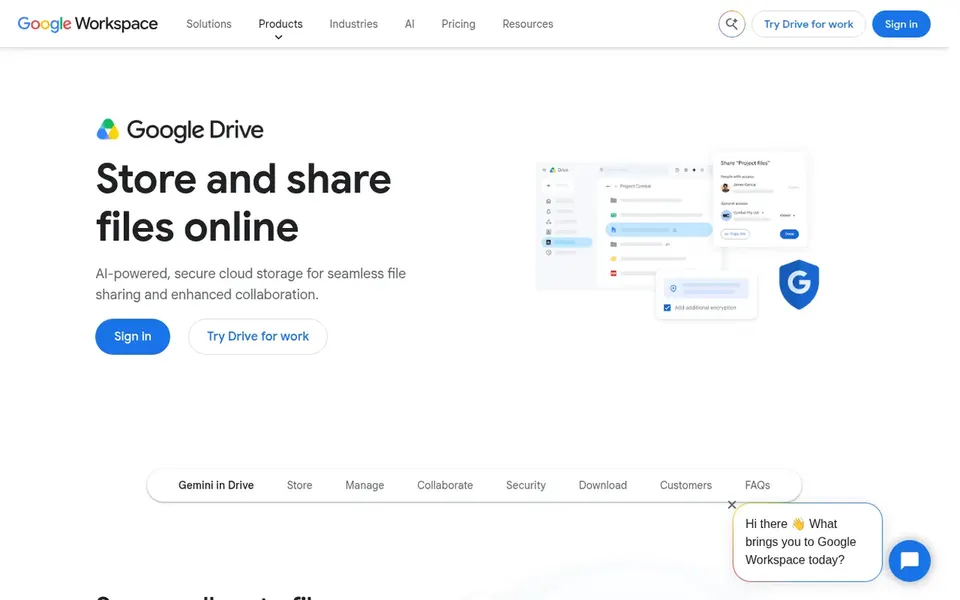
Google Drive is designed for live collaboration and Google Workspace users. Teams that depend on Google's productivity suite will find Drive a natural fit for storing and sharing files, with solid permission settings and simple external sharing. Even so, Drive's native editing capabilities are most solid for Google-formatted files; other formats may need external apps.
Also, its interface can become overwhelming with large file volumes. It is tightly integrated with Google Workspace apps, allowing teams to co-edit documents, spreadsheets, and presentations straight in the browser. Check the vendor site for Google Drive pricing; none is listed in this comparison. Trial and free access: Not stated.
What to check first: Interface can feel cluttered with numerous files.
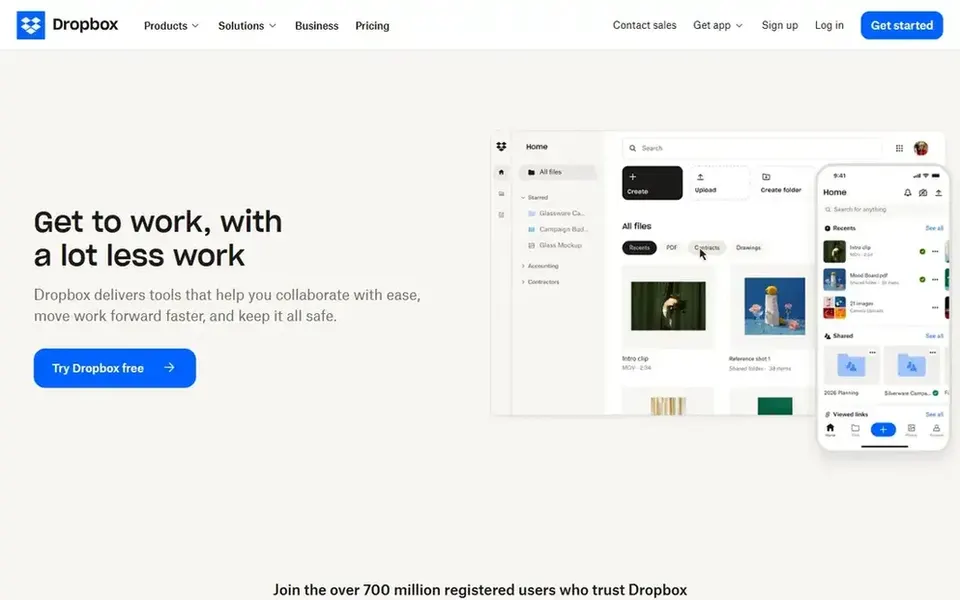
Dropbox Business makes the most sense for external sharing and file collaboration. Beyond entry-level storage, it supplies file sharing, eSignature, document tracking, and backup capabilities.
Additionally, costs can escalate for bigger teams. Dropbox Business does not show a starting price in this comparison, so check the vendor site for current pricing. Free options: Not stated.
Where it is weaker: Restricted native document editing compared with Google or Microsoft.
Best for: Secure content management and workflow automation
Box is built with secure content management and workflow automation in mind. Box's extensive feature set can make it complicated to set up and use, particularly for smaller teams without dedicated IT support.
It may also be more costly than more straightforward storage options. Box shows no starting price here, so confirm the cost on the vendor site. Trial and free access: Not stated.
Where it is weaker: Interface can be complicated for new users.
Ask Amazon S3, Google Drive, Dropbox Business and Box for a written quote, since no starting price is shown.
Use real work to test the free trial from Egnyte, rather than a demo project.
Before choosing Egnyte, weigh its main limit: less focus on live document editing.
Ask Google Drive which support channels and response times come with the plan you would buy.
Before you load data into Dropbox Business, check what an export looks like and who can run it.
How we picked
Each tool was reviewed on what its vendor publishes: price, plan limits, core features and stated drawbacks. We did not run hands-on tests. Treat prices as a snapshot: vendors change plans often, so check the vendor site for the figure that applies today. The ranking is editorial: typical fit first, then clear pricing, then free access. If your needs are unusual, read the profiles rather than relying on position. This applies to all 5 cloud document storage software for teams options compared here.
Every price and plan detail on this page comes from the vendors’ own websites. We did not run hands-on tests unless the text says so, and we do not publish star ratings or review scores. See how we score and our disclosure.
Keep your shortlist in one place
Paste prices, trial dates and notes from this guide into Ainotely, our AI note app. It files them into a topic and pulls out tasks like “cancel trial by Friday”. Free 7-day trial, no card needed.
Is Egnyte the right pick for everyone comparing cloud document storage software for teams?
No single tool suits every team. Egnyte comes first because it fits large files and AI-driven content governance, while Amazon S3 suits scalable object storage for developers and Google Drive suits real-time collaboration and Google Workspace users. Match the tool to your own size, budget and workflow before deciding.
Does any tool for cloud document storage software for teams here have a free plan?
No tool in this list, Egnyte and Box included, has a permanent free plan. Egnyte offer a trial. Trials and quotes are the usual route, so plan a short evaluation period.
What is the best cloud storage for teams that require real-time collaboration?
Egnyte comes first here and is built for large files and AI-driven content governance. Buyers with other needs may prefer Amazon S3 (for scalable object storage for developers) or Google Drive (for live collaboration and Google Workspace users). Compare costs and limits first.
Can I try these tools before paying?
Often, yes. Egnyte offers a free trial. Use your own data and a real task during the test, and check what the free tier or trial limits before you rely on it.
Do these tools publish their prices?
Not all of them. Amazon S3, Google Drive, Dropbox Business and Box publish no starting price, so expect a quote request for those. The rest, Egnyte included, show a starting price, though seats and billing terms still change the final cost.