Start with Enscape if you need one-click live rendering and VR. Listed starting prices: KeyShot from $7.92 a month. If your case is different, Autodesk VRED suits automotive design and engineering visualization and OTOY OctaneRender suits GPU-based rendering across creative tools. The other 3 tools in the list cover narrower or pricier cases.
Choosing product design rendering software usually comes down to price, fit and limits. This Ainotely guide sets 6 tools side by side on those three points, with the facts kept short and checkable.
Key takeaways
Enscape takes the first slot, best suited to one-click live rendering and VR.
Before buying OTOY OctaneRender, weigh this: GPU hardware demands are significant.
KeyShot fits live product visualization and collaboration.
Enscape, KeyShot and the 4 others all need a premium plan or a trial, since no free plan is listed.
Enscape makes the most sense for one-click live rendering and VR. Enscape offers live rendering and virtual reality for Revit, SketchUp, Rhino, ArchiCAD and Vectorworks, with a one-click workflow. Enscape is oriented toward architectural and interior visualization, so fine product detail and studio-style material control may be less central to its workflow.
From a buyer's view, teams centred on close-up product hero shots should compare it against product-specific renderers. In practice, product designers who model in those products and want fast walkthroughs or contextual presentations can use it to review designs in live. Enscape shows no starting price here, so confirm the cost on the vendor site. Free access: Not stated.
The main drawbacks: Geared toward architecture and interiors.
Best for: Automotive design and engineering visualization
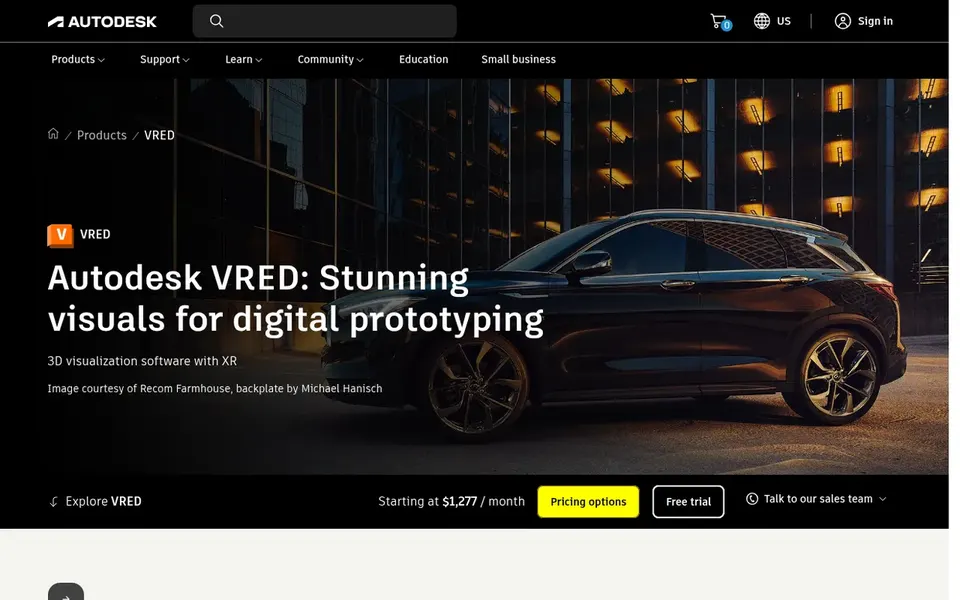
Autodesk VRED is a good fit for automotive design and engineering visualization. The automotive orientation means product designers outside that industry may find it specialized for their needs.
It fits teams in vehicle development who require high-fidelity visualization tied closely to engineering data and review workflows, instead of general consumer product rendering. Autodesk VRED shows no starting price here, so confirm the cost on the vendor site. Free plan details: Not stated.
The main drawbacks: May be more than general product design needs.
Best for: GPU-based rendering across creative tools
OTOY OctaneRender was built for GPU-based rendering across creative tools. OTOY OctaneRender is a widely known GPU renderer that plugs into a set of 3D content creation applications.
Limits to weigh: GPU hardware demands are significant.
In practice, OctaneRender relies on compatible GPU hardware and a supported host application, so the experience varies by setup. Pricing for OTOY OctaneRender is not stated here, so ask the vendor for current figures. On free options: Not stated.
Best for: Photorealistic rendering inside design products
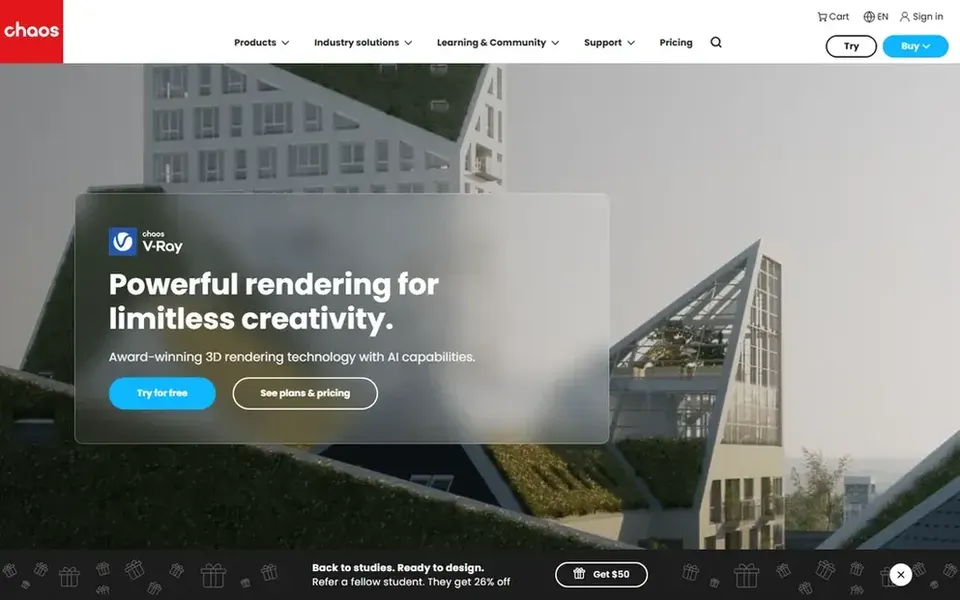
Chaos V-Ray makes the most sense for Photorealistic rendering inside design systems. Chaos V-Ray is a photorealistic 3D rendering plugin available for widely used design platforms including 3ds Max, SketchUp, Rhino, Maya and Blender. As for the details, since V-Ray runs inside a host product, it is not a standalone product visualization environment.
Teams without a supported modeling tool will need one first. Those who want a self-contained product rendering app may prefer KeyShot or Substance 3D Stager. Pricing for Chaos V-Ray is not stated here, so ask the vendor for current figures. Free plan details: Not stated.
What to check first: Plugin setup brings workflow steps.
Maxon Cinema 4D works best for motion and design-led 3D workflows. Product designers who require animated explainers, turntables or stylized visuals alongside still renders frequently find its combined toolset appealing. Also, Maxon Cinema 4D is a well-known 3D modeling, animation and rendering application used across design, motion graphics and visualization work.
Teams that chiefly want quick material and lighting previews on CAD-style models may prefer a product-focused tool. From a buyer's view, as a general-purpose 3D application, Cinema 4D asks more setup than a dedicated product renderer and may be heavier than needed for straightforward still visualization. No starting price is listed for Maxon Cinema 4D here; confirm pricing on the vendor site. Free access: Not stated.
The main drawbacks: General 3D app instead of product-only.
Best for: Live product visualization and collaboration
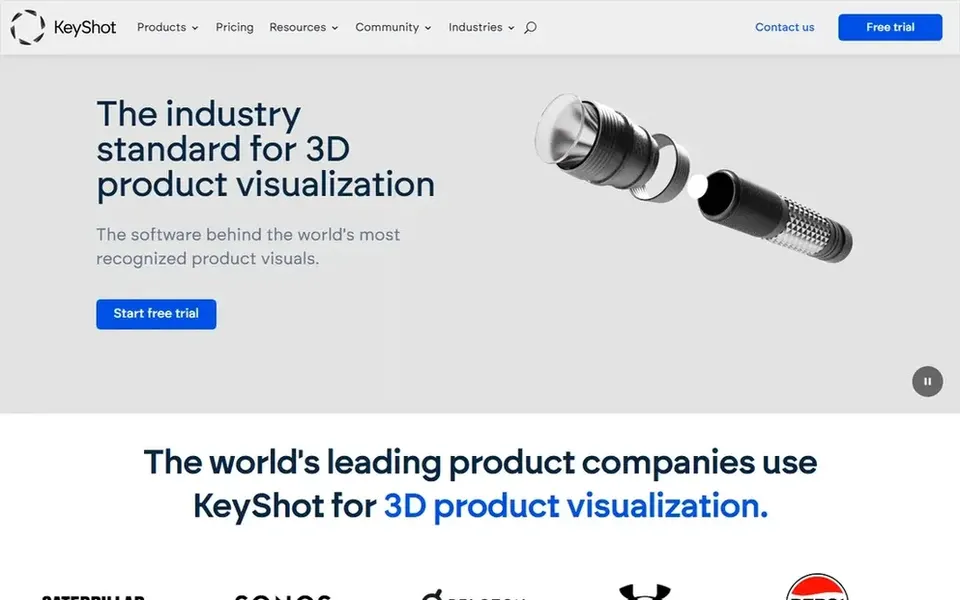
For live product visualization and collaboration, KeyShot is a natural candidate. KeyShot is described by its vendor as 3D rendering and AI visualization software, with live rendering technology targeted at collaboration from concept through product launch. That positioning makes it a natural fit for industrial designers and product teams who want fast visual feedback on materials, lighting and form without leaving a product-focused toolset.
Where it falls short: Product fit should be checked before committing.
Confirm interoperability with your modeling tools on the vendor site before standardizing. Since KeyShot is built around product visualization, teams whose work spans broader animation, VFX or architectural pipelines may prefer a plugin or suite that plugs into their existing host application. On cost, KeyShot starts like this: $7.92 per month. Free options: Free trial.
Get a written quote from Enscape, Autodesk VRED, OTOY OctaneRender and others; the list shows no starting price for them.
Run a trial of KeyShot with real work before paying for a year; your own workflow is the best test.
Read the limits listed for Enscape first: geared toward architecture and interiors.
Ask KeyShot which support channels and response times come with the plan you would buy.
Find out whether the entry plan of Maxon Cinema 4D covers your must-haves or only a trimmed-down version.
How we picked
For each of the 6 tools we noted price, free plan or trial, fit for product design rendering software and the main limit, using vendor pages and documentation. Seat minimums, billing terms and add-ons can move the real cost, so the starting prices here are a guide and not a quote. The order reflects how well each tool fits the most common buying scenario for product design rendering software, then price clarity, then free plan access. It is a starting point, not a verdict.
Every price and plan detail on this page comes from the vendors’ own websites. We did not run hands-on tests unless the text says so, and we do not publish star ratings or review scores. See how we score and our disclosure.
Keep your shortlist in one place
Paste prices, trial dates and notes from this guide into Ainotely, our AI note app. It files them into a topic and pulls out tasks like “cancel trial by Friday”. Free 7-day trial, no card needed.
Do I need a separate modeling tool with these renderers?
It relies on the tool. Chaos V-Ray, Enscape and OctaneRender work with host applications, so you need a supported modeling system. KeyShot, Cinema 4D and Substance 3D Stager supply more of their own environment for building and staging scenes.
Do these tools publish their prices?
Not all of them. Enscape, Autodesk VRED, OTOY OctaneRender and others publish no starting price, so expect a quote request for those. The rest, KeyShot included, show a starting price, though seats and billing terms still change the final cost.
Which rendering software is a good match for product design beginners?
For most readers this guide would start with Enscape, built for one-click live rendering and VR. Autodesk VRED is the alternative for automotive design and engineering visualization, and OTOY OctaneRender for GPU-based rendering across creative tools. The right answer depends on budget and workflow.
Is Enscape the right pick for everyone comparing product design rendering software?
No single tool suits every team. Enscape comes first because it fits one-click real-time rendering and VR, while Autodesk VRED suits automotive design and engineering visualization and OTOY OctaneRender suits GPU-based rendering across creative tools. Match the tool to your own size, budget and workflow before deciding.
Can I try these options before paying?
Often, yes. KeyShot offers a free trial. Use your own data and a real task during the test, and check what the free tier or trial limits before you rely on it. Each of the 6 options in this product design Rendering software guide has its own card above with the price, free plan and limits.
Does any tool for product design rendering software here have a free plan?
No tool in this list, Enscape and KeyShot included, has a permanent free plan. KeyShot offer a trial. Trials and quotes are the usual route, so plan a short evaluation period.