Loom leads the list, best for fast screen recording and simple sharing. Listed starting prices: Loom from $18 per user per month. If your case is different, Adobe Premiere Pro suits professional video editing and postproduction and OBS Studio suits free open source recording and streaming. All 5 tools are compared below on price, free plan and limits.
Ainotely compared 5 tools for software to record video. The goal is a practical shortlist: published prices, free plan facts, best-fit use cases and honest limits for every entry.
Key takeaways
Number one here is Loom, a fit for fast screen recording and simple sharing.
Just one of the 5 tools, Loom, has a free plan.
Check the limits for Adobe Premiere Pro before you commit: not a dedicated recorder.
For Tutorials, training videos and demos, Camtasia is worth a look.
Best for: Fast screen recording and simple sharing
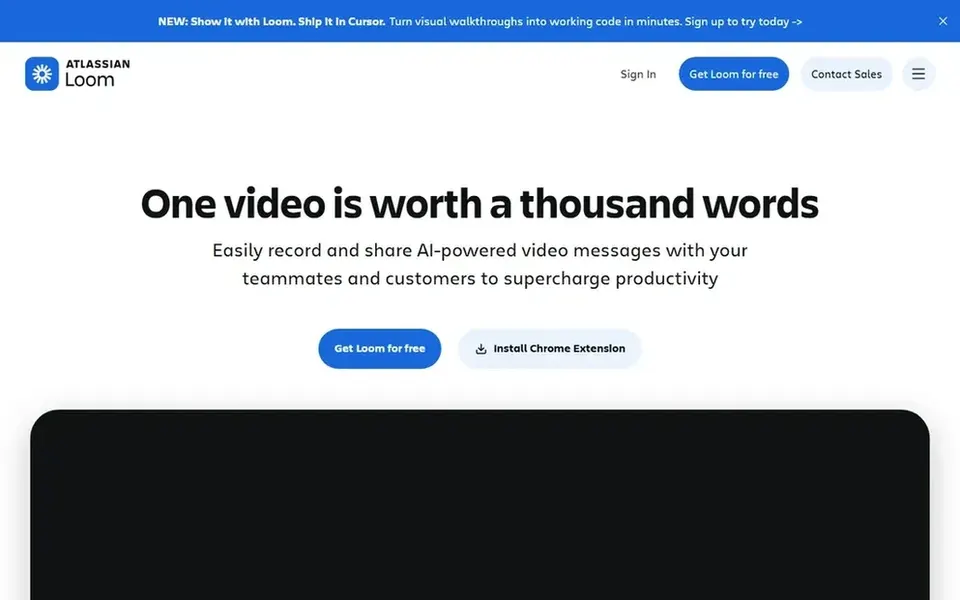
Loom makes the most sense for fast screen recording and simple sharing. Loom is an online screen recording tool for Mac and PC with advanced video editing and video storage, plus simple sharing from its site.
Honest limits: Less control than studio tools.
Also, the emphasis is on speed and sharing instead of deep production control. For multi-source scenes or advanced encoding settings, a tool like OBS Studio is a better fit. What you pay to start with Loom: $18 per user per month. Loom has a free plan.
Best for: Professional video editing and postproduction
Choose Adobe Premiere Pro for professional video editing and postproduction. It lets you edit and trim video, add effects, mix audio and extend video, making it a fit for editors who require in-depth control over the finished result.
No starting price is listed for Adobe Premiere Pro here; confirm pricing on the vendor site. Free options: Not stated.
Best for: Free open source recording and streaming
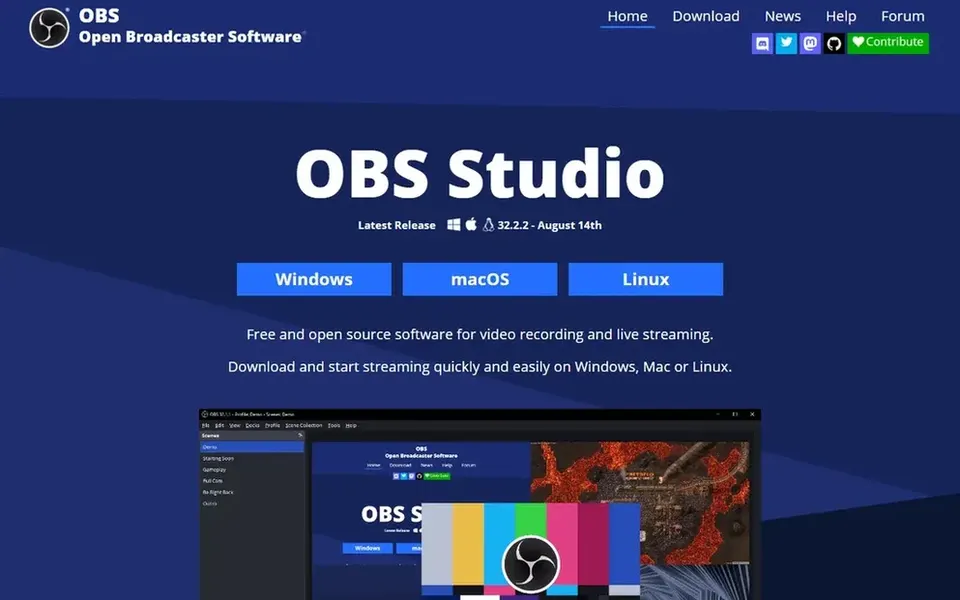
In short, OBS Studio is for free open source recording and streaming. OBS Studio is open source software for video recording and live streaming.
It can stream to Twitch, YouTube and numerous other providers, and it records your own videos with high quality H264 and AAC encoding. Pick a more straightforward screen recorder or an all-in-one editor if you want minimal setup. Pricing for OBS Studio is not stated here, so ask the vendor for current figures. Trial and free access: Not stated.
Think of Bandicam for screen, gameplay and webcam capture. It fits users who want a dedicated recorder that deals with multiple capture sources in one place, especially on PC.
The main drawbacks: Windows-focused positioning.
Its feature set can take time to learn. Bandicam shows no starting price here, so confirm the cost on the vendor site. Free plan details: Not stated.
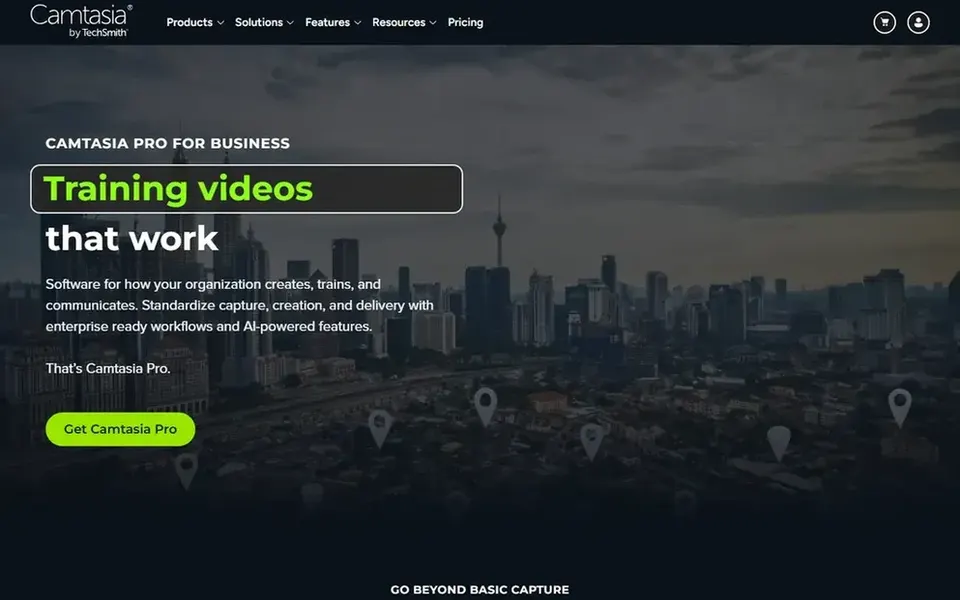
Camtasia was built for Tutorials, training videos and demos. Camtasia is positioned as a screen recorder and video editor for creating professional tutorials, training videos and software demos.
Honest limits: Heavier than straightforward capture tools.
Recording and editing live in one application, so you can capture a screen and then refine the result without switching tools. From a buyer's view, choose it when editing tutorials is a core part of your work. Camtasia shows no starting price here, so confirm the cost on the vendor site. Free options: Not stated.
Get a written quote from Adobe Premiere Pro, OBS Studio, Bandicam and Camtasia; the list shows no starting price for them.
Look at the free plan from Loom closely: its caps decide whether it is usable for real work.
Before choosing Loom, weigh its main limit: less control than studio tools.
Price Camtasia for your actual team size; headline prices rarely include add-ons or overage.
Involve the people who will use Bandicam daily; a short pilot beats a long feature checklist.
How we picked
Ainotely looked at what each vendor publishes: pricing, plan limits, feature coverage for software to record video and stated drawbacks. No hands-on testing is claimed. Figures are shown as the vendors publish them. Billing terms, seat minimums and add-ons can change the real cost. The order reflects how well each tool fits the most common buying scenario for software to record video, then price clarity, then free plan access. It is a starting point, not a verdict.
Every price and plan detail on this page comes from the vendors’ own websites. We did not run hands-on tests unless the text says so, and we do not publish star ratings or review scores. See how we score and our disclosure.
Keep your shortlist in one place
Paste prices, trial dates and notes from this guide into Ainotely, our AI note app. It files them into a topic and pulls out tasks like “cancel trial by Friday”. Free 7-day trial, no card needed.
How are the tools for software to record video ordered?
The order follows typical fit for software to record video, with Loom first and Camtasia last, then price clarity and free access. It is editorial judgement, not a score, so another team could rank the tools differently.
Which options for software to record video have a free plan?
Loom is the only tool in this list with a free plan. Free plans usually cap users, projects or features, so check the limits on the vendor page. Each of the 5 options in this software to record video guide has its own card above with the price, free plan and limits.
Is Loom the right pick for everyone comparing software to record video?
No single tool suits every team. Loom comes first because it fits quick screen recording and easy sharing, while Adobe Premiere Pro suits professional video editing and postproduction and OBS Studio suits free open source recording and streaming. Match the tool to your own size, budget and workflow before deciding.
Can I try these tools before paying?
Often, yes. Loom has a free plan. Use your own data and a real task during the test, and check what the free tier or trial limits before you rely on it. All 5 picks in this software to record video comparison show their pricing, free plan details and main limits on the cards above.
Which tool is a good match for free screen recording?
For most readers this guide would start with Loom, built for fast screen recording and simple sharing. Adobe Premiere Pro is the alternative for professional video editing and postproduction, and OBS Studio for free open source recording and streaming. The right answer depends on budget and workflow.