If you need AI-powered enterprise collaboration, Cisco Webex is the first tool to look at here. For a different need, GoTo Webinar covers dedicated webinar and virtual events and Adobe Connect covers engaging training and webinars. The other 2 tools in the list cover narrower or pricier cases.
Ainotely put together this guide to virtual classroom and webinar software for readers who want a clear shortlist without reading every vendor page. It compares 5 tools on starting price, free plans, who each one suits and where each one falls short.
Key takeaways
Cisco Webex is the opening pick, best for AI-powered enterprise collaboration.
Cisco Webex, Zoom and the 3 others all sell by quote; expect sales conversations before you see a price.
Zoom suits all-in-one meetings and webinars.
Cisco Webex stands alone as the one tool in this list with a free plan.
A fair warning about Blackboard Collaborate: restricted standalone webinar features.
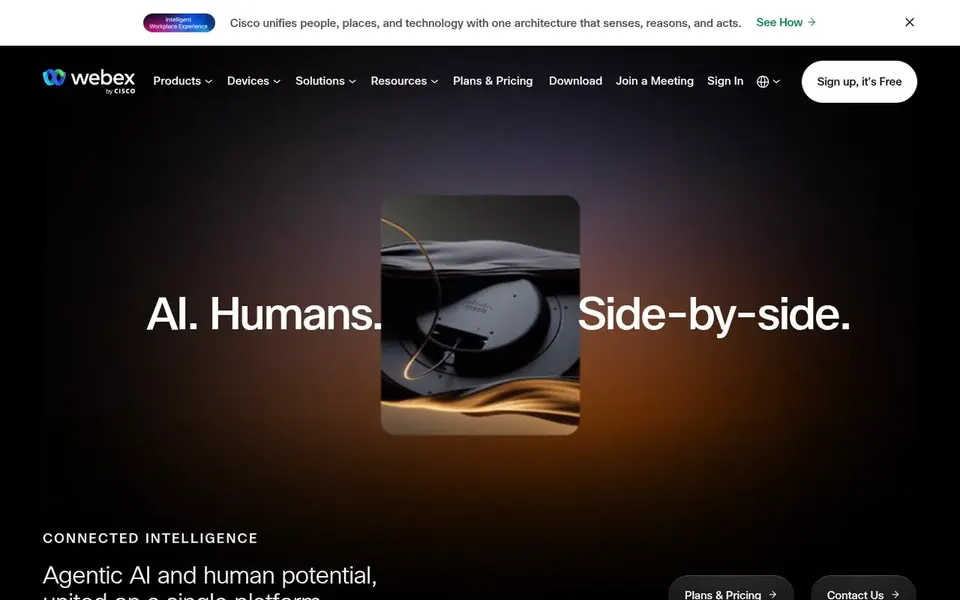
In short, Cisco Webex is for AI-powered enterprise collaboration. The product is well-suited for enterprises that require solid security, scalability, and integration with existing Cisco infrastructure, along with for organizations looking to use AI for better engagement. As for the details, Cisco Webex is an AI-powered collaboration product that comes with customer experience and device options.
Watch-outs: Needs setup for full feature use.
It is aimed at leading global brands and supports virtual classrooms and webinars with advanced features. The product may need more setup and training to use effectively. Choose Webex when enterprise-grade collaboration and AI capabilities are priorities. Cisco Webex shows no starting price here, so confirm the cost on the vendor site. Cisco Webex offers a free plan.
GoTo Webinar is designed for dedicated webinar and virtual events. Pick GoTo Webinar when your primary goal is hosting professional webinars and virtual events instead of delivering a full online course. GoTo Webinar is less concentrated on virtual classroom management, lacking some features like gradebook or assignment integration that educators might need.
It is not a strong match for continuing courses or interactive teaching that requires breakout rooms and student tracking. It provides a set of features tailored for webinars, for example registration, reporting, and audience interaction tools. This makes it a solid choice for marketers, companies, and organizations that run frequent webinars and need dependable performance for large audiences, without the additional complexity of a full virtual classroom. GoTo Webinar shows no starting price here, so confirm the cost on the vendor site. Free access: Free trial.
Adobe Connect is built with engaging training and webinars in mind. Adobe Connect is a product for delivering engaging training and webinars, with a focus on boosting audience engagement and presenter productivity. It is meant to help organizations achieve measurable business outcomes through interactive virtual classrooms and webinars.
Worth adding: choose Adobe Connect when you need deep engagement tools and in-depth reporting for training sessions, instead of a general-purpose meeting tool. Worth adding: the tool is especially suited for trainers and educators who need rich engagement features like polls, breakout rooms, and custom layouts to keep participants involved. It may not be the best fit for simple meetings or casual webinars. Adobe Connect does not show a starting price in this comparison, so check the vendor site for current pricing. Trial and free access: Not stated.
Points against: Needs ramp-up time for advanced features.
Blackboard Collaborate is built with embedded virtual classrooms in LMS in mind. Blackboard Collaborate (now Class Collaborate) is a virtual classroom tool meant to enhance instructor and learner experiences by embedding straight into courses. It is part of the Anthology teaching and learning suite and works smoothly with Blackboard Learn and other learning management systems.
Limits to weigh: Limited standalone webinar features.
This makes it a natural choice for institutions already using Blackboard or Anthology products, as it supplies a unified experience for online teaching without leaving the LMS. As for the details, Blackboard Collaborate is less suited for standalone webinars or events outside of an academic context, as its features are tightly integrated with course delivery. It may not offer the same level of marketing or registration tools as dedicated webinar systems. For everyday use, consider it if you are embedded in the Blackboard ecosystem and want a virtual classroom that feels like a natural extension of your courses. Check the vendor site for Blackboard Collaborate pricing; none is listed in this comparison. Free options: Not stated.
Zoom targets all-in-one meetings and webinars. Whereas Zoom provides a wide feature set, some advanced webinar capabilities may need extra configuration or extras.
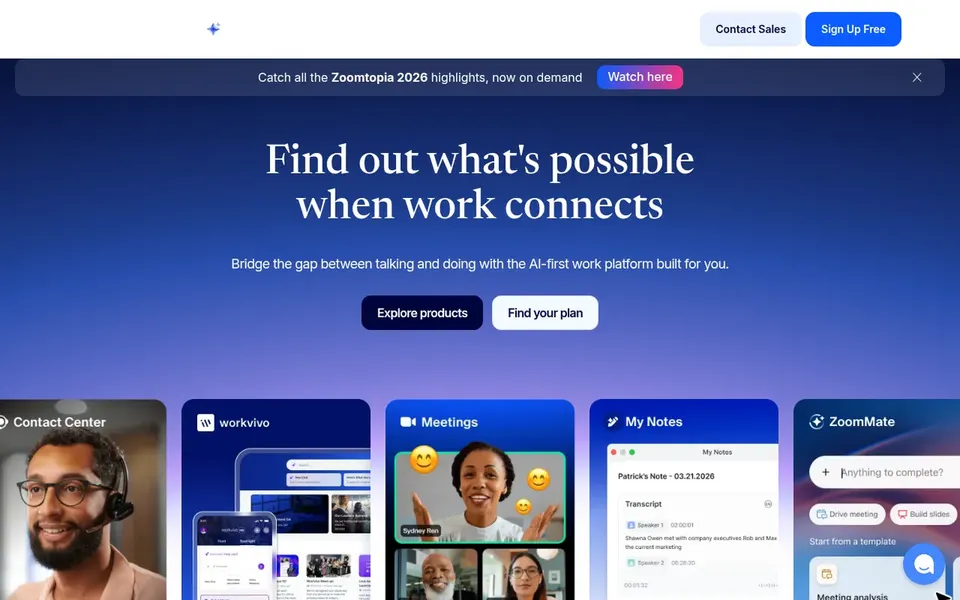
Zoom is a full system that brings together video meetings, chat, VoIP phone, webinars, whiteboard, contact center, and events. Zoom does not show a starting price in this comparison, so check the vendor site for current pricing. On free options: Not stated.
Trade-offs to know: Can feel complicated for straightforward classes.
Ask each vendor, from Cisco Webex to Zoom, for a written quote; none of them publishes a starting price.
Look at the free plan from Cisco Webex closely: its caps decide whether it is usable for real work.
Take the trial from GoTo Webinar and push a live task through it before you pay.
Read the limits listed for Cisco Webex first: may be overwhelming for small teams.
Check the integration list for Cisco Webex against the tools you run today, and note which ones need a higher plan.
Run a one or two week pilot of GoTo Webinar with the people who will use it every day.
How we picked
Each tool was reviewed on what its vendor publishes: price, plan limits, core features and stated drawbacks. We did not run hands-on tests. Where a price is missing, the vendor does not list one publicly or ties it to a quote. Always confirm before budgeting. The ranking is editorial: typical fit first, then clear pricing, then free access. If your needs are unusual, read the profiles rather than relying on position. The same method was used for each of the 5 virtual classroom and webinar software picks on this page.
Every price and plan detail on this page comes from the vendors’ own websites. We did not run hands-on tests unless the text says so, and we do not publish star ratings or review scores. See how we score and our disclosure.
Keep your shortlist in one place
Paste prices, trial dates and notes from this guide into Ainotely, our AI note app. It files them into a topic and pulls out tasks like “cancel trial by Friday”. Free 7-day trial, no card needed.
Is Cisco Webex the right pick for everyone comparing virtual classroom and webinar software?
No single tool suits every team. Cisco Webex comes first because it fits AI-powered enterprise collaboration, while GoTo Webinar suits dedicated webinar and virtual events and Adobe Connect suits engaging training and webinars. Match the tool to your own size, budget and workflow before deciding.
Do these tools publish their prices?
No. None of the tools, from Cisco Webex to Zoom, shows a fixed starting price here, so budget time for quotes. For the full picture, the cards above cover all 5 entries of this virtual classroom and webinar software list, including price, free plan and limits.
How are the tools for virtual classroom and webinar software ordered?
Cisco Webex sits first and Zoom last because the order follows typical fit for virtual classroom and webinar software, then price clarity and free access. It is a judgement call, so read each profile for fit and limits.
Can I try these options before paying?
Often, yes. Cisco Webex has a free plan and GoTo Webinar offers a free trial. Use your own data and a real task during the test, and check what the free tier or trial limits before you rely on it.
What is the difference between virtual classroom and webinar software?
Virtual classroom software concentrates on interactive teaching with features like breakout rooms, assignments, and gradebooks, whereas webinar software is built for one-to-many presentations with registration and audience engagement tools. Some systems, like Zoom, blend both capabilities. Choose based on whether your primary need is continuing education or large-scale events.
Which system is a good match for large webinars?
The first pick on this list is Cisco Webex, because it suits AI-powered enterprise collaboration. GoTo Webinar is better for dedicated webinar and virtual events, and Adobe Connect for engaging training and webinars. Check price and limits against your own needs before choosing.