Sisense comes first here, mainly for embedded analytics in products. Listed starting prices: Tableau from $15 per user a month. Alternatives: Looker for governed metrics and embedded analytics, and Tableau for visual exploration and wide data connections. The other 2 tools in the list cover narrower or pricier cases.
If you are comparing Microsoft Power BI, this page covers 5 tools in one place: what each is best for, what it costs to start, whether it has a free plan, and the main limit to know about.
Key takeaways
Sisense is the opening pick, best for embedded analytics in products.
Check the limits for Sisense before you commit: embedding focus narrows general BI fit.
Tableau stands alone as the one tool in this list with a free plan.
Tableau is the lowest-priced starter here at $15 per user per month.
Sisense was built for embedded analytics in products. Sisense provides AI-powered embedded analytics intended to unlock insights and convert data into revenue, with pro-code, low-code and no-code adaptability.
Beyond that, the embedding focus means Sisense is less obviously pitched at organizations that just need internal dashboards. More specifically, confirm embedding requirements and support scope with the vendor. No starting price is listed for Sisense here; confirm pricing on the vendor site. Free plan details: Free trial.
The main drawbacks: Adaptability paths need clear standards.
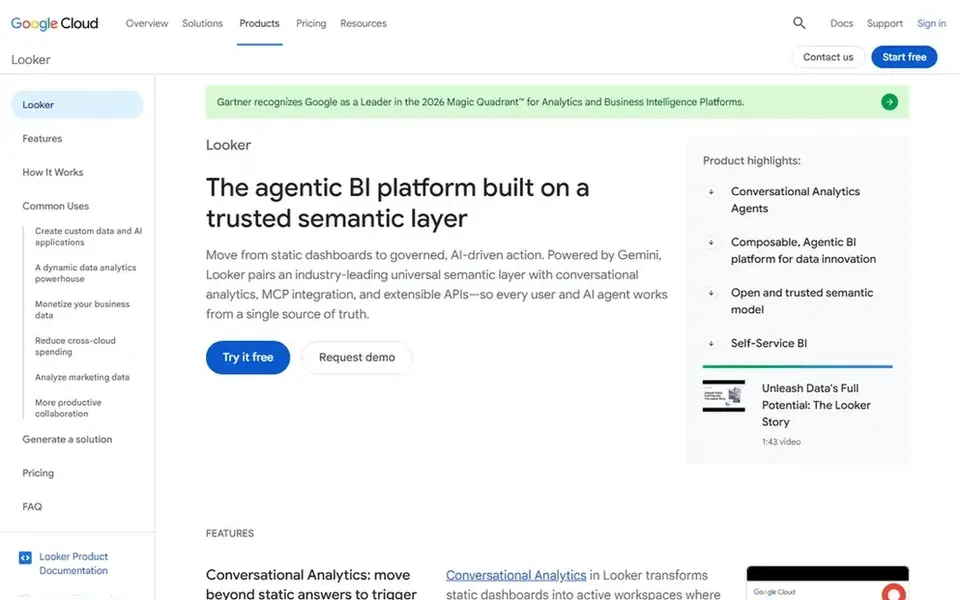
Looker makes the most sense for governed metrics and embedded analytics. Consider Looker when consistent metric definitions and embedded delivery matter more than open-ended visual tinkering, and verify system requirements with the vendor.
Beyond that, Looker is Google Cloud agentic business intelligence and embedded analytics. A solid semantic layer rewards disciplined modeling, which can slow initial setup and needs continuing ownership. Check the vendor site for Looker pricing; none is listed in this comparison. Free options: Not stated.
Best for: Visual exploration and wide data connections
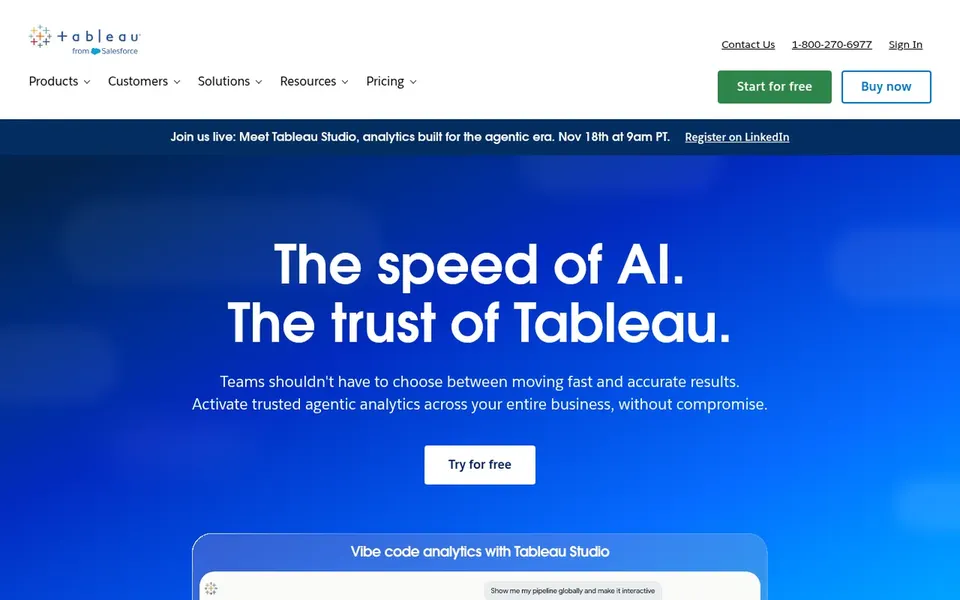
Where Tableau fits: visual exploration and wide data connections. Users link to almost any database, then drag-and-drop to build visualizations and share them with a click.
If your priority is a tightly governed semantic layer with AI assistance instead of open visual exploration, Looker may be the better fit. The visual freedom that makes Tableau approachable can also mean a learning curve for newcomers, and keeping content organized takes deliberate governance. What you pay to start with Tableau: $15 per user per month. A free plan is available with Tableau.
Pick Zoho Analytics if this describes you: wide app connections and dashboards. Zoho Analytics is data analytics software and an AI-powered BI system.
Where it is weaker: Best value inside the Zoho ecosystem.
Teams with demanding embedded or enterprise governance needs should weigh Sisense or Looker instead. This comparison lists no price for Zoho Analytics; ask the vendor. Free plan details: Not stated.
For governed data for AI agents, Domo is a natural candidate. Domo positions its AI and data products around strengthening the entire data journey. As for the details, a product including the entire journey can need clearer ownership and data readiness than a narrower tool.
From a buyer's view, teams wanting only visualization may find lighter alternatives faster to adopt. As for the details, evaluate Domo when governance for AI and end-to-end data handling are central, and confirm how its products map to your existing stack. This comparison lists no price for Domo; ask the vendor. On free options: Free trial.
Ask Sisense, Looker, Zoho Analytics and Domo for a written quote, since no starting price is shown.
Test the free plan from Tableau against your real workload before relying on it.
Use real work to test the free trial from Sisense and Domo, rather than a demo project.
Before choosing Sisense, weigh its main limit: embedding focus narrows general BI fit.
Look at which plan of Looker unlocks the features you need; entry tiers are often cut down.
Confirm you can export your data from Zoho Analytics, so leaving later does not mean losing records.
How we picked
Ainotely used vendor pricing pages and product documentation as the base, then compared plans, free access and documented limits for 5 tools. Figures are shown as the vendors publish them. Billing terms, seat minimums and add-ons can change the real cost. Order on the page follows fit for the typical buyer first, then price transparency and free access. Your own requirements should decide the final pick. Keep it in mind while reading the 5 microsoft power BI alternatives profiles on this page.
Every price and plan detail on this page comes from the vendors’ own websites. We did not run hands-on tests unless the text says so, and we do not publish star ratings or review scores. See how we score and our disclosure.
Keep your shortlist in one place
Paste prices, trial dates and notes from this guide into Ainotely, our AI note app. It files them into a topic and pulls out tasks like “cancel trial by Friday”. Free 7-day trial, no card needed.
What is the cheapest option for Microsoft Power BI in this list?
On published monthly entry prices, Tableau is the lowest here at $15 per user per month. Entry price is only part of the cost, because seats, add-ons and billing terms can change the total. Pricing, free plan details and limits for all 5 tools in this microsoft power BI alternatives roundup sit on the individual cards above.
Can I try these tools before paying?
Often, yes. Tableau has a free plan and Sisense and Domo offer a free trial. Use your own data and a real task during the test, and check what the free tier or trial limits before you rely on it. The 5 tool cards above repeat this per product for microsoft power BI alternatives, with the listed price or "pricing on request".
How are the tools for Microsoft Power BI ordered?
Sisense sits first and Domo last because the order follows typical fit for Microsoft Power BI, then price clarity and free access. It is a judgement call, so read each profile for fit and limits.
Which Power BI alternative is a good match for visual analysis?
Start with Sisense if you need embedded analytics in products. Looker is the better match for governed metrics and embedded analytics, and Tableau for visual exploration and wide data connections. The best choice depends on budget, team size and workflow.
Which options for Microsoft Power BI have a free plan?
Tableau is the only tool in this list with a free plan. Free plans usually cap users, projects or features, so check the limits on the vendor page. Several others offer a trial instead. Each of the 5 options in this microsoft power BI alternatives guide has its own card above with the price, free plan and limits.