If you need multi-display displays and installations, Watchout is the first tool to look at here. For a different need, Isadora covers interactive and generative media projects and Resolume Arena covers VJ and media server workflows. The remaining 2 options are covered below with prices and limits.
Ainotely compared 5 tools for Millumin. The goal is a practical shortlist: published prices, free plan facts, best-fit use cases and honest limits for every entry.
Key takeaways
Top of the list is Watchout, which targets multi-display displays and installations.
Neither Watchout nor MadMapper, nor any of the other 3 tools, has a permanent free plan; trials and quotes are the norm.
MadMapper is the one to check for projection mapping and LED control.
Pricing across the list, from Watchout to MadMapper, is by quote only.
Best for: Multi-display displays and installations
Watchout was built for multi-display presents and installations. The system contains both software and hardware components, like WATCHPAX media servers. Watchout is a media server system for multi-display displays, used in corporate AV, events, retail, projection mapping, museums, broadcast, theme parks, theater, and more.
It gives you frame-accurate synchronization across several displays and is recognised for reliability in demanding environments. In daily use, Watchout usually needs proprietary hardware and can be more costly than software-only options. Watchout shows no starting price here, so confirm the cost on the vendor site. Free plan details: Not stated.
What to check first: Proprietary hardware required.
Best for: Interactive and generative media projects
Isadora targets interactive and generative media projects. If you need a more straightforward tool for projection mapping, MadMapper might be a better fit. Isadora supports many different input devices and protocols, making it right for sensor-driven and generative projects.
Isadora is less centred on traditional VJing and media serving compared with Resolume Arena. In practice, Isadora, from Troikatronix, is a creativity server software for interactive media, live performances, and installations. It uses a node-based visual programming interface that lets users to build complicated interactive systems without writing code. Isadora shows no starting price here, so confirm the cost on the vendor site. On free options: Not stated.
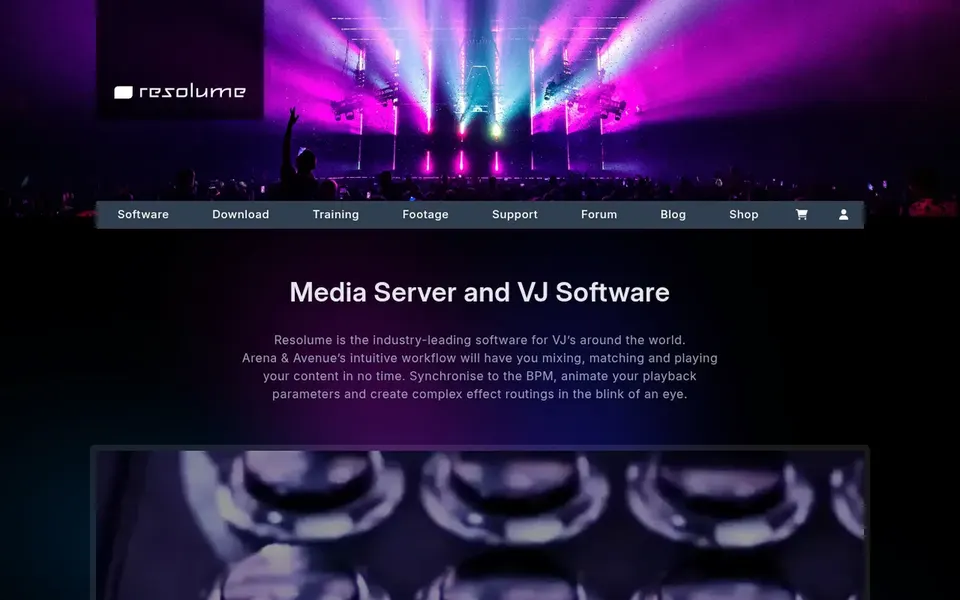
Resolume Arena makes the most sense for VJ and media server workflows. The software supports many different file formats and offers solid MIDI and OSC control for integration with hardware controllers. That said, Resolume Arena can be complicated for beginners and may require significant time to master.
It is primarily centred on VJ-style playback instead of timeline-based present control. It permits live mixing of video clips, effects, and generative content, making it a good match for club visuals, concerts, and interactive installations. Pricing for Resolume Arena is not stated here, so ask the vendor for current figures. On free options: Not stated.
Best for: MacOS sound, video, and lighting control
Think of QLab for macOS sound, video, and lighting control. QLab is sound, video, and lighting control software for macOS, used by everyone from small theaters to large productions.
Trade-offs to know: macOS only.
On top of that, QLab is especially widely used in theater and live performance settings for its reliability and simplicity. Check the vendor site for QLab pricing; none is listed in this comparison. Free access: Not stated.
Choose MadMapper for projection mapping and LED control. MadMapper is a software for projection mapping, LED, DMX lighting, and laser live presents. It supplies feature-rich and adaptable tools for mapping video onto irregular surfaces, controlling LED fixtures, and integrating with DMX lighting.
For everyday use, the software is recognised for its approachable interface and is widely used by professionals for mapping projects. It is a very good choice for dedicated projection mapping but may not be sufficient for complicated display control. In daily use, for integrated sound and video playback, QLab could complement it. Pricing for MadMapper is not stated here, so ask the vendor for current figures. On free options: Not stated.
Drawbacks to consider: Focused primarily on mapping.
Request quotes from Watchout, MadMapper and the others; the list shows no fixed prices.
Read the limits listed for Watchout first: proprietary hardware required.
Verify that exporting from MadMapper is possible on your plan and covers all your records.
Ask whether Resolume Arena integrates with your current software, and whether that comes standard or as an add-on.
Add up seats, add-ons and usage charges for Isadora before comparing it with cheaper entries.
How we picked
Selection started from tools commonly considered for Millumin, then narrowed to 5 that have clear pricing information or a clear quote process. Where a price is missing, the vendor does not list one publicly or ties it to a quote. Always confirm before budgeting. We ordered the tools by general fit, then by how clearly pricing is shown, then by free access. A buyer with unusual needs may reorder them.
Every price and plan detail on this page comes from the vendors’ own websites. We did not run hands-on tests unless the text says so, and we do not publish star ratings or review scores. See how we score and our disclosure.
Keep your shortlist in one place
Paste prices, trial dates and notes from this guide into Ainotely, our AI note app. It files them into a topic and pulls out tasks like “cancel trial by Friday”. Free 7-day trial, no card needed.
Which alternative fits best for multi-display shows?
For most readers this guide would start with Watchout, built for multi-display displays and installations. Isadora is the alternative for interactive and generative media projects, and Resolume Arena for VJ and media server workflows. The right answer depends on budget and workflow.
Is Watchout the right pick for everyone comparing Millumin?
No single tool suits every team. Watchout comes first because it fits multi-display shows and installations, while Isadora suits interactive and generative media projects and Resolume Arena suits VJ and media server workflows. Match the tool to your own size, budget and workflow before deciding.
Can I try these tools before paying?
Not by default. None of the tools, from Watchout to MadMapper, lists a free plan or a free trial here, so ask each vendor for a demo before committing.
Can I use QLab for projection mapping?
QLab can play video and control projections, but it lacks native advanced mapping features. For dedicated mapping, pair QLab with MadMapper or use Resolume Arena.
Do these tools publish their prices?
No. None of the tools, from Watchout to MadMapper, shows a fixed starting price here, so budget time for quotes.
Does any tool for Millumin here have a free plan?
No tool in this list, Watchout and MadMapper included, has a permanent free plan. Trials and quotes are the usual route, so plan a short evaluation period.