If you need quick, minimal team collaboration, Nuclino is the first tool to look at here. Listed starting prices: Notion from $10 per member per month. Slab is the stronger choice for simple, easy-to-adopt knowledge base, while Notion suits adaptable all-in-one workspace. Prices, free plans and limits for all 5 tools follow.
This Ainotely guide covers 5 options for Slite. Each profile lists a starting price, free plan details, strengths and drawbacks, so you can drop poor fits quickly.
Key takeaways
Number one here is Nuclino, a fit for fast, minimal team collaboration.
The lowest published monthly entry price here is $10 per member per month, from Notion.
Only Notion offers a free plan among these 5 tools.
Confluence suits organizations using Atlassian tools.
One limit worth knowing about Coda: ramp-up time for advanced features.
For fast, minimal team collaboration, Nuclino is a natural candidate. Nuclino is described as a modern, straightforward, and blazingly quick way to collaborate, bringing knowledge, docs, and projects together in one place. It positions itself as a team's collective brain, well suited to teams that value speed and minimalism over broad customization.
Small to mid-size teams frequently choose it for a clean, distraction-free workspace. Nuclino's simplicity means fewer advanced features for complex workflows or enterprise governance. Pricing for Nuclino is not stated here, so ask the vendor for current figures. As for free access: Free trial.
Best for: Straightforward, easy-to-adopt knowledge base
Think of Slab for straightforward, easy-to-adopt knowledge base. Slab is knowledge base and wiki software known for simple creation, organization, and numerous integrations. It is built to be approachable for both non-technical and tech-savvy teams, making it a solid choice for businesses that want a clean, searchable home for internal documentation without a steep ramp-up time.
Points against: Less configurable than some rivals.
If you want to build internal tools alongside docs, Coda or Notion could be a better fit. Slab prioritizes simplicity, so teams needing highly custom databases or app-like workflows may find it limiting. Slab shows no starting price here, so confirm the cost on the vendor site. Trial and free access: Not stated.
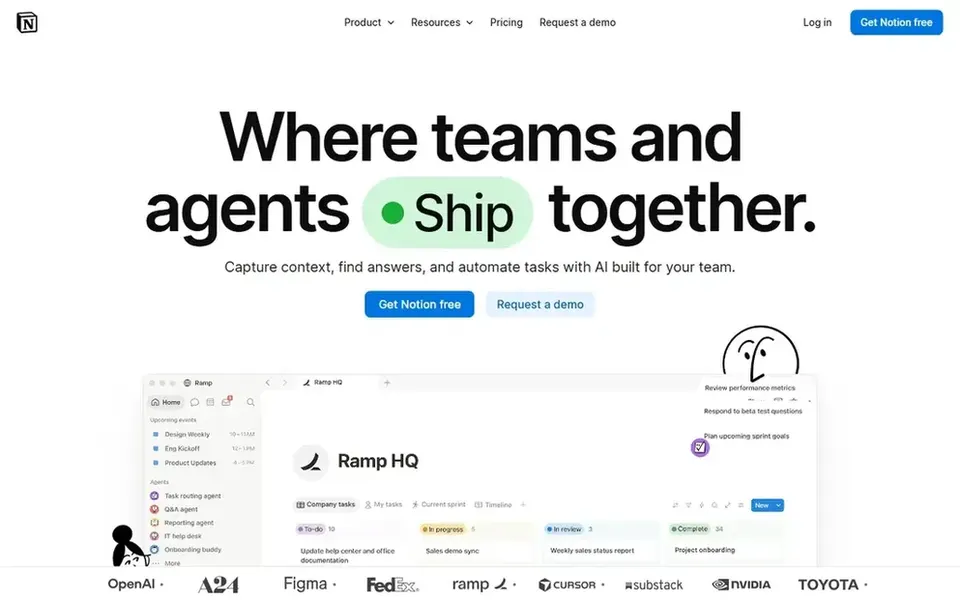
Notion targets adaptable all-in-one workspace. Notion is an AI-powered workspace that lets teams build custom agents, search across connected apps, and automate routine work.
Worth adding: if you prefer a more guided, structured knowledge base with less configuration, Slab or Nuclino may be a better match. What you pay to start with Notion: $10 per member per month. Notion includes a free tier.
Trade-offs to know: Advanced setups need planning.
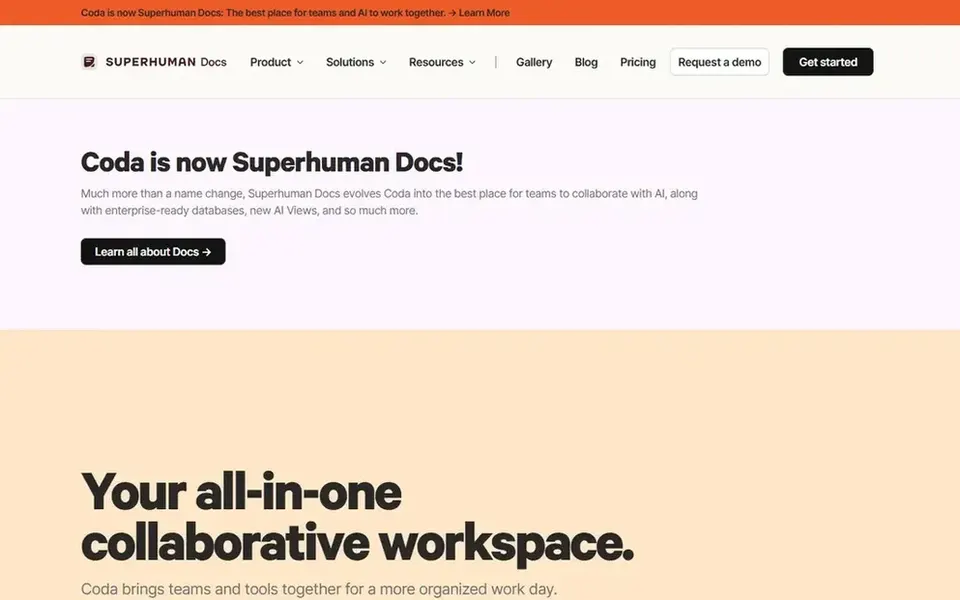
Coda makes the most sense for blending docs with structured data. Coda is an all-in-one collaborative workspace that blends the flexibility of documents, the structure of spreadsheets, the power of applications, and AI assistance.
In practice, Coda's adaptability can result in sprawling setups without governance, and some users may find the building-block approach takes time to master. Product, operations, and project teams frequently use Coda to replace a patchwork of docs and spreadsheets. Pricing for Coda is not stated here, so ask the vendor for current figures. Free access: Not stated.
Where it is weaker: Ramp-up time for advanced features.
Confluence serves organizations using Atlassian tools. Confluence can feel complicated for small teams or those outside the Atlassian ecosystem, and its structure may need upfront planning. If you want a lighter, more easy-to-learn knowledge base, consider Slab or Nuclino instead.
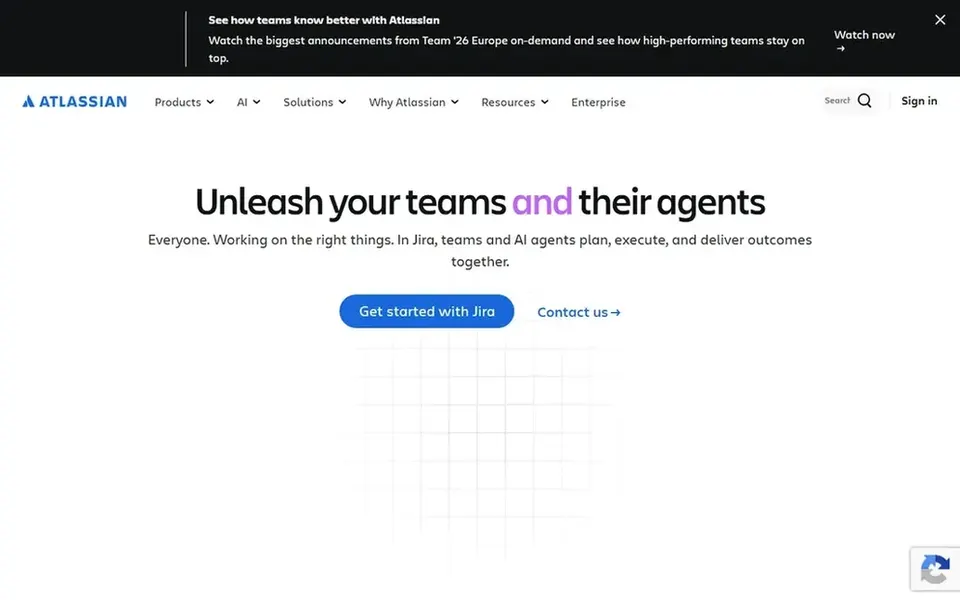
Beyond that, Confluence is a team workspace for creating and sharing knowledge, with AI features for drafting, summarizing, and finding answers. It is built to help projects move quicker by keeping documentation close to where work happens. No starting price is listed for Confluence here; confirm pricing on the vendor site. On free options: Not stated.
Limits to weigh: Best value within Atlassian stack.
Ask Nuclino, Slab, Coda and Confluence for a written quote, since no starting price is shown.
Test the free plan from Notion against your real workload before relying on it.
Use real work to test the free trial from Nuclino, rather than a demo project.
Read the limits listed for Nuclino first: fewer advanced features.
Ask Nuclino which support channels and response times come with the plan you would buy.
Ask the daily users to test Coda on a live task before you roll it out to everyone.
How we picked
Ainotely used vendor pricing pages and product documentation as the base, then compared plans, free access and documented limits for 5 tools. Prices and plan limits come from vendor pages and can change, so confirm them on the vendor site before you buy. Position on the page reflects fit for a typical buyer first, with price clarity and free access breaking ties. Treat it as a guide, not a ruling. Keep it in mind while reading the 5 Slite alternatives profiles on this page.
Every price and plan detail on this page comes from the vendors’ own websites. We did not run hands-on tests unless the text says so, and we do not publish star ratings or review scores. See how we score and our disclosure.
Keep your shortlist in one place
Paste prices, trial dates and notes from this guide into Ainotely, our AI note app. It files them into a topic and pulls out tasks like “cancel trial by Friday”. Free 7-day trial, no card needed.
Nuclino sits first and Confluence last because the order follows typical fit for Slite, then price clarity and free access. It is a judgement call, so read each profile for fit and limits.
What is the cheapest option for Slite in this list?
On published monthly entry prices, Notion is the lowest here at $10 per member per month. Entry price is only part of the cost, because seats, add-ons and billing terms can change the total. The 5 tool cards above repeat this per product for Slite alternatives, with the listed price or "pricing on request".
Can I try these tools before paying?
Often, yes. Notion has a free plan and Nuclino offers a free trial. Use your own data and a real task during the test, and check what the free tier or trial limits before you rely on it.
Is Nuclino the right pick for everyone comparing Slite?
No single tool suits every team. Nuclino comes first because it fits fast, minimal team collaboration, while Slab suits simple, easy-to-adopt knowledge base and Notion suits flexible all-in-one workspace. Match the tool to your own size, budget and workflow before deciding.